Security Invoice Template
Create professional security invoices for guard services, event security, and patrol coverage with clear dates and location details. This security invoice template supports hourly guard billing, shift coverage, mobile patrols, access control, and reporting—ideal for security companies billing commercial clients, venues, and property managers. Download instantly in PDF, Word, or Excel format.
Download Popular Security Invoice Templates
Download a ready-to-use PDF template or generate your invoice online in seconds.
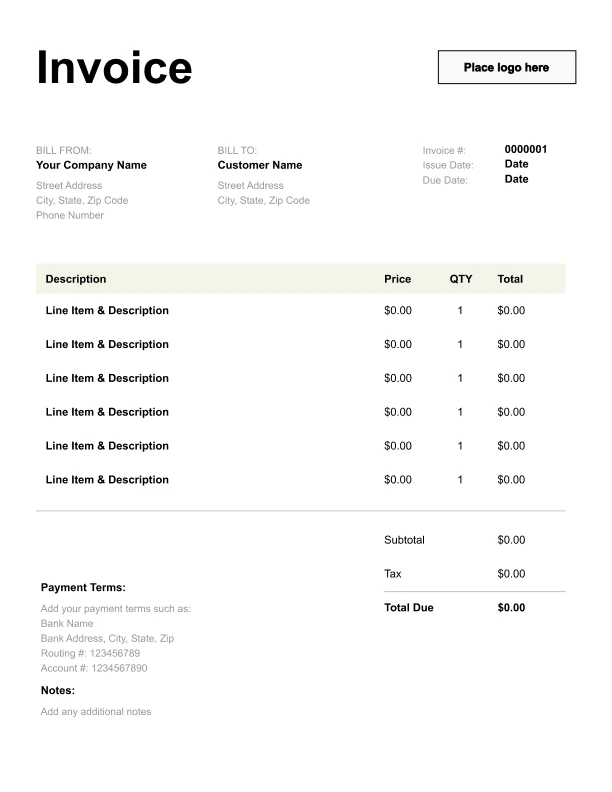
Clean Security Invoice Template
A simple, versatile layout for services or products.
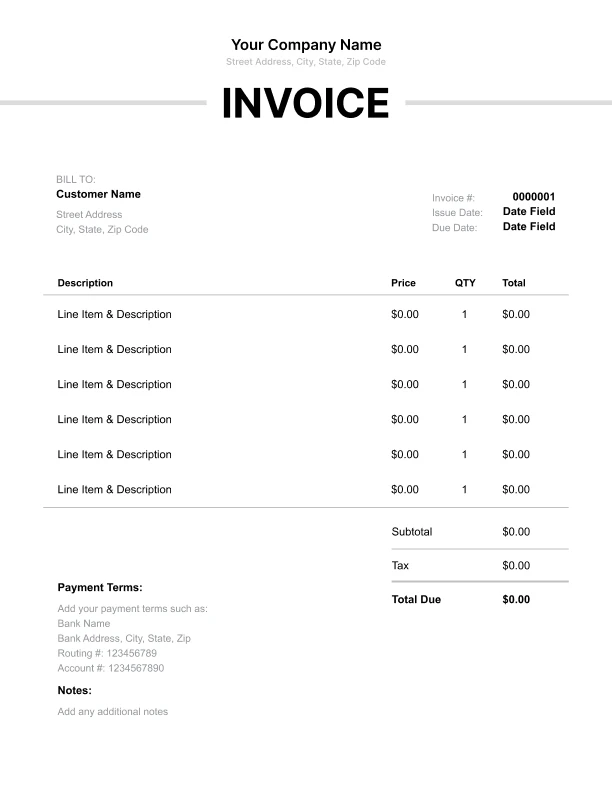
Minimal Security Invoice Template
Lightweight design that keeps focus on line items.
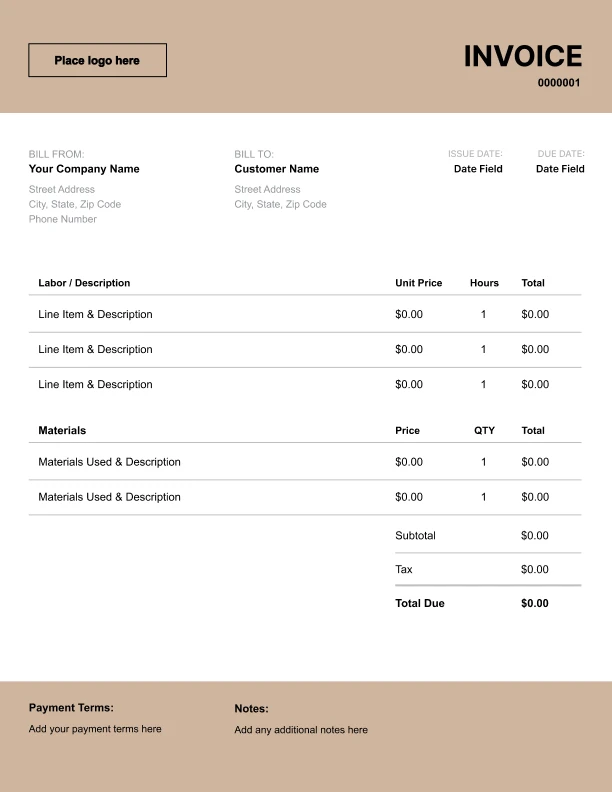
Bold Security Invoice Template
Strong structure for large projects or milestones.
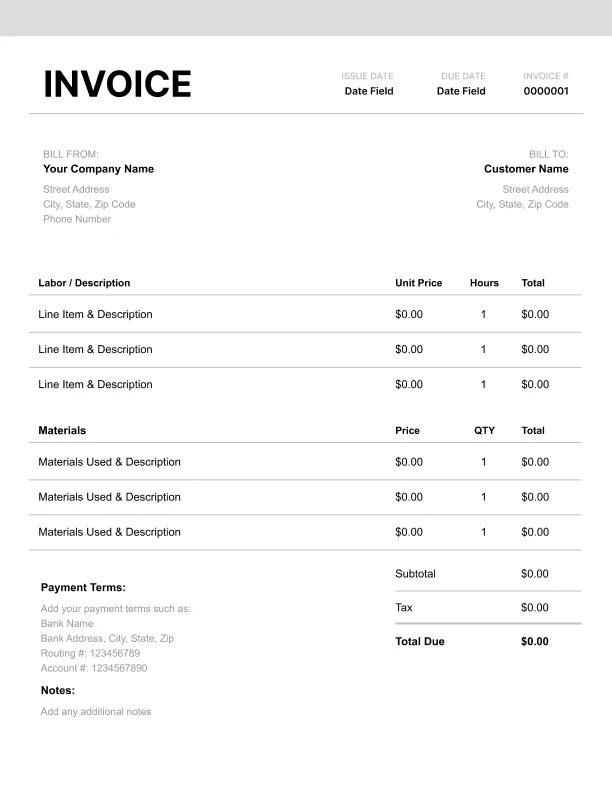
Classic Security Invoice Template
Timeless styling that works for any industry.
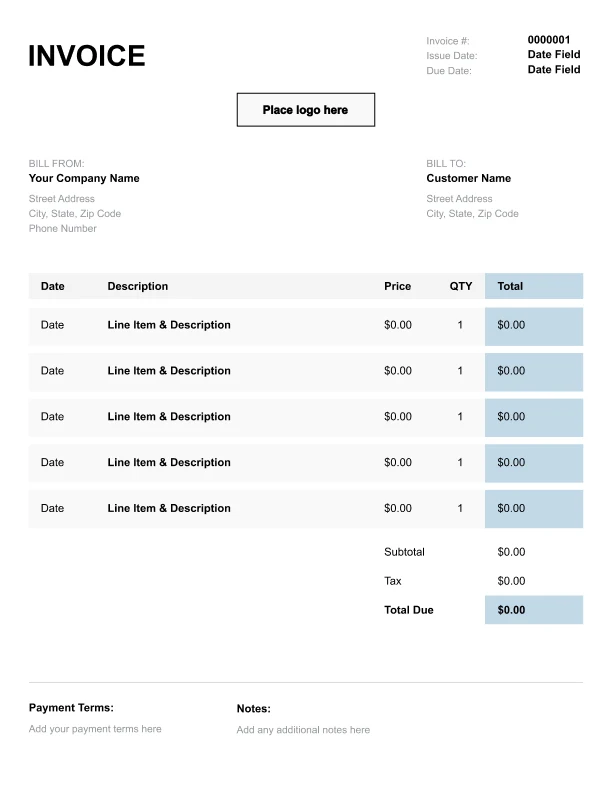
Simple Security Invoice Template
Easy to scan and perfect for quick billing.
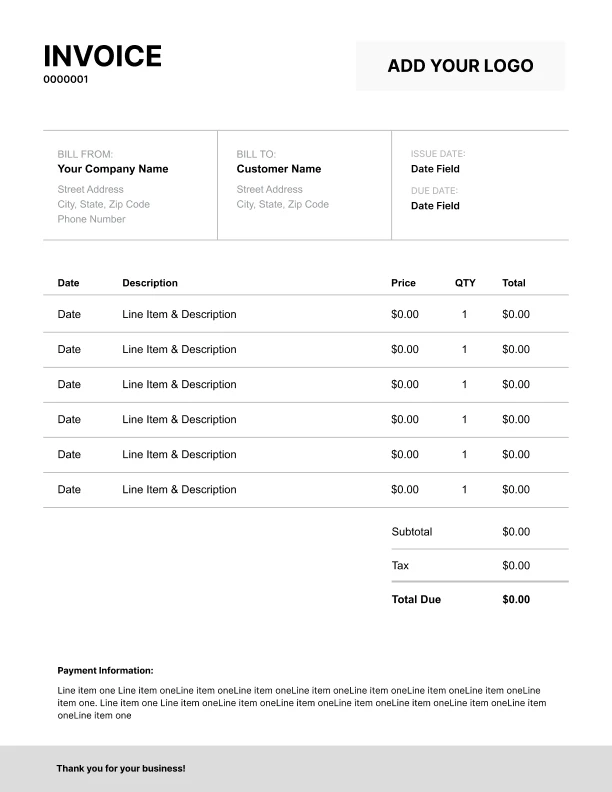
Detailed Security Invoice Template
Extra room for items, notes, and tax breakdowns.
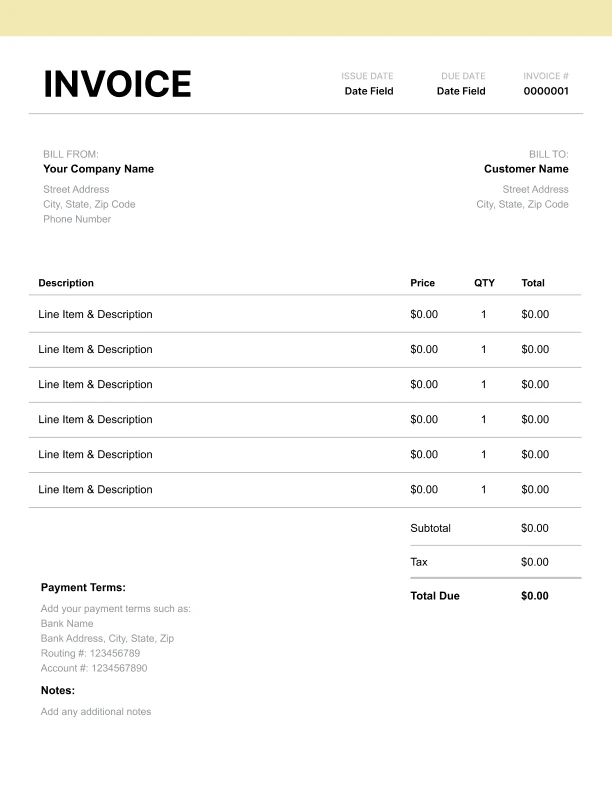
Modern Security Invoice Template
Clean sections with a subtle accent header.
Use Free Security Invoice Generator
Prefer a polished, client-ready invoice fast? The generator auto-calculates totals, applies taxes and discounts, and lets you customize your logo and colors.
Security Invoice Generator
What to Include on a Security Invoice
Security invoices should document where coverage occurred, when it happened, and what type of security was provided.
Service details- Service location
- Service dates or service period
- Post type (event, patrol, site, access control)
- Shift schedule (optional)
- Hourly security guard services
- Event security coverage
- Mobile patrol service
- Overnight security shift
- Access control/gate coverage
- Security reporting/incident logs
- Subtotal, tax (if applicable), total due
- Payment terms and remittance instructions
Security Billing Models: Hourly Guards vs Shift Coverage
Security services are typically billed in a few standard ways.
1) Hourly guard coverage
Most common for on-site guards and flexible schedules.
2) Shift-based pricing
Common for overnight coverage or fixed posts (e.g., 8-hour/12-hour shifts).
3) Event security
Often billed as a package rate with staffing assumptions.
Using “Service dates” and “Shift schedule” fields helps clients validate coverage quickly and approve invoices faster.
Service Location, Post Assignments, and Access Control
Security clients often manage multiple sites and posts.
Best practices- Use a clear service location field for the site
- Include post type (event vs ongoing site vs patrol)
- Add access control or gate coverage as separate line items when required
Incident Logs and Security Reporting
Some security engagements include reporting or logs.
Common reporting- Incident logs
- Daily activity reports
- Shift summaries