Service Invoice Template
Create professional service invoices for general service work with clear service periods and itemized charges. This service invoice template supports labor, materials, service visits, consultations, and maintenance—ideal for service providers who need a flexible invoice format for many types of jobs. Download instantly in PDF, Word, or Excel format.
Download Popular Service Invoice Templates
Download a ready-to-use PDF template or generate your invoice online in seconds.
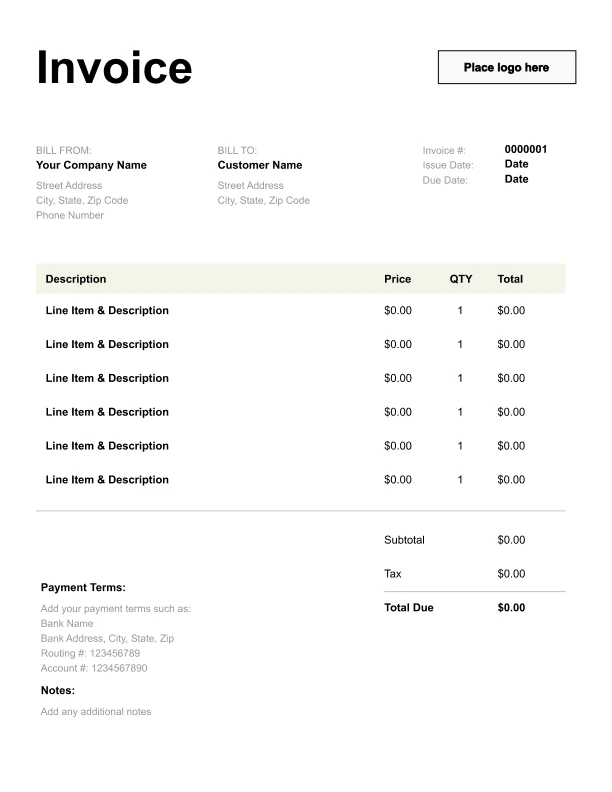
Clean Service Invoice Template
A simple, versatile layout for services or products.
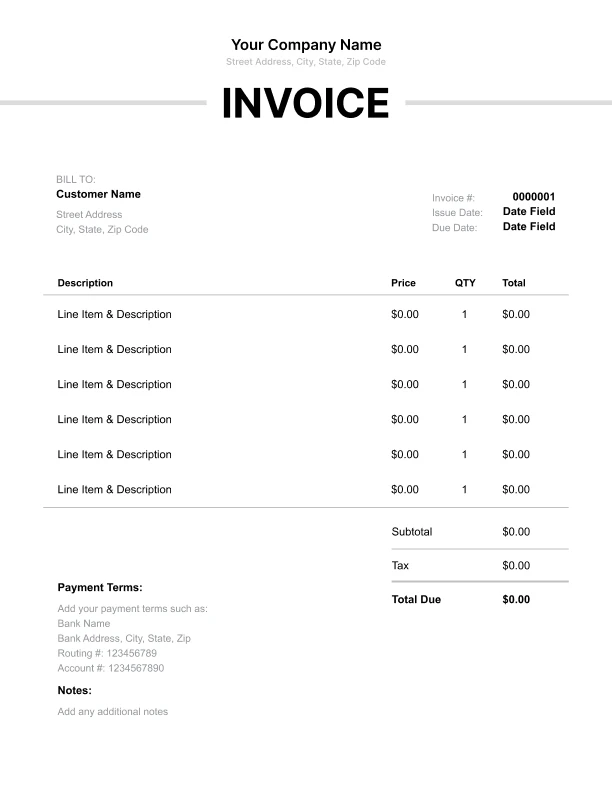
Minimal Service Invoice Template
Lightweight design that keeps focus on line items.
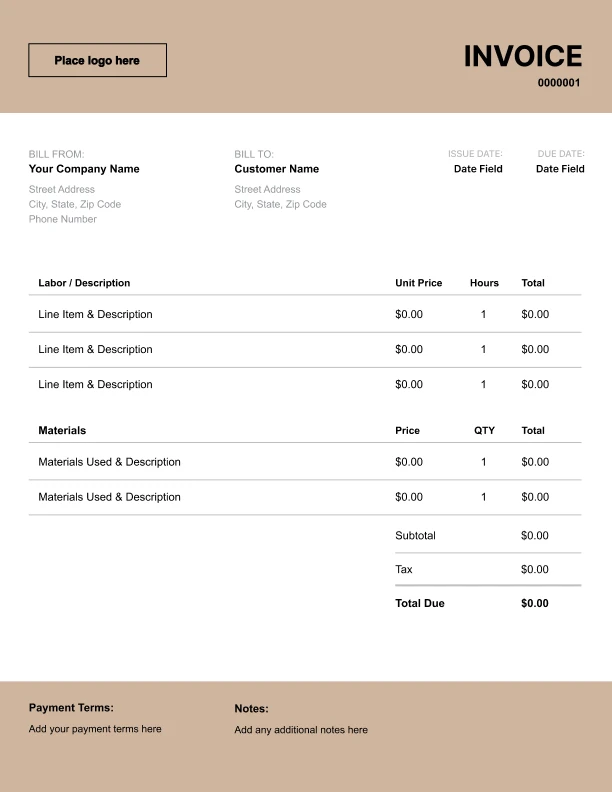
Bold Service Invoice Template
Strong structure for large projects or milestones.
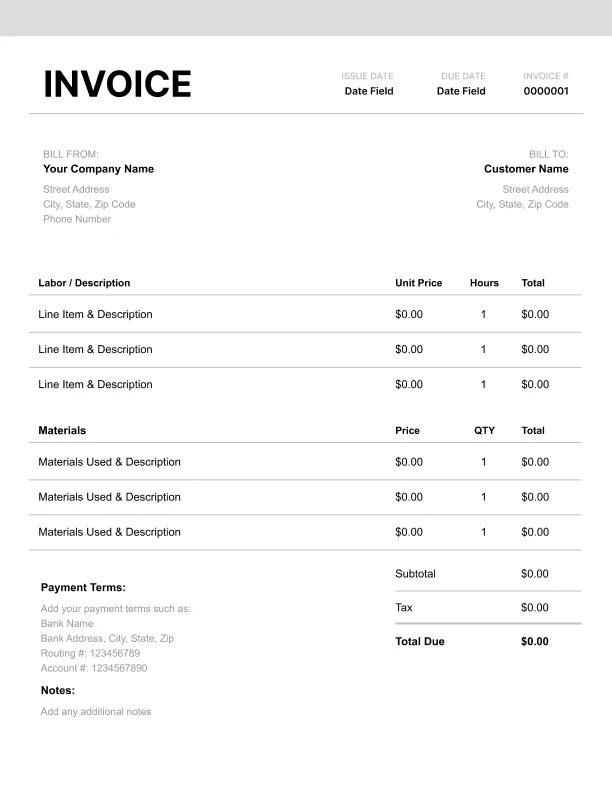
Classic Service Invoice Template
Timeless styling that works for any industry.
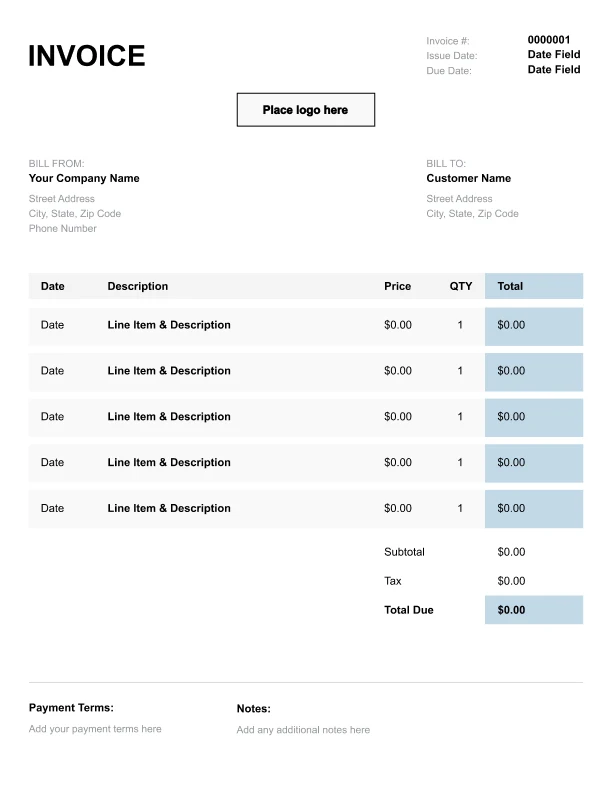
Simple Service Invoice Template
Easy to scan and perfect for quick billing.
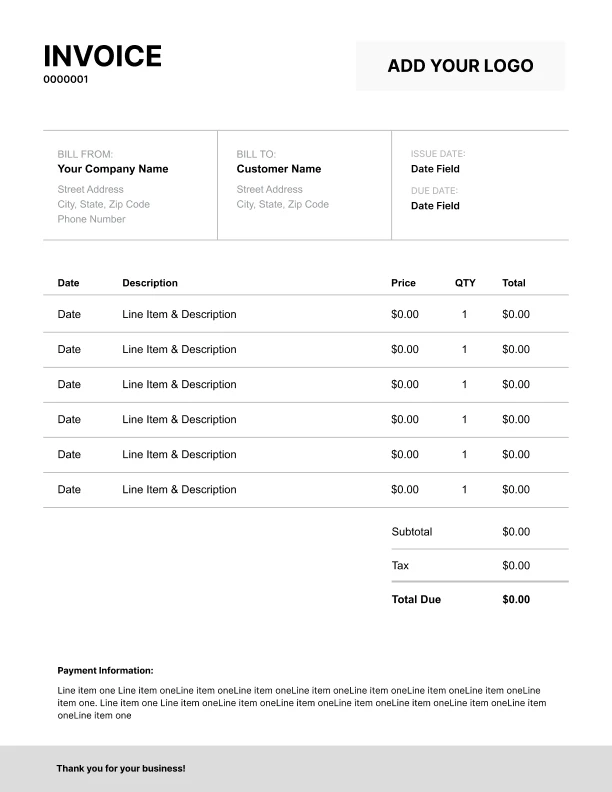
Detailed Service Invoice Template
Extra room for items, notes, and tax breakdowns.
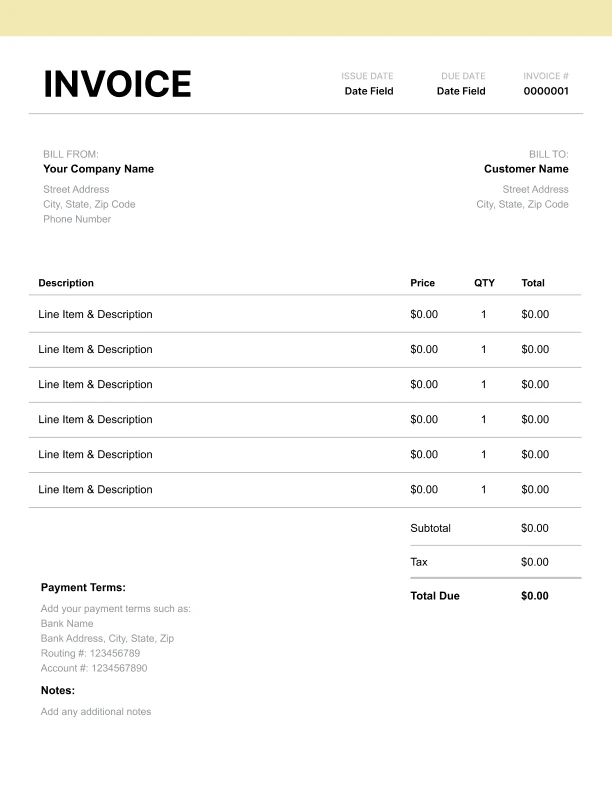
Modern Service Invoice Template
Clean sections with a subtle accent header.
Use Free Service Invoice Generator
Prefer a polished, client-ready invoice fast? The generator auto-calculates totals, applies taxes and discounts, and lets you customize your logo and colors.
Service Invoice Generator
What to Include on a Service Invoice
Service invoices should be flexible while still documenting the job clearly.
Job details- Service period (date range)
- Service location (optional)
- Work order/job number (optional)
- Scope summary (optional)
- Service work (flat fee)
- Labor (hours)
- Materials/parts
- On-site service visit
- Consultation/assessment
- Maintenance service
- Subtotal, tax (if applicable), total due
- Payment terms and instructions
Service Billing Models: Flat Fees, Hourly Labor, and Materials
Service providers typically invoice in one of three ways.
1) Flat service fee
A single price for a defined job.
2) Hourly labor
Hours × rate, often used when scope varies.
3) Labor + materials
Materials/parts are itemized separately from labor.
Including a “Scope summary” helps clients understand what was done and supports faster approvals.
Work Orders and Job Numbers on Service Invoices
Many businesses track service work using job numbers or work orders.
Best practices- Put the work order/job number on every invoice
- Use consistent naming across invoices
- Add a short scope summary for quick review
Itemizing Labor and Materials for Transparency
Clients often want to understand what makes up the total.
Best practices- Itemize labor separately from materials
- Use clear descriptions for parts and supplies
- Add optional service visit or consultation fees when relevant