SaaS Invoice Template
Create professional SaaS invoices for subscriptions and recurring billing with clear plan tiers, seat counts, and billing periods. This SaaS invoice template supports add-ons, onboarding fees, discounts, and usage-based charges—ideal for software companies invoicing monthly or annual subscriptions. Download instantly in PDF, Word, or Excel format.
Download Popular SaaS Invoice Templates
Download a ready-to-use PDF template or generate your invoice online in seconds.
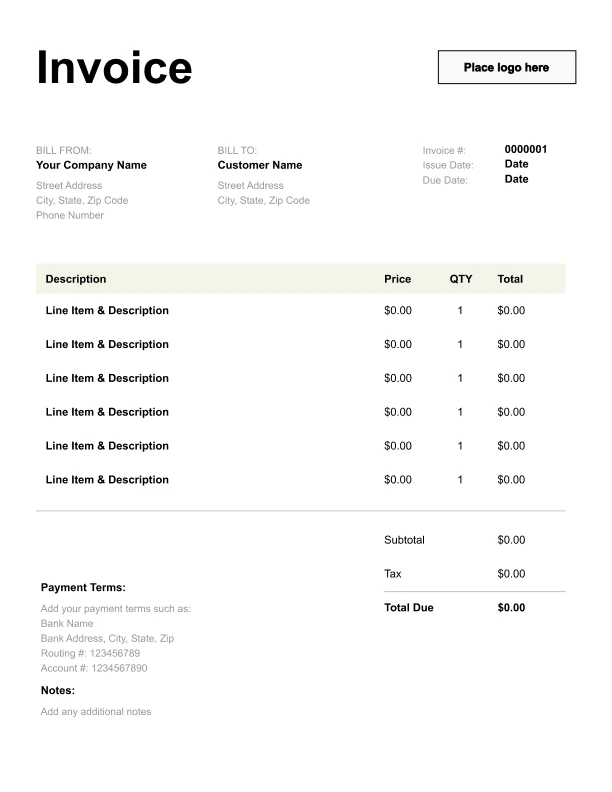
Clean SaaS Invoice Template
A simple, versatile layout for services or products.
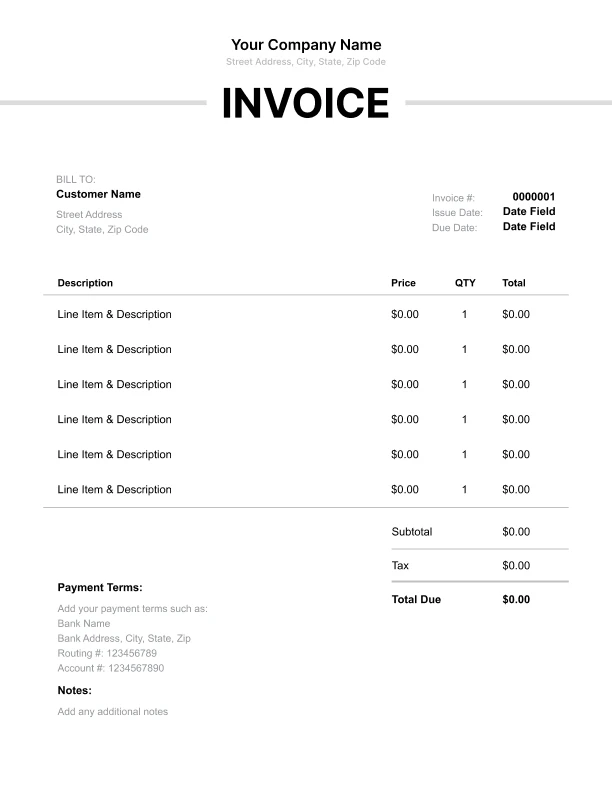
Minimal SaaS Invoice Template
Lightweight design that keeps focus on line items.
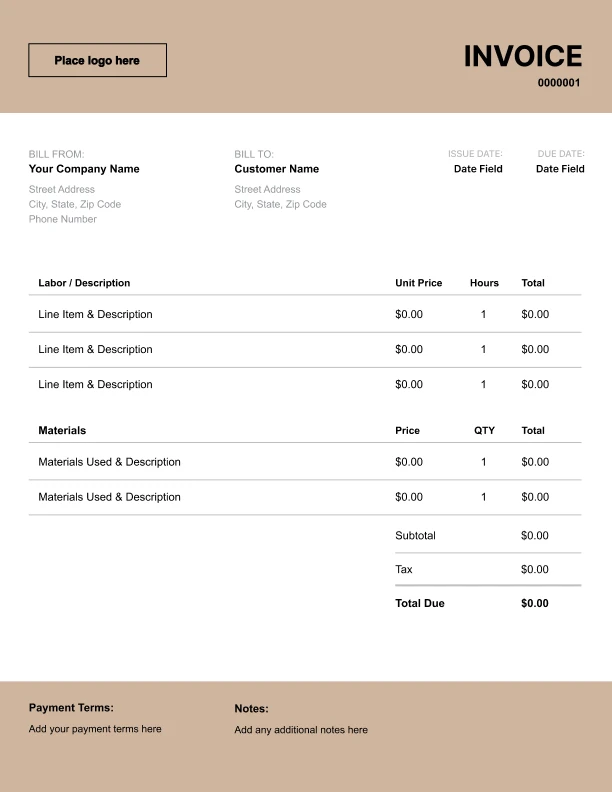
Bold SaaS Invoice Template
Strong structure for large projects or milestones.
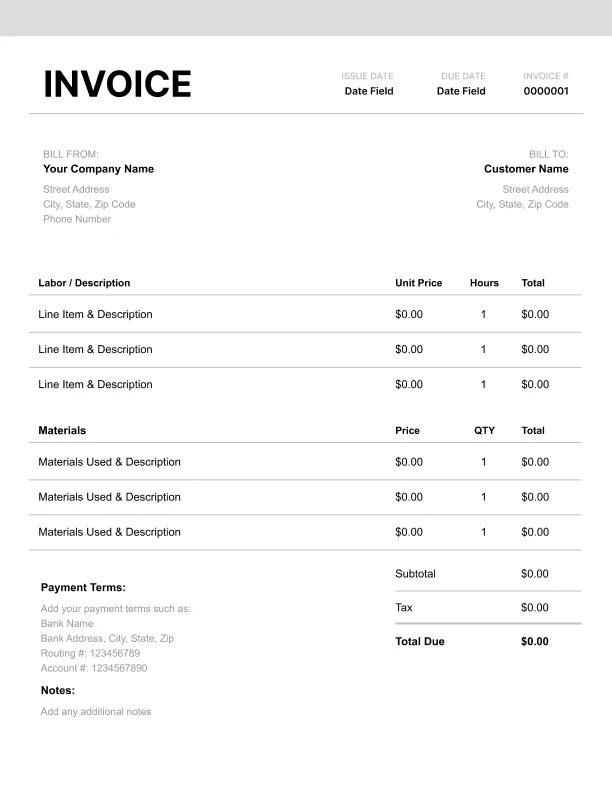
Classic SaaS Invoice Template
Timeless styling that works for any industry.
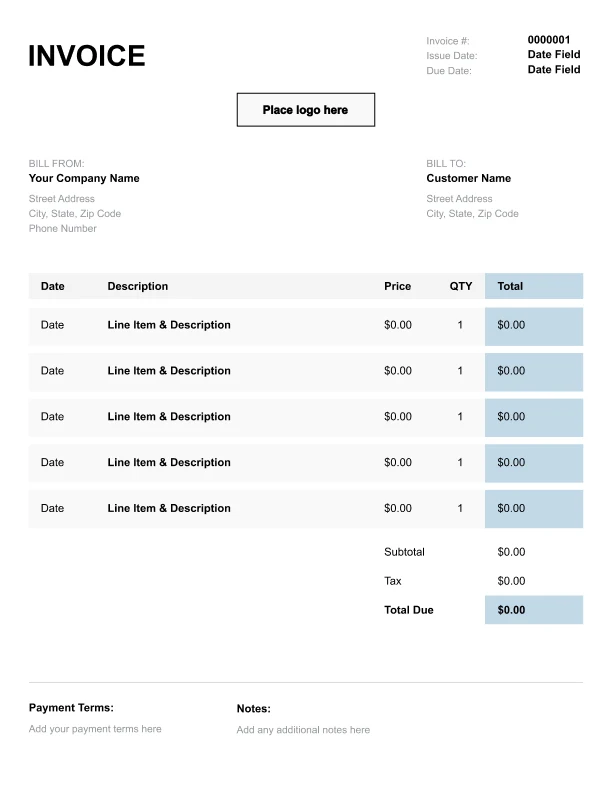
Simple SaaS Invoice Template
Easy to scan and perfect for quick billing.
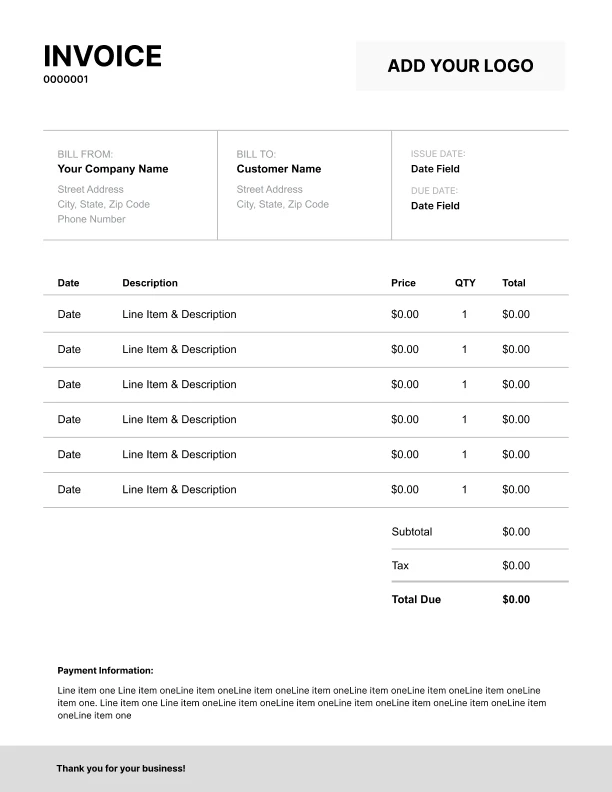
Detailed SaaS Invoice Template
Extra room for items, notes, and tax breakdowns.
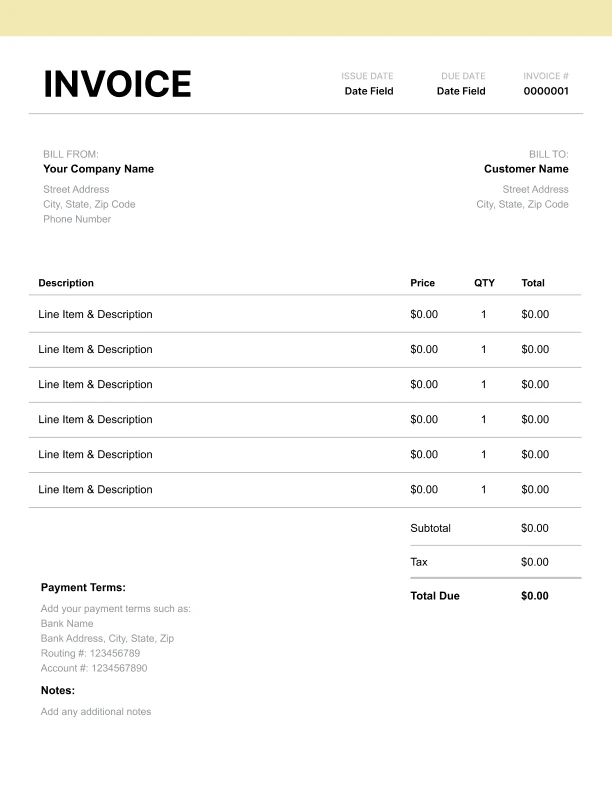
Modern SaaS Invoice Template
Clean sections with a subtle accent header.
Use Free SaaS Invoice Generator
Prefer a polished, client-ready invoice fast? The generator auto-calculates totals, applies taxes and discounts, and lets you customize your logo and colors.
SaaS Invoice Generator
What to Include on a SaaS Invoice
SaaS invoices should help customers understand recurring charges and what the subscription covers.
Account details- Customer/account name
- Account/customer ID
- Billing period (month/date range)
- Plan/tier name
- Seat count (if priced per user)
- Add-on modules
- Setup or onboarding fees (if applicable)
- Overage/usage charges when limits are exceeded
- Brief usage summary (optional)
- Discounts, credits, promotions as negative line items
- Subtotal, tax (if applicable), total due
- Payment instructions and references
SaaS Pricing Models: Subscription, Seats, and Usage
Most SaaS businesses invoice using one (or a combination) of these models:
1) Flat subscription
A single recurring fee for a plan tier.
2) Per-seat pricing
Base plan plus seat charges. Quantity = number of seats.
3) Usage-based billing
Charges per unit (API calls, messages, storage). Quantity = usage units.
4) Hybrid
Subscription + seats + usage overages (most common for B2B SaaS).
Your invoice should separate these categories so customers can verify totals quickly.
Billing Periods: Monthly vs Annual Invoicing
SaaS customers often need invoices that match their accounting periods.
Monthly billing- Invoices each month for the billing period
- Often due on receipt
- One invoice for the year
- May include proration for mid-year upgrades
Proration, Discounts, and Credits
SaaS invoices often include credits due to plan changes or promotions.
Common credit scenarios- Plan upgrades/downgrades mid-cycle (proration)
- Promotional discounts
- Service credits