Computer Shop Invoice Template
Create professional computer shop invoices for diagnostics, repairs, and parts with clear device details and ticket tracking. This computer shop invoice template supports troubleshooting, labor hours, component parts, OS installs, data transfer, and malware removal—ideal for PC repair shops and tech service counters. Download instantly in PDF, Word, or Excel format.
Download Popular Computer Shop Invoice Templates
Download a ready-to-use PDF template or generate your invoice online in seconds.
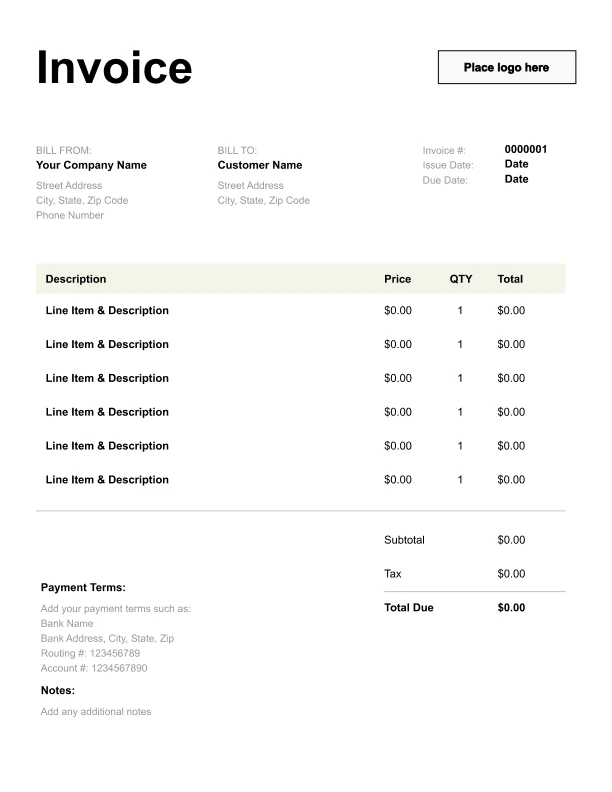
Clean Computer Shop Invoice Template
A simple, versatile layout for services or products.
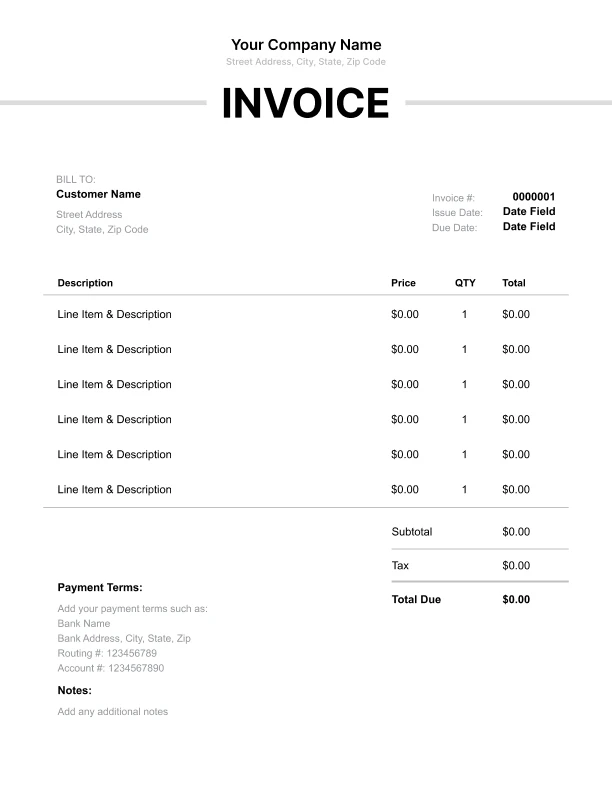
Minimal Computer Shop Invoice Template
Lightweight design that keeps focus on line items.
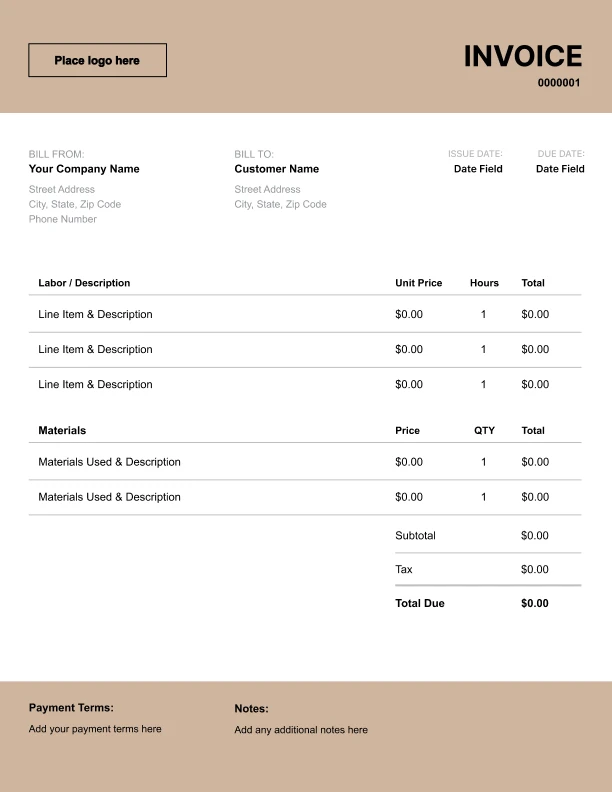
Bold Computer Shop Invoice Template
Strong structure for large projects or milestones.
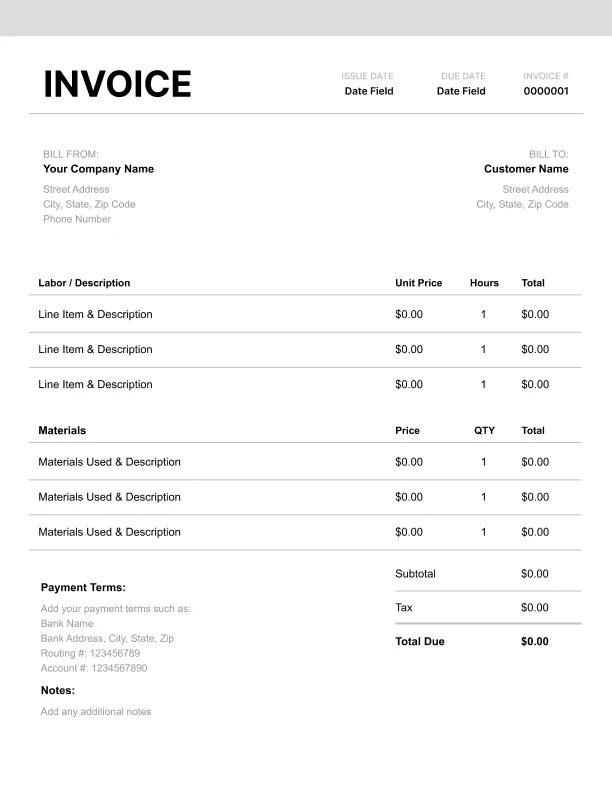
Classic Computer Shop Invoice Template
Timeless styling that works for any industry.
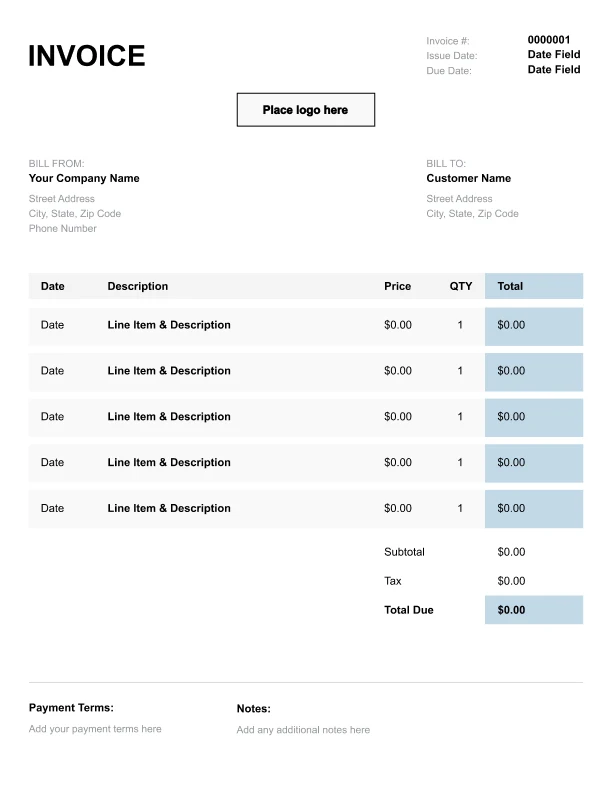
Simple Computer Shop Invoice Template
Easy to scan and perfect for quick billing.
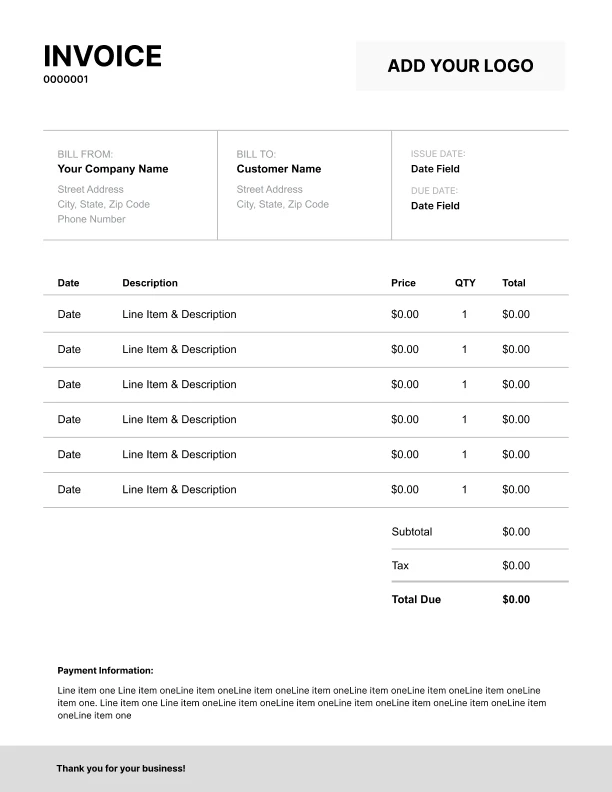
Detailed Computer Shop Invoice Template
Extra room for items, notes, and tax breakdowns.
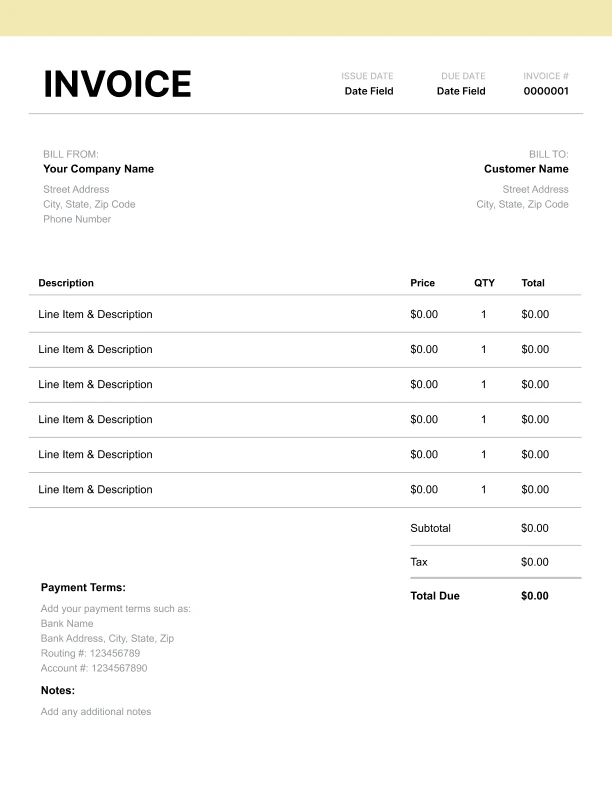
Modern Computer Shop Invoice Template
Clean sections with a subtle accent header.
Use Free Computer Shop Invoice Generator
Prefer a polished, client-ready invoice fast? The generator auto-calculates totals, applies taxes and discounts, and lets you customize your logo and colors.
Computer Shop Invoice Generator
What to Include on a Computer Shop Invoice
Computer shop invoices should clearly identify the device and connect charges to a ticket or work order.
Device identification- Device type (desktop/laptop)
- Device model
- Serial number (optional)
- Work order/ticket number
- Diagnostics/troubleshooting
- Repair labor (hours × rate)
- Parts and components (itemized when possible)
- OS install/reinstall
- Data backup/transfer
- Virus/malware removal
- Subtotal, sales tax, total due
- Payment terms and instructions
Labor vs Parts: How to Itemize Repairs Clearly
Customers want to see what they’re paying for—and many businesses need receipts for reimbursement.
Best practices- List diagnostics separately from repair labor
- Use a labor line item for time-based work
- List parts as a separate line item (or multiple lines for major parts)
- Keep part descriptions specific (e.g., “SSD 1TB,” “Laptop battery”)
Invoicing Data Services: Backup, Transfer, and Setup
Data services are common in repair shops.
Common data-related items- Data backup
- Data transfer to new device
- User profile setup
- Software installation
Work Orders, Warranty Notes, and Service Tracking
Ticket tracking helps manage repair workflow and post-service questions.
Best practices- Always include a work order/ticket number
- Use it as the primary reference in notes and payment instructions
- If you offer warranty on labor/parts, include a short note in terms (optional)