Computer Repair Invoice Template
Create professional computer repair invoices with clear device details and itemized services. This computer repair invoice template supports diagnostics, labor, OS reinstalls, malware removal, hardware parts, and data backup/transfer—ideal for computer repair shops and technicians billing customers with clean, easy-to-understand documentation. Download instantly in PDF, Word, or Excel format.
Download Popular Computer Repair Invoice Templates
Download a ready-to-use PDF template or generate your invoice online in seconds.
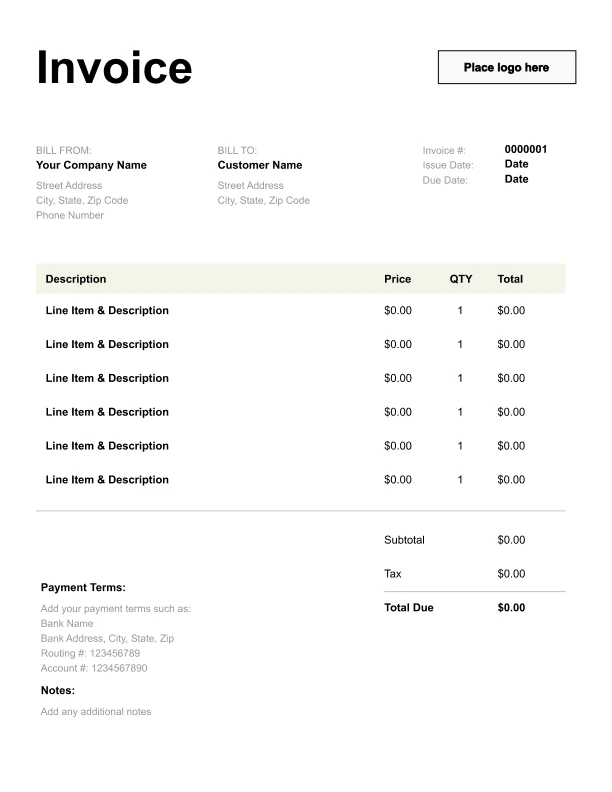
Clean Computer Repair Invoice Template
A simple, versatile layout for services or products.
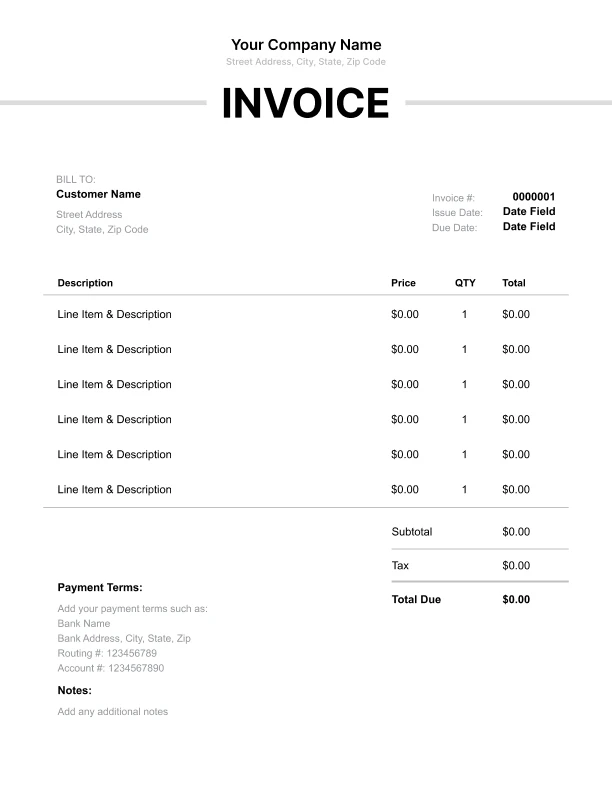
Minimal Computer Repair Invoice Template
Lightweight design that keeps focus on line items.
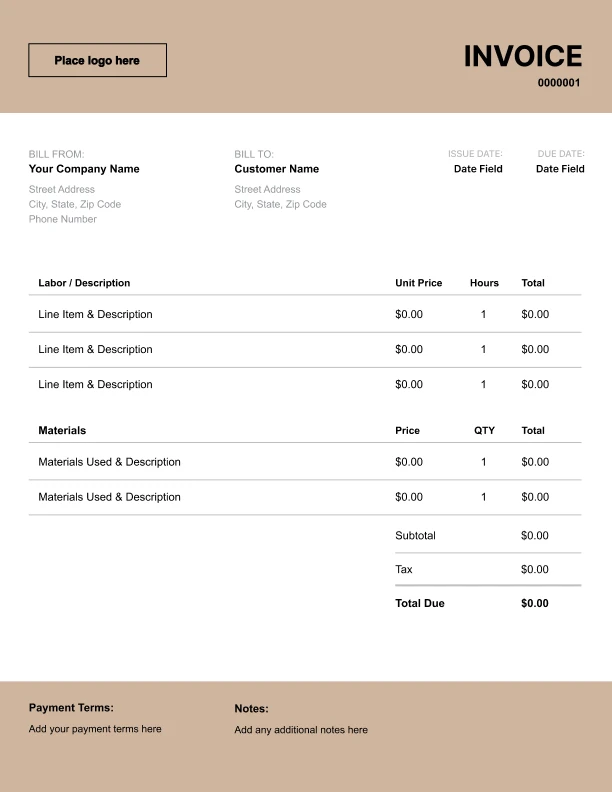
Bold Computer Repair Invoice Template
Strong structure for large projects or milestones.
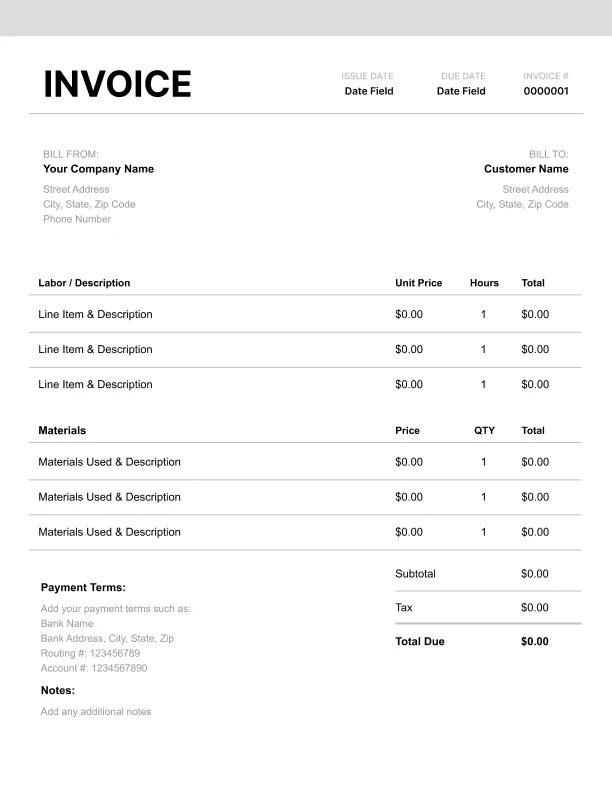
Classic Computer Repair Invoice Template
Timeless styling that works for any industry.
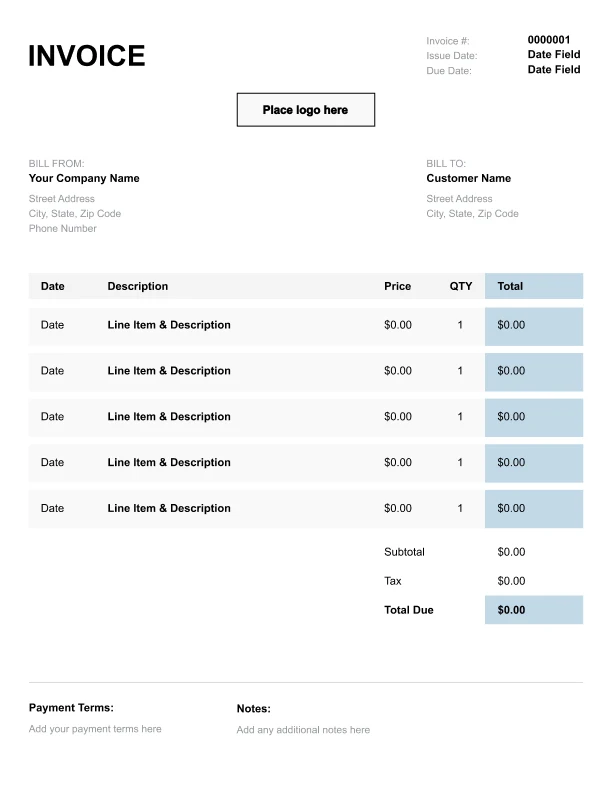
Simple Computer Repair Invoice Template
Easy to scan and perfect for quick billing.
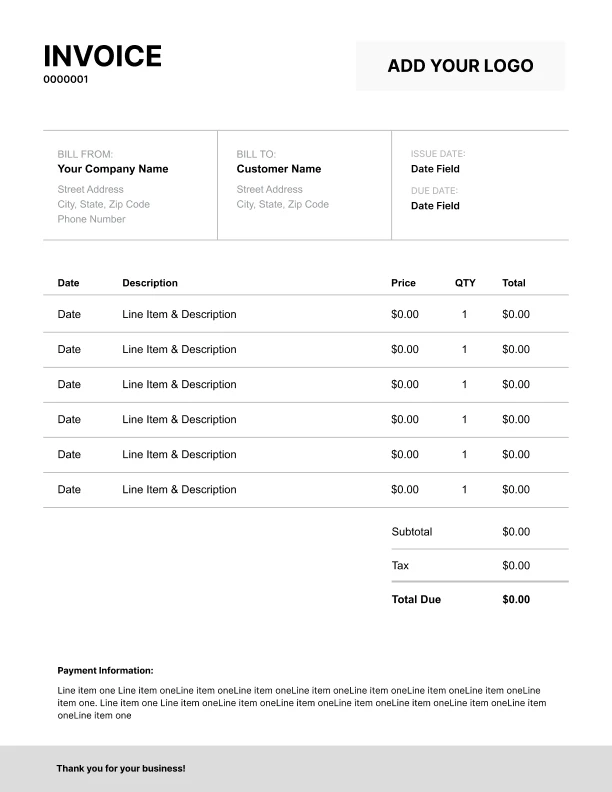
Detailed Computer Repair Invoice Template
Extra room for items, notes, and tax breakdowns.
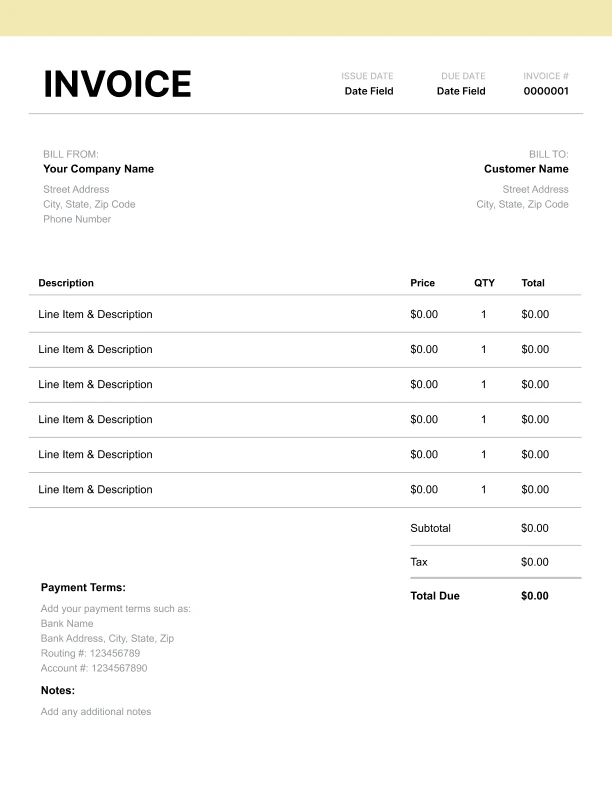
Modern Computer Repair Invoice Template
Clean sections with a subtle accent header.
Use Free Computer Repair Invoice Generator
Prefer a polished, client-ready invoice fast? The generator auto-calculates totals, applies taxes and discounts, and lets you customize your logo and colors.
Computer Repair Invoice Generator
What to Include on a Computer Repair Invoice
Computer repair invoices should document the device, the issue, and the work performed.
Device and job details- Issue/symptoms
- Device brand/model (optional)
- Serial number (optional)
- Work order/ticket number (optional)
- Diagnostics/troubleshooting
- Repair labor (hours)
- OS reinstall
- Virus/malware removal
- Hardware replacement parts
- Data backup/transfer
- Subtotal, sales tax, total due
- Payment terms and record-keeping notes
Diagnostics and Troubleshooting Charges
Most repair jobs begin with diagnostics.
Best practices- List diagnostics as a standalone line item
- Use an “Issue/Symptoms” field to describe the problem
- Itemize labor separately when repairs proceed
Itemizing Parts vs Labor for Transparency
Customers often want to know what they are paying for.
Best practices- Keep labor (hours) separate from parts
- Use “Hardware replacement (parts)” as a clear category
- Add detail (RAM, SSD, battery) in descriptions when needed
Data Services and Security Work on Invoices
Many computer repair invoices include data and security work.
Common services- Data backup or transfer
- OS reinstall and setup
- Virus and malware removal
- Basic security hardening