Broker Invoice Template
Create professional broker invoices for brokerage fees and commission-based transactions with clear deal references and calculation fields. This broker invoice template supports brokerage fees, commissions, referrals, placement services, and payout terms—ideal for brokers billing clients and finance teams with clean documentation. Download instantly in PDF, Word, or Excel format.
Download Popular Broker Invoice Templates
Download a ready-to-use PDF template or generate your invoice online in seconds.
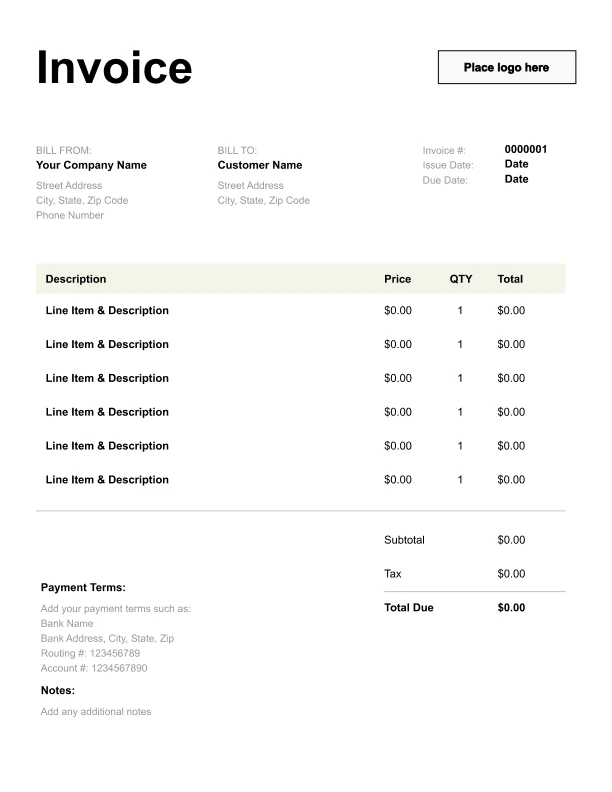
Clean Broker Invoice Template
A simple, versatile layout for services or products.
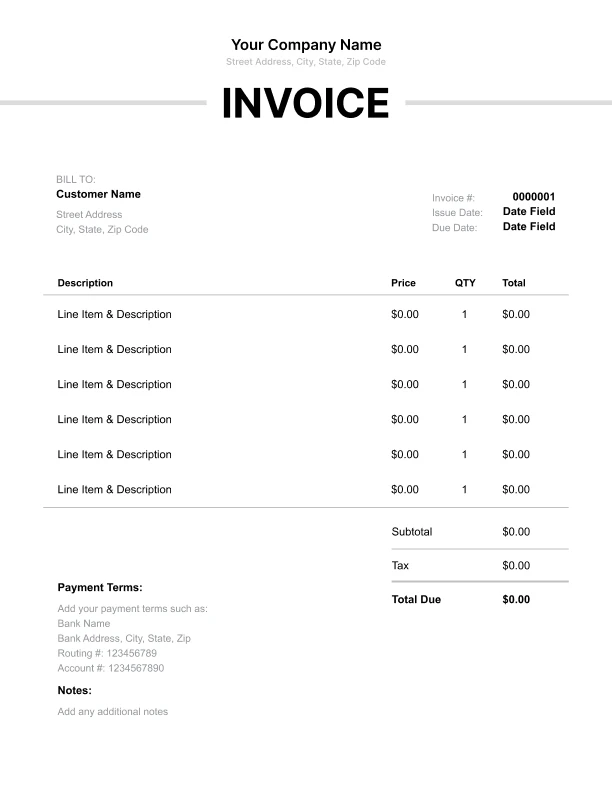
Minimal Broker Invoice Template
Lightweight design that keeps focus on line items.
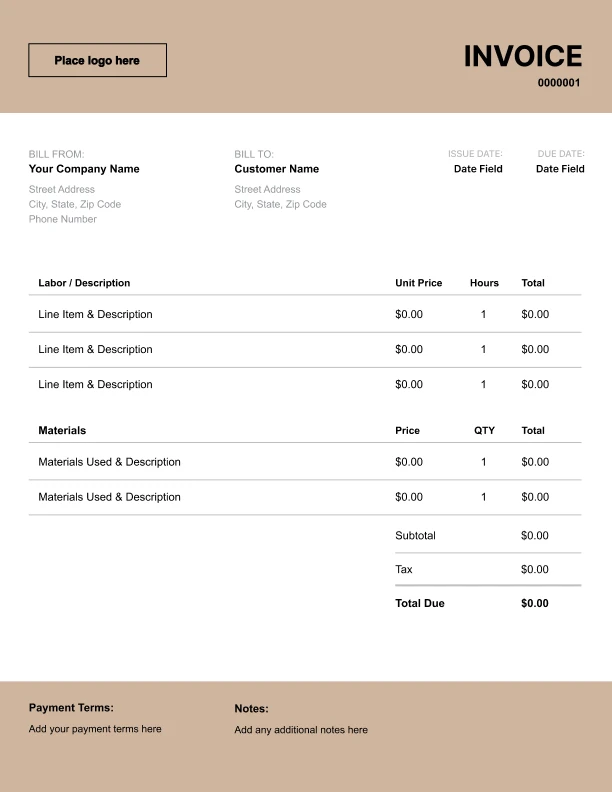
Bold Broker Invoice Template
Strong structure for large projects or milestones.
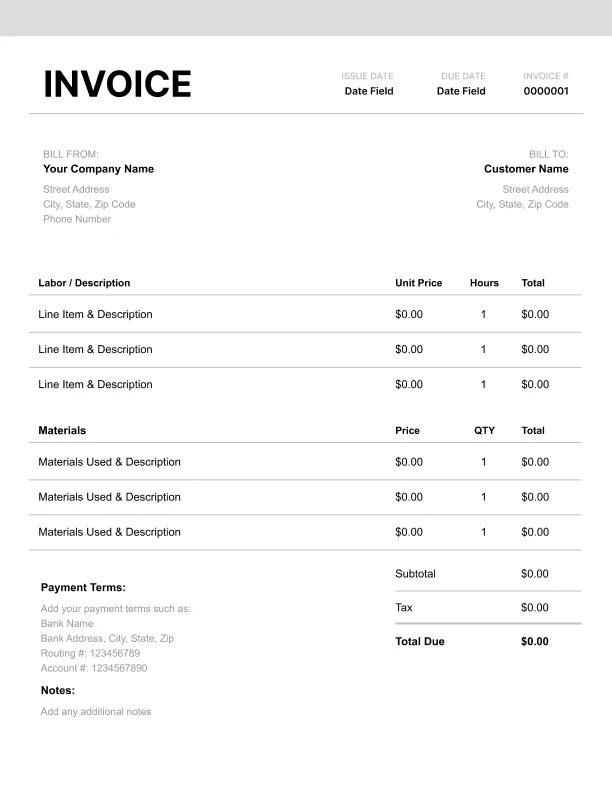
Classic Broker Invoice Template
Timeless styling that works for any industry.
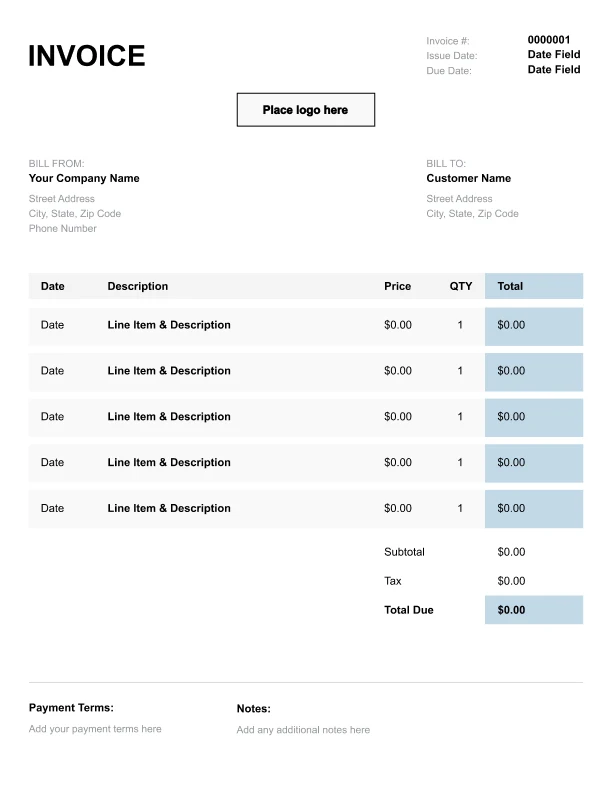
Simple Broker Invoice Template
Easy to scan and perfect for quick billing.
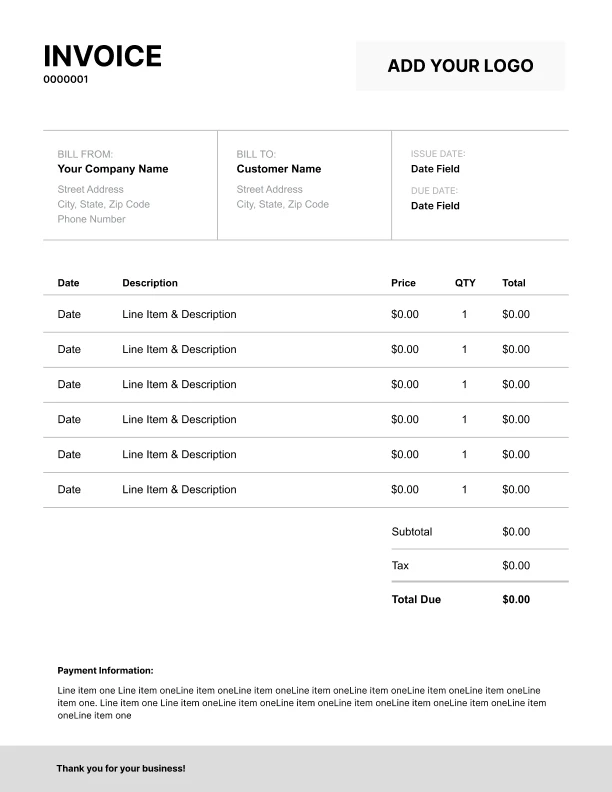
Detailed Broker Invoice Template
Extra room for items, notes, and tax breakdowns.
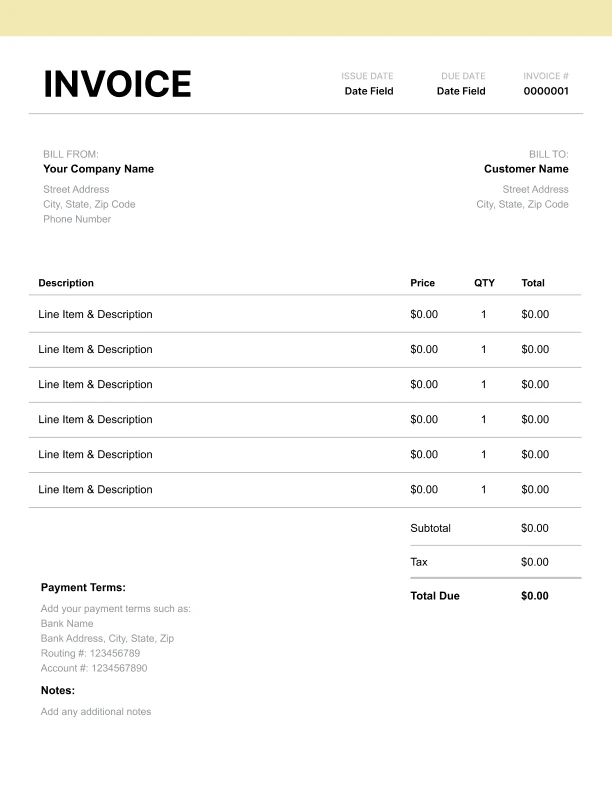
Modern Broker Invoice Template
Clean sections with a subtle accent header.
Use Free Broker Invoice Generator
Prefer a polished, client-ready invoice fast? The generator auto-calculates totals, applies taxes and discounts, and lets you customize your logo and colors.
Broker Invoice Generator
What to Include on a Broker Invoice
Broker invoices should clearly reference the transaction and show how fees are determined.
Transaction details- Deal/transaction reference
- Commission basis (gross, net, milestone)
- Commission rate (optional)
- Payout terms/period (optional)
- Brokerage fee
- Commission fee
- Referral fee
- Placement/matching services
- Administrative processing
- Contract support
- Subtotal, tax (if applicable), total due
- Payment terms and instructions
Brokerage Fees vs Commission: How to Show the Difference
Brokers may charge a fixed fee, a commission, or both depending on the arrangement.
Fixed brokerage fee
A flat amount for the service of brokering the transaction.
Commission
A percentage-based fee (or milestone-based fee) tied to a transaction value or payouts.
Using “Commission basis” and “Commission rate” fields makes the invoice easier to approve, especially for finance teams.
Payout Terms, Milestones, and Timing
Broker payments may follow different schedules.
Common setups- Fee due upon closing/completion
- Commission due after payment is received
- Milestone-based commission splits
Broker Invoices for Approval and Record Keeping
Broker invoices often need to align with contracts and transaction records.
Best practices- Use the same deal reference as the contract
- Keep fee labels simple and explicit (“Brokerage fee”, “Commission fee”)
- Include commission basis/rate where applicable
- Avoid ambiguous “misc” charges