Business Invoice Template
Create professional business invoices that clients can process quickly. Our business invoice template is built for B2B billing with purchase order fields, department/cost center tracking, itemized services and products, and clear payment terms. Download instantly in PDF, Word, or Excel format.
Download Popular Business Invoice Templates
Download a ready-to-use PDF template or generate your invoice online in seconds.
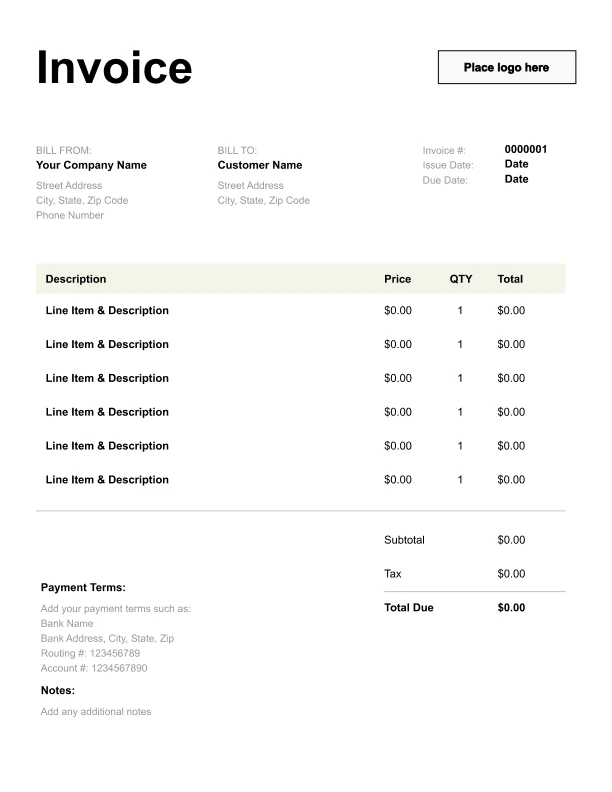
Clean Business Invoice Template
A simple, versatile layout for services or products.
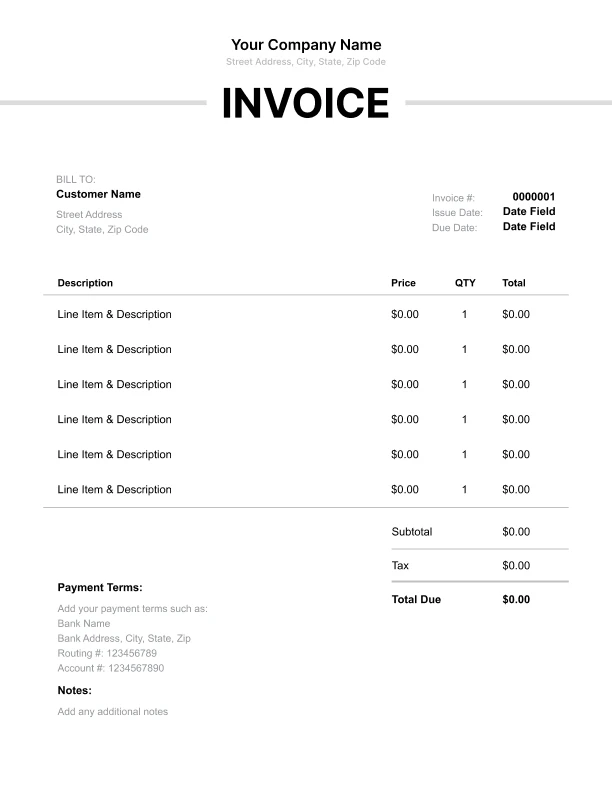
Minimal Business Invoice Template
Lightweight design that keeps focus on line items.
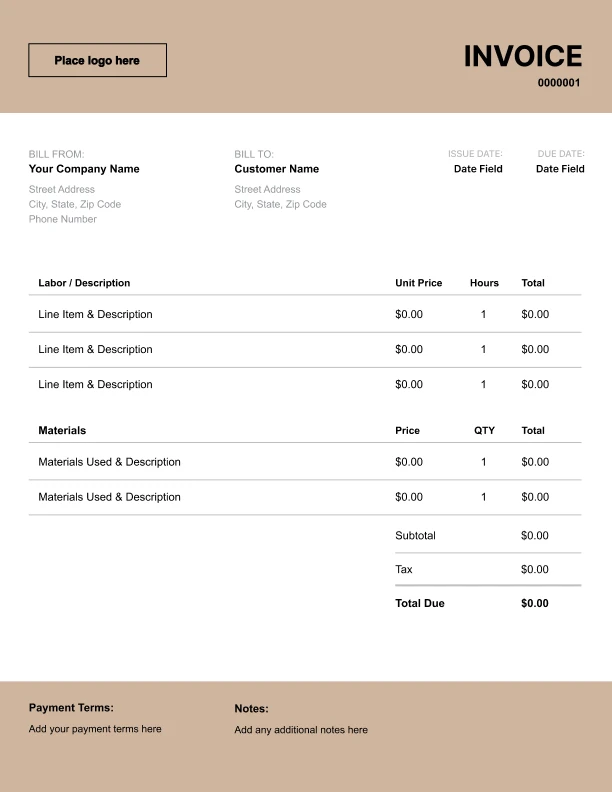
Bold Business Invoice Template
Strong structure for large projects or milestones.
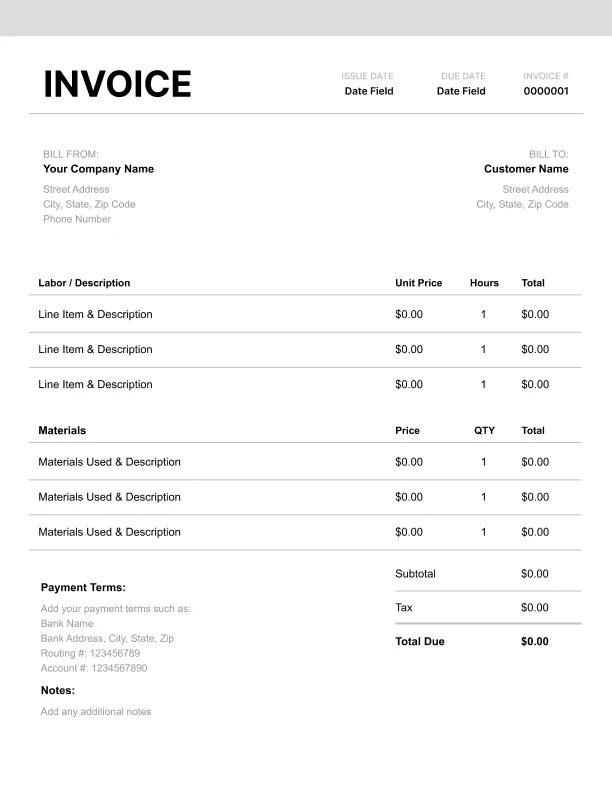
Classic Business Invoice Template
Timeless styling that works for any industry.
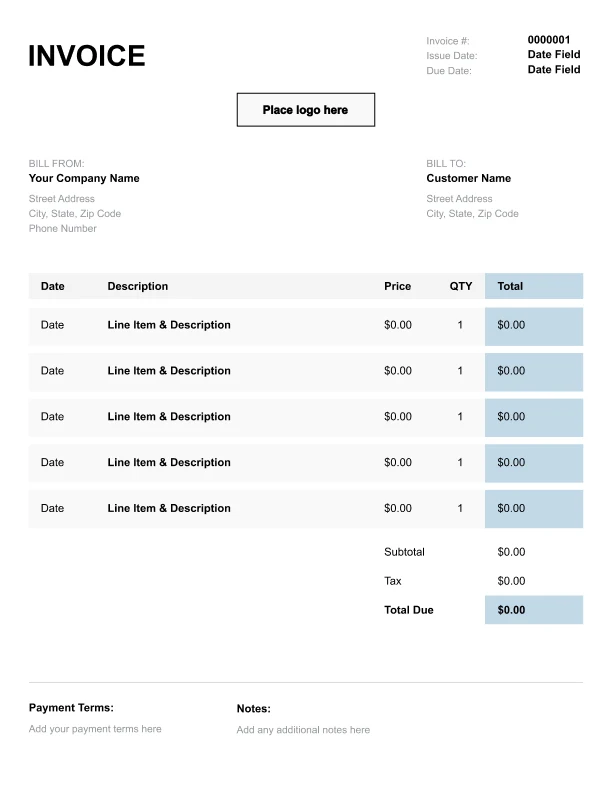
Simple Business Invoice Template
Easy to scan and perfect for quick billing.
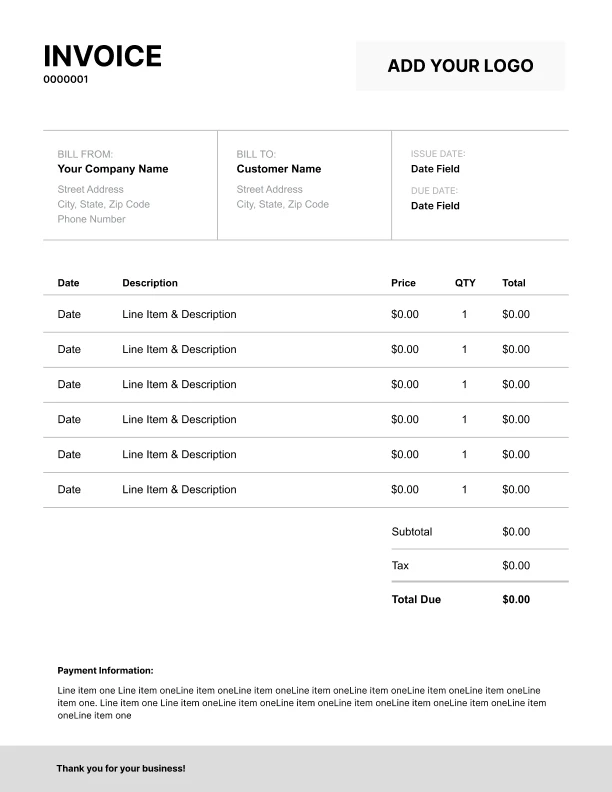
Detailed Business Invoice Template
Extra room for items, notes, and tax breakdowns.
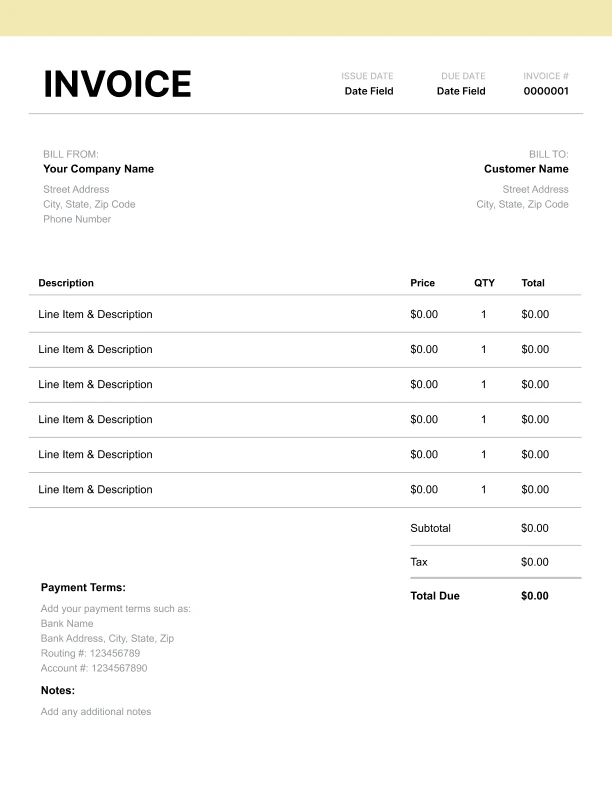
Modern Business Invoice Template
Clean sections with a subtle accent header.
Use Free Business Invoice Generator
Prefer a polished, client-ready invoice fast? The generator auto-calculates totals, applies taxes and discounts, and lets you customize your logo and colors.
Business Invoice Generator
What to Include on a Business Invoice
Business clients often route invoices through purchasing and accounts payable. A business invoice template should include the details they need to approve and pay without delays.
Company and client details- Your business name and contact info
- Client company name and billing address
- AP contact email (optional but helpful)
- Invoice number
- Invoice date and due date
- Payment terms (Net 15 / Net 30 / Net 45)
- Currency
- PO number (purchase order)
- Department or cost center (if required)
- Project name or statement of work reference
- Service period (for monthly/retainer billing)
- Clear descriptions aligned with quotes/POs
- Quantity, unit rate, line totals
- Separate labor vs. materials/products where relevant
- Subtotal, tax, discounts, total due
- Remittance information (bank transfer details or payment link)
- Payment instructions (reference invoice + PO)
PO Numbers and How Accounts Payable Processes Invoices
Many business invoices are paid only after they match internal purchasing records. Adding the right fields prevents “invoice rejected” delays.
What AP typically checks- Invoice matches the PO (description, totals, vendor name)
- Billing address and vendor details are correct
- Terms and due date align with the agreement
- Tax is labeled correctly (Sales Tax vs VAT/GST)
- Banking/remittance details are present
- Any time the client provides a PO
- Any time the client requires procurement approval
- Any time you bill against a statement of work or contract
Monthly Billing, Retainers, and Service Periods
Business invoices are often recurring (monthly support, retainers, subscriptions, managed services). Including a service period reduces confusion.
Examples- “Managed Services — January 2026”
- “Monthly Retainer — Design Support (20 hours included)”
- “IT Support — Q1 Coverage”
- “Consulting — Weekly on-call availability”
- Put the service period in a dedicated field
- If hours are included, show included hours and overage rates
- List add-ons separately (extra work, rush requests, travel)
Common Line Items on Business Invoices
Use item descriptions that match the client’s PO or contract wording. Here are common business invoice line items:
Services- “Consulting Services (hours)”
- “Project Management”
- “Implementation / Setup”
- “Training / Onboarding”
- “Support & Maintenance (monthly)”
- “Hardware / Equipment”
- “Software / Licenses”
- “Reports / Documentation”
- “Design / Creative Assets”
- “Discount — contract pricing”
- “Credit — deposit/retainer applied”
- “Late fee (if applicable and agreed)”