Car Dealer Invoice Template
Create professional car dealer invoices for vehicle sales with clear VIN details, itemized dealer fees, trade-in credits, and optional add-ons. This car dealer invoice template is ideal for dealerships documenting sale price, registration/title fees, warranties, and payment breakdowns. Download instantly in PDF, Word, or Excel format.
Download Popular Car Dealer Invoice Templates
Download a ready-to-use PDF template or generate your invoice online in seconds.
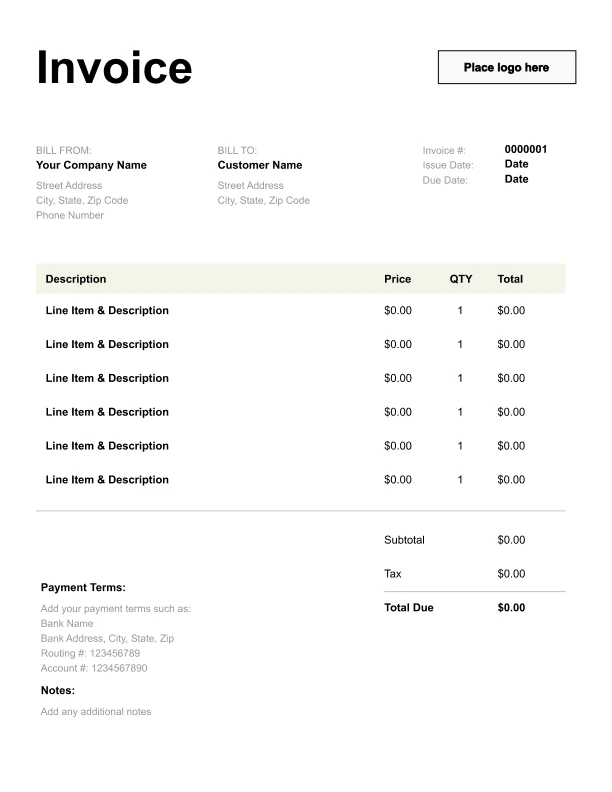
Clean Car Dealer Invoice Template
A simple, versatile layout for services or products.
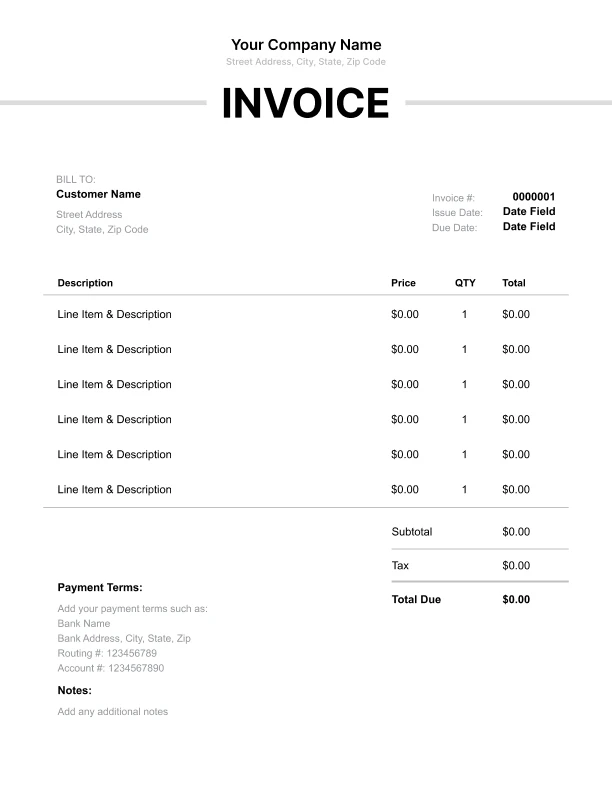
Minimal Car Dealer Invoice Template
Lightweight design that keeps focus on line items.
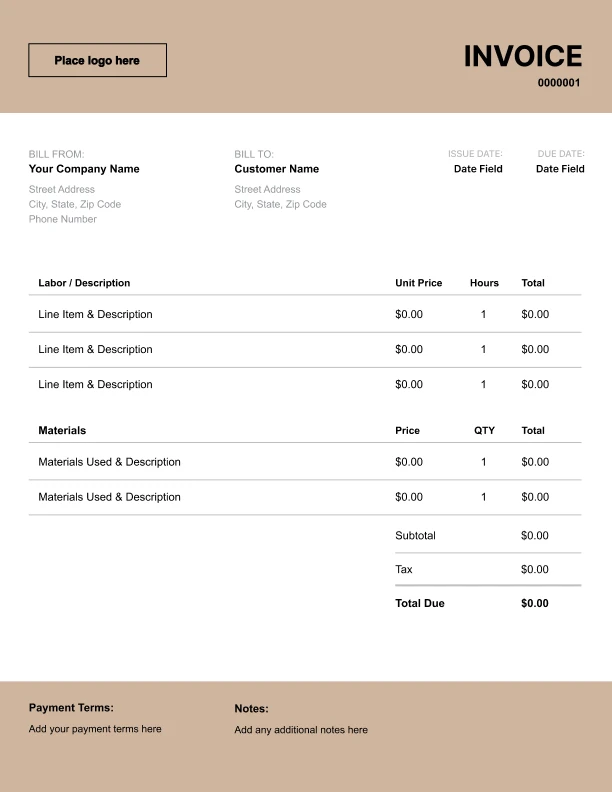
Bold Car Dealer Invoice Template
Strong structure for large projects or milestones.
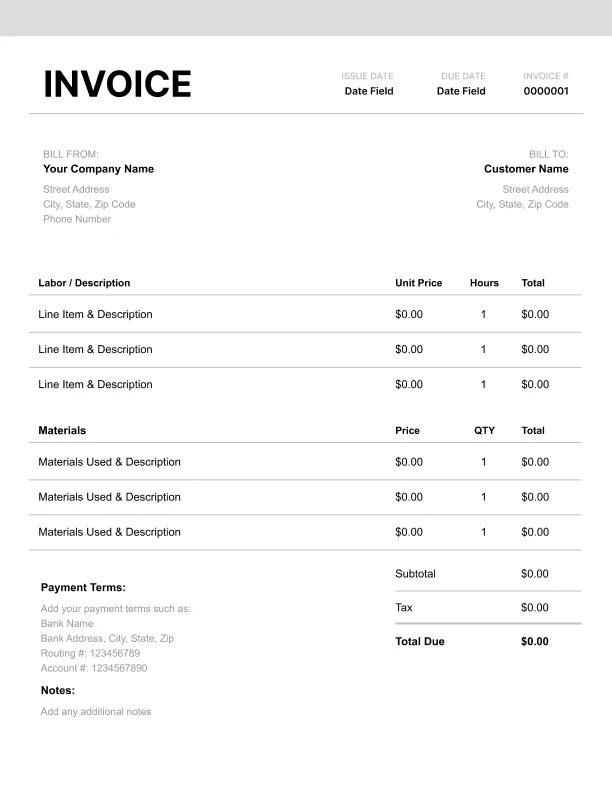
Classic Car Dealer Invoice Template
Timeless styling that works for any industry.
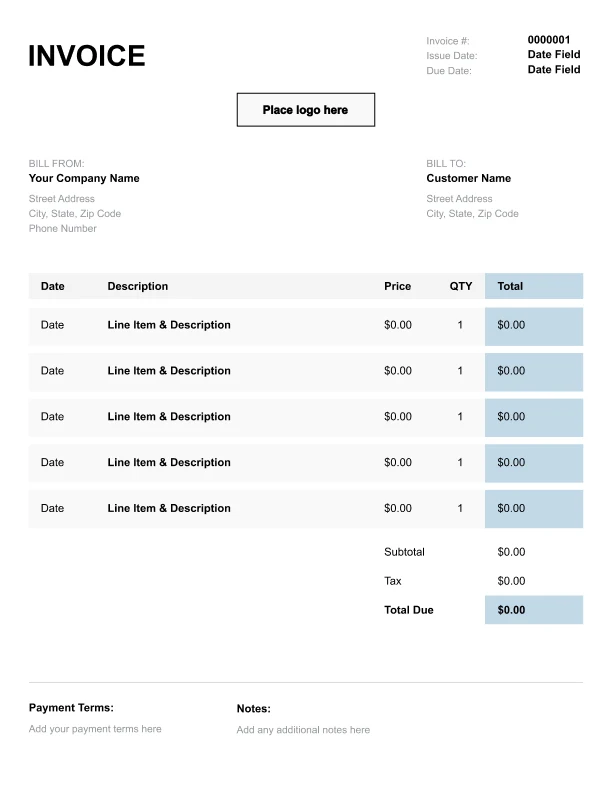
Simple Car Dealer Invoice Template
Easy to scan and perfect for quick billing.
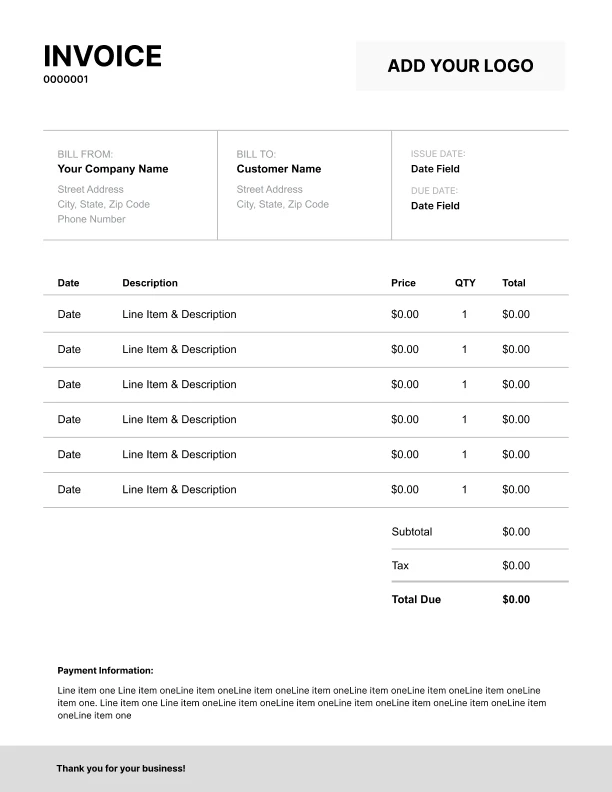
Detailed Car Dealer Invoice Template
Extra room for items, notes, and tax breakdowns.
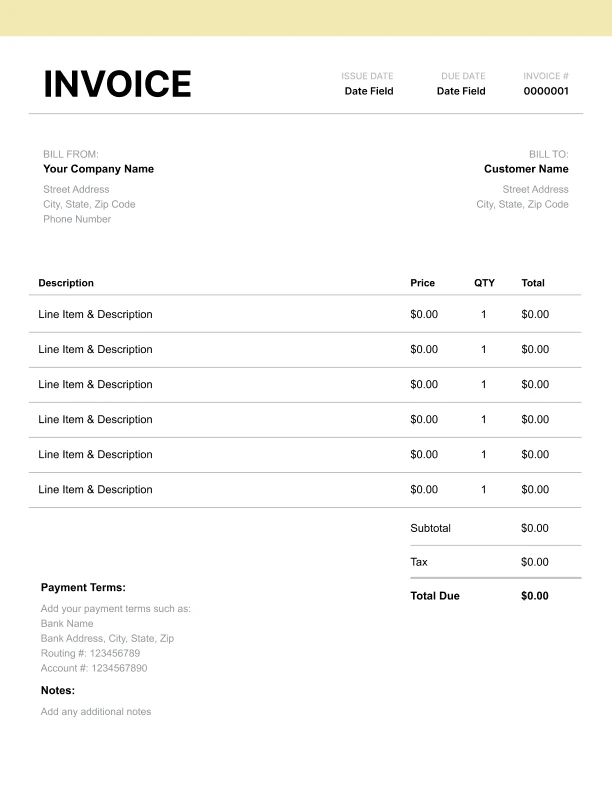
Modern Car Dealer Invoice Template
Clean sections with a subtle accent header.
Use Free Car Dealer Invoice Generator
Prefer a polished, client-ready invoice fast? The generator auto-calculates totals, applies taxes and discounts, and lets you customize your logo and colors.
Car Dealer Invoice Generator
What to Include on a Car Dealer Invoice
Car dealer invoices (vehicle sale invoices) should clearly identify the vehicle and show a transparent breakdown of price, fees, credits, and totals.
Buyer and dealer details- Dealership name and contact info
- Buyer name and contact info
- Year/make/model/trim
- VIN
- Odometer at sale
- Stock number (optional)
- Vehicle sale price
- Dealer documentation/processing fee
- Registration and title fees (if included)
- Optional add-ons (warranty, protection plans, accessories)
- Trade-in credit (if applicable)
- Down payment credit (if applicable)
- Other credits/discounts
- Subtotal, sales tax, total due
- Payment/financing notes (if needed)
Itemizing Dealer Fees and Add-Ons
Clear itemization reduces buyer confusion and helps with record keeping.
Common line items- Documentation/processing fee
- Registration/title fees (if handled by dealer)
- Extended warranty or service contract
- Accessories (floor mats, tint, protection packages)
- Delivery or transport (if applicable)
Trade-Ins, Credits, and Down Payments
Vehicle sale invoices often include credits that reduce the balance due.
Best practices- Show trade-in and down payment as negative line items (credits)
- Label credits clearly (“Trade-in credit,” “Down payment credit”)
- Keep the sale price separate from credits so the buyer can see the true vehicle price
Taxes, Registration, and Title Fees
Taxes and registration/title fees can vary based on the buyer’s location and local rules.
Invoice approach- Include a tax line label and rate if you apply it
- Itemize registration/title fees if you collect them
- Use invoice terms to note that some government fees may vary depending on final processing