Billing Invoice Template
Create professional billing invoices for recurring charges and itemized statements. This billing invoice template is designed for businesses that invoice by billing period and need statement-style fields like account numbers, reference IDs, credits, and adjustments—ideal for monthly billing and customer accounts. Download instantly in PDF, Word, or Excel format.
Download Popular Billing Invoice Templates
Download a ready-to-use PDF template or generate your invoice online in seconds.
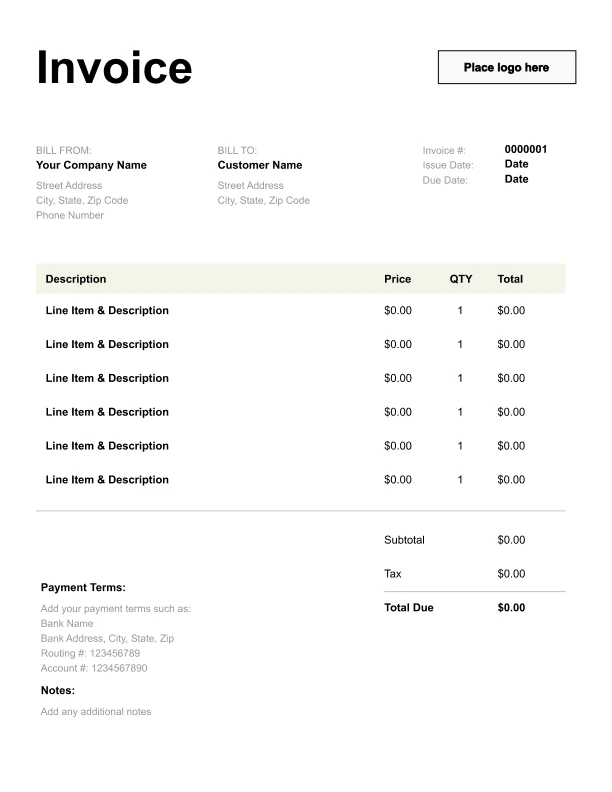
Clean Billing Invoice Template
A simple, versatile layout for services or products.
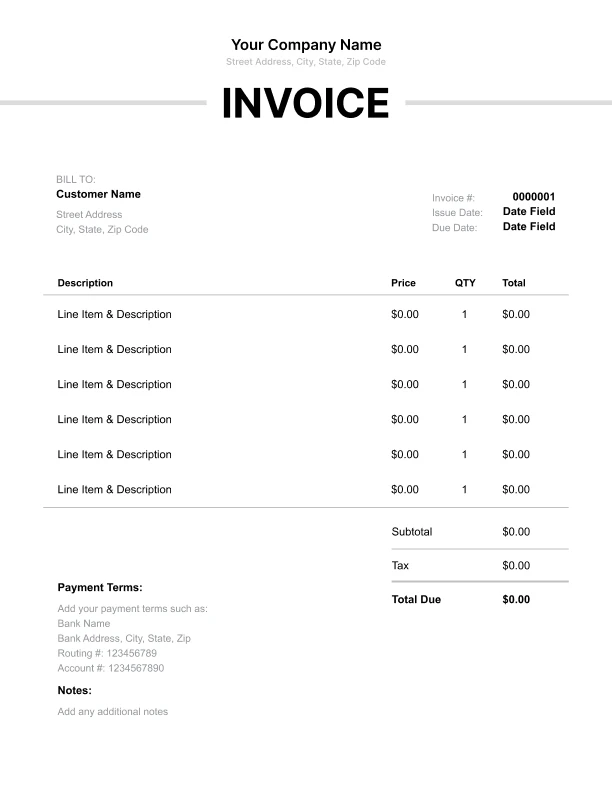
Minimal Billing Invoice Template
Lightweight design that keeps focus on line items.
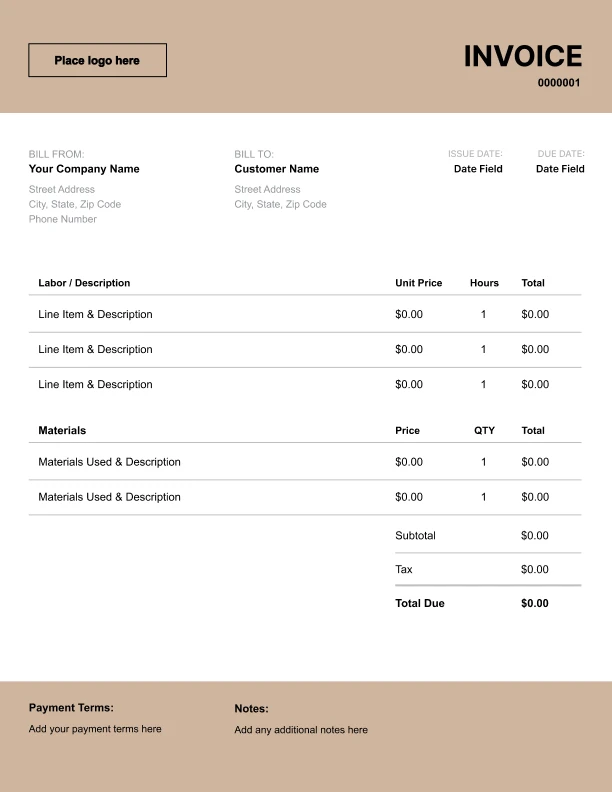
Bold Billing Invoice Template
Strong structure for large projects or milestones.
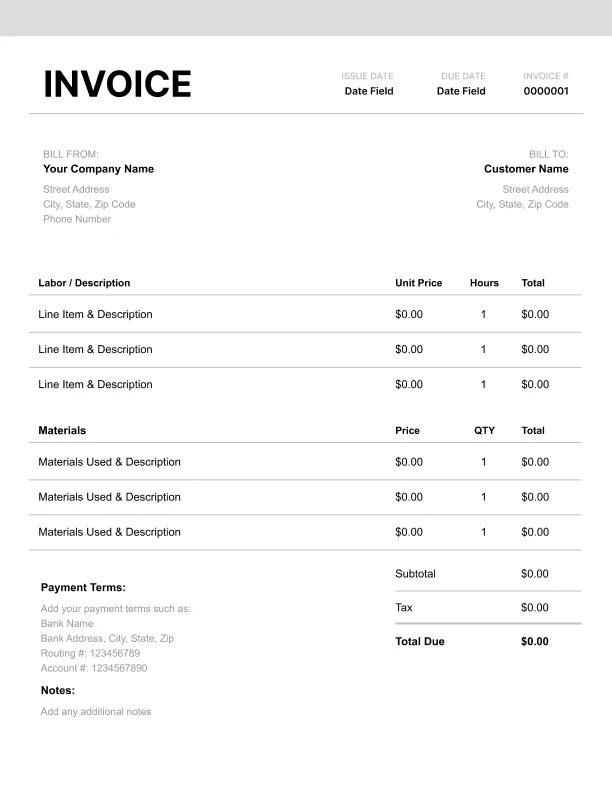
Classic Billing Invoice Template
Timeless styling that works for any industry.
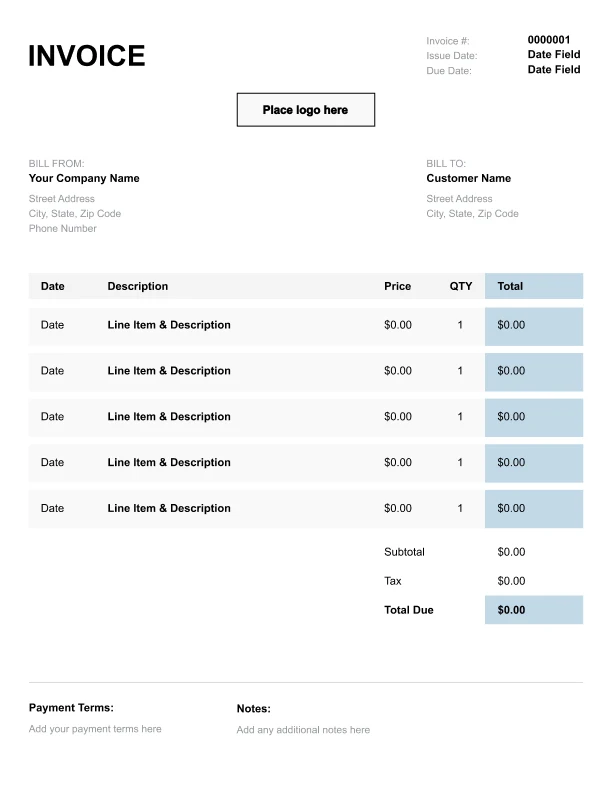
Simple Billing Invoice Template
Easy to scan and perfect for quick billing.
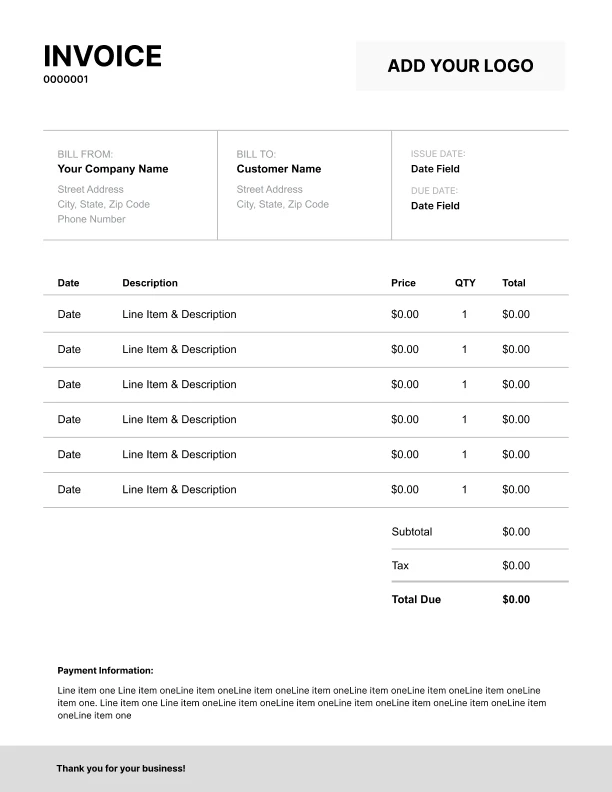
Detailed Billing Invoice Template
Extra room for items, notes, and tax breakdowns.
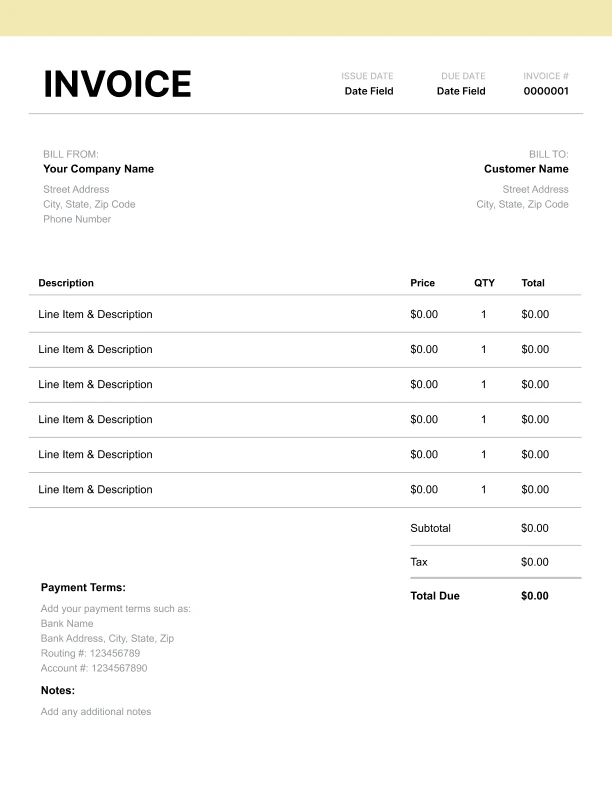
Modern Billing Invoice Template
Clean sections with a subtle accent header.
Use Free Billing Invoice Generator
Prefer a polished, client-ready invoice fast? The generator auto-calculates totals, applies taxes and discounts, and lets you customize your logo and colors.
Billing Invoice Generator
What to Include on a Billing Invoice
Billing invoices often function like statements. They should help customers reconcile charges over time.
Account identification- Customer/account name
- Account/customer number
- Statement/reference number (if used)
- Month or date range the charges cover
- Helpful for recurring billing and subscription-style invoicing
- Primary service charge (flat monthly fee or retainer)
- Variable/usage charges (if applicable)
- Credits and adjustments (clearly labeled)
- Late fees (if applicable)
- Prior balance (if you use statement-style billing)
- Payments received (if you display them)
- New balance due
- Total due and payment terms
- Payment instructions and references needed
Statement-Style Invoicing (Monthly Billing)
Some businesses invoice like a statement, especially for monthly billing.
When statement-style helps- Ongoing service contracts
- Retainers billed monthly
- Subscription or account-based billing
- Accounts with credits and adjustments
- Always include the billing period
- Include account number and a reference ID
- Clearly label credits/adjustments so customers don’t mistake them for charges
Itemized Billing: Making Charges Easy to Understand
Billing disputes are usually caused by unclear line items. Itemization is the simplest fix.
Tips- Use specific descriptions (“Monthly management retainer — March 2026”)
- Separate fixed fees from variable usage
- Keep adjustments as separate negative line items
- Use a “Balance notes” field to explain unusual charges briefly
How to Get Billing Invoices Paid Faster
Billing invoices are often paid by accounts payable teams, so small details matter.
Include- Account number and reference number
- Clear billing period
- Simple payment terms
- Contact method for billing questions