Virtual Assistant Invoice Template
Organize your remote support business with our specialized virtual assistant invoice templates. Designed for VAs, administrative freelancers, and online business managers, our templates help you track hours, manage retainers, and bill for project work professionally. Get started for free.
Download Popular Virtual Assistant Invoice Templates
Download a ready-to-use PDF template or generate your invoice online in seconds.
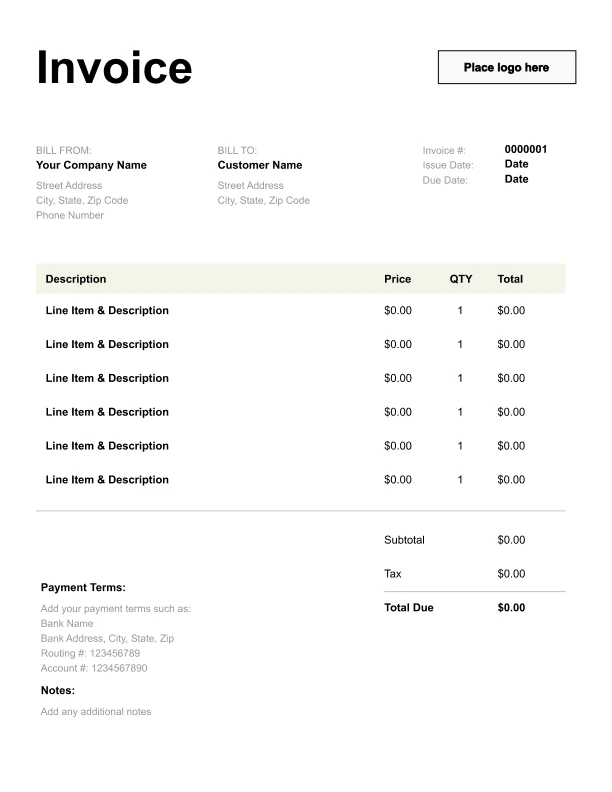
Clean Virtual Assistant Invoice Template
A simple, versatile layout for services or products.
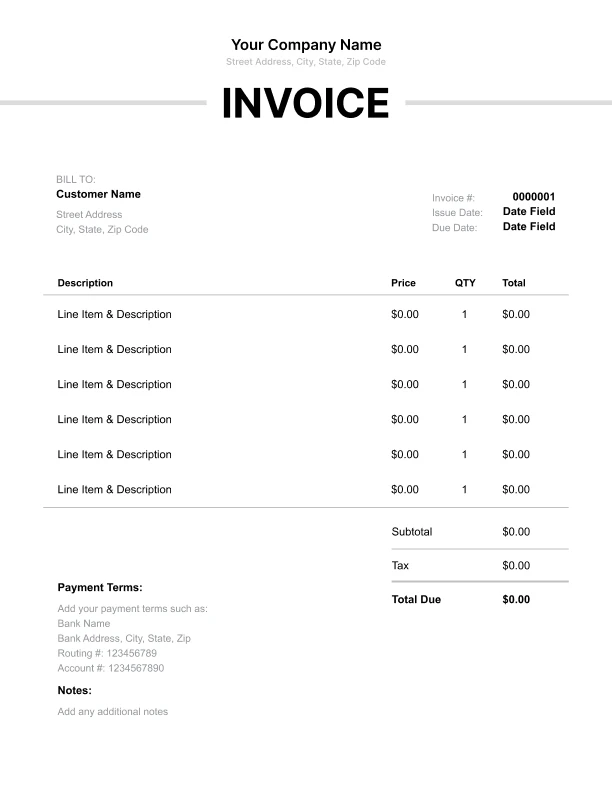
Minimal Virtual Assistant Invoice Template
Lightweight design that keeps focus on line items.
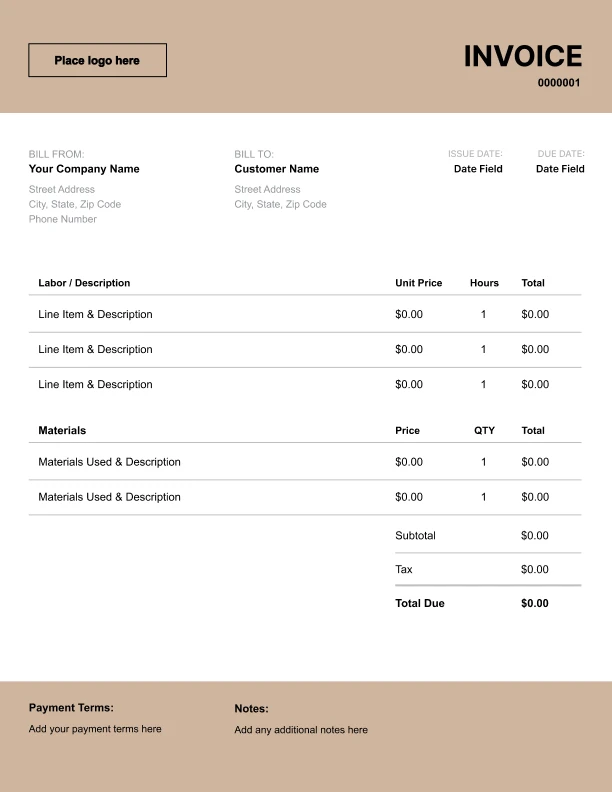
Bold Virtual Assistant Invoice Template
Strong structure for large projects or milestones.
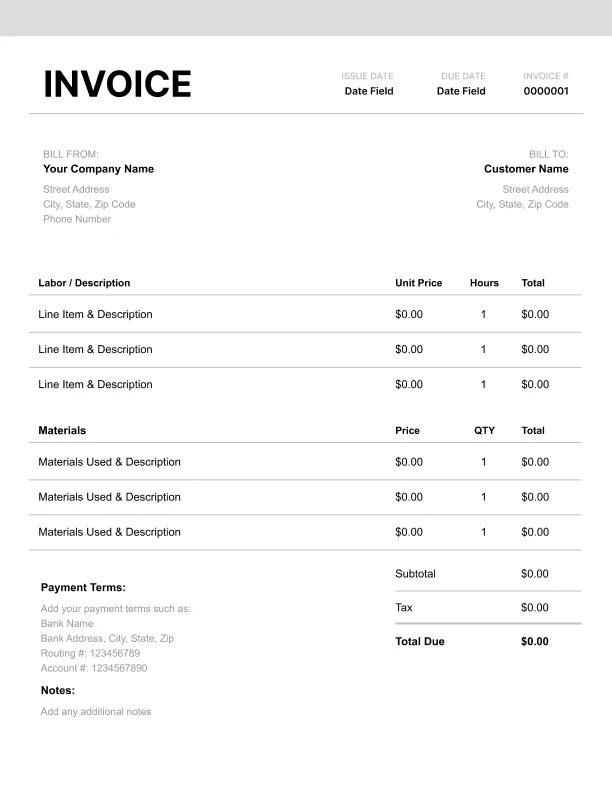
Classic Virtual Assistant Invoice Template
Timeless styling that works for any industry.
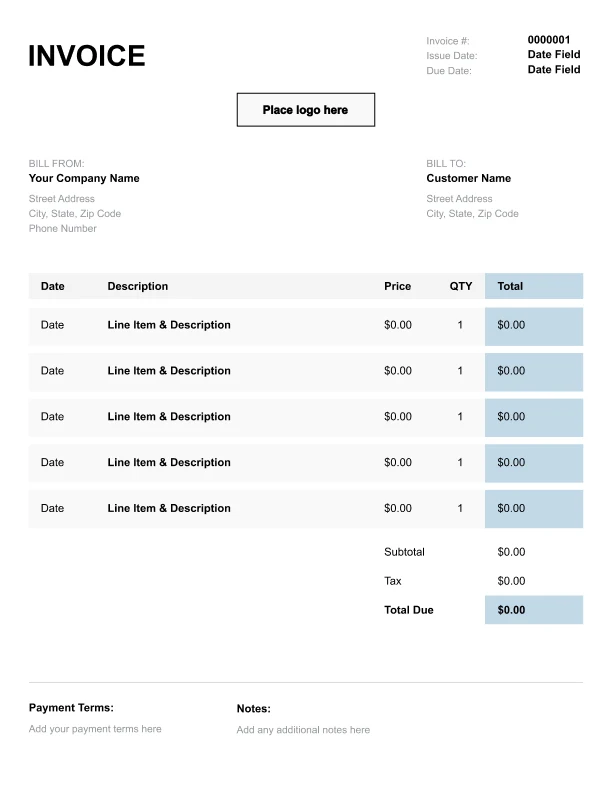
Simple Virtual Assistant Invoice Template
Easy to scan and perfect for quick billing.
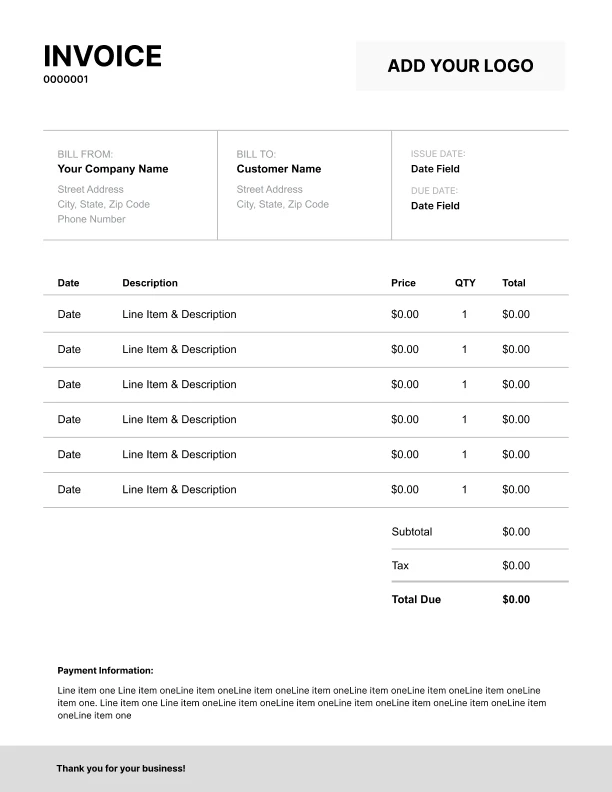
Detailed Virtual Assistant Invoice Template
Extra room for items, notes, and tax breakdowns.
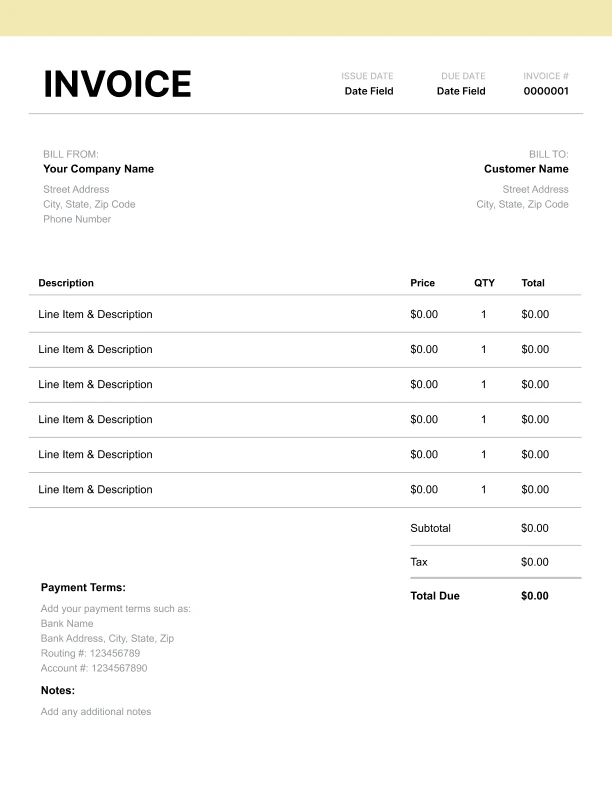
Modern Virtual Assistant Invoice Template
Clean sections with a subtle accent header.
Use Free Virtual Assistant Invoice Generator
Prefer a polished, client-ready invoice fast? The generator auto-calculates totals, applies taxes and discounts, and lets you customize your logo and colors.
Virtual Assistant Invoice Generator
What to Include on a Virtual Assistant Invoice
Professional VA invoices should document:
Business Information- Your name/business name
- Contact information
- Payment details (bank, PayPal, etc.)
- Tax ID (if applicable)
- Client name and company
- Billing contact
- Project or account reference
- Billing period dates
- Task categories with hours
- Specific tasks completed
- Time spent per task
- Hourly rate or package rate
- Hours purchased
- Hours used this period
- Hours remaining
- Rollover hours (if applicable)
- Software subscriptions purchased
- Reimbursable expenses
- Rush fees or overtime
- Third-party services coordinated
Virtual Assistant Billing Models
Choose the billing model that fits your business:
1. Hourly Billing
Most flexible and transparent. Track time with tools like Toggl or Clockify. Provide detailed time reports. Best for new clients or variable workloads.
2. Retainer Packages
Clients prepay for set monthly hours (10, 20, 40 hours). Provides predictable income. Offer slight per-hour discount vs. hourly rate. Hours typically don't roll over.
3. Project-Based Pricing
Flat fee for specific deliverables (social media setup, database organization). Rewards efficiency. Requires clear scope definition.
4. Value-Based Pricing
Price based on results delivered rather than hours worked. Best for experienced VAs who can demonstrate ROI. Requires outcome tracking.
Virtual Assistant Rate Benchmarks
Industry standard rates for VA services:
General Administrative- Entry-level VA: $15-25/hr
- Experienced VA: $25-45/hr
- Executive VA: $45-75/hr
- Specialized VA: $50-100+/hr
- Email management: $25-50/hr
- Calendar management: $25-45/hr
- Data entry: $20-35/hr
- Research: $30-50/hr
- Bookkeeping: $35-65/hr
- Social media: $35-75/hr
- Customer service: $20-40/hr
- Project management: $40-75/hr
- 10 hours/month: $350-600
- 20 hours/month: $600-1,100
- 40 hours/month: $1,100-2,000
- Full-time equivalent: $2,500-4,500
- Tech/IT support: $50-100/hr
- Web management: $40-75/hr
- Content writing: $40-80/hr
- Graphic design: $45-85/hr
- Video editing: $50-100/hr
- Rush requests: 25-50% premium
- Weekend/holiday: 50% premium
- Software purchased: at cost
Best Practices for VA Billing
Build trust through professional billing practices:
Time Tracking- Use reliable tracking software
- Track in real-time, not after
- Categorize by task type
- Include screenshots or logs
- Break down by category
- Show specific tasks completed
- Include date and duration
- Attach time log as PDF
- Send usage report mid-month
- Alert when hours run low
- Offer hour top-ups
- Be clear about rollover policy
- Send invoices on schedule
- Offer multiple payment methods
- Set clear due dates
- Follow up professionally