Supermarket Invoice Template
Create professional supermarket invoices for grocery sales, bulk orders, and business purchasing with clear itemization and purchase references. This supermarket invoice template supports unit pricing, delivery fees, and discounts—ideal for stores supplying companies, institutions, and bulk buyers. Download instantly in PDF, Word, or Excel format.
Download Popular Supermarket Invoice Templates
Download a ready-to-use PDF template or generate your invoice online in seconds.
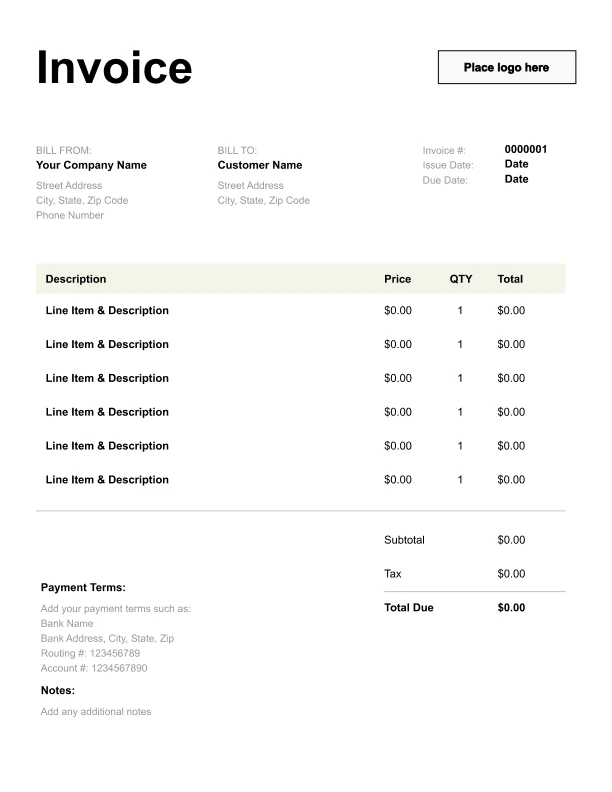
Clean Supermarket Invoice Template
A simple, versatile layout for services or products.
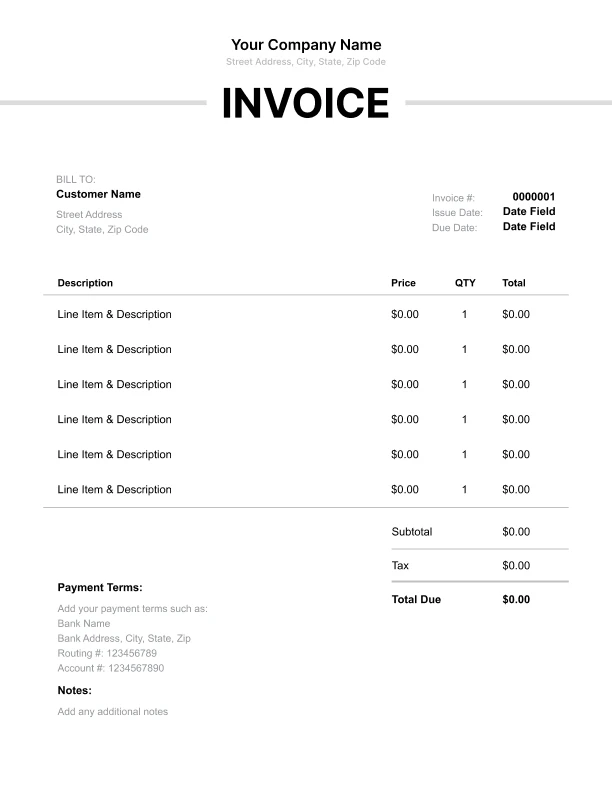
Minimal Supermarket Invoice Template
Lightweight design that keeps focus on line items.
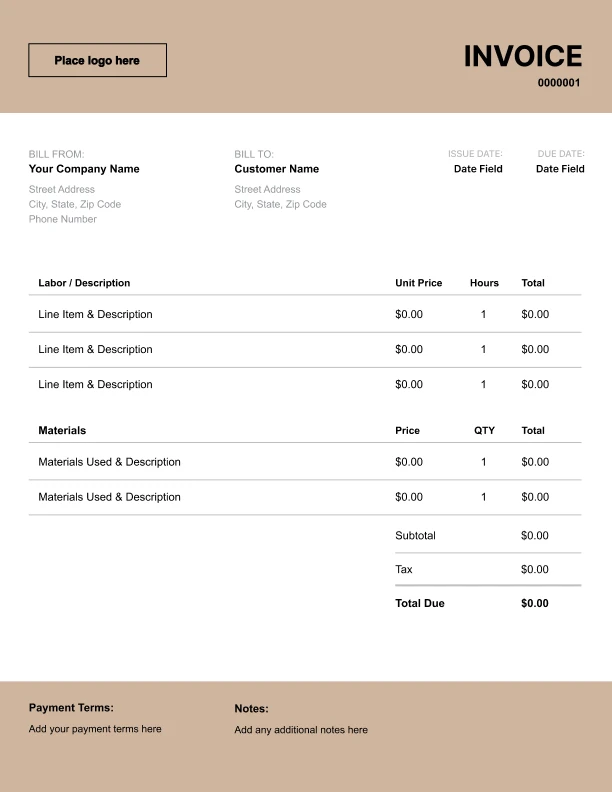
Bold Supermarket Invoice Template
Strong structure for large projects or milestones.
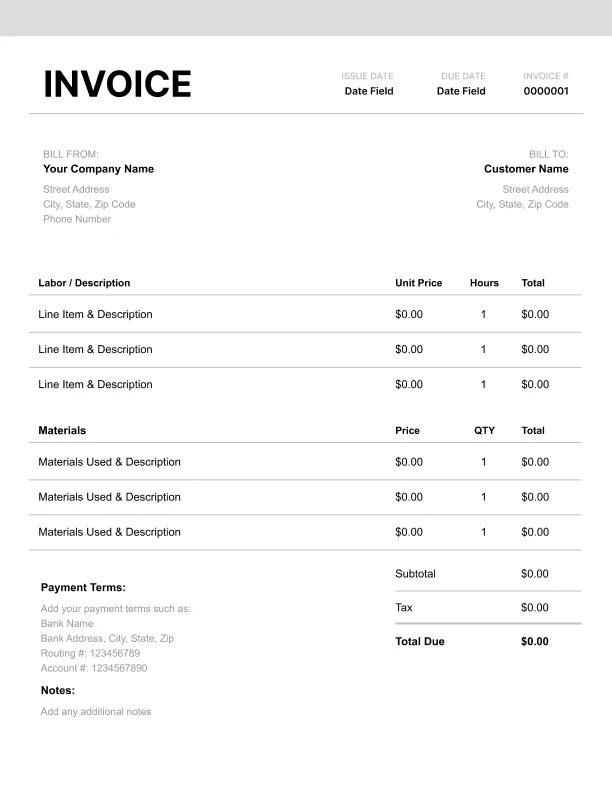
Classic Supermarket Invoice Template
Timeless styling that works for any industry.
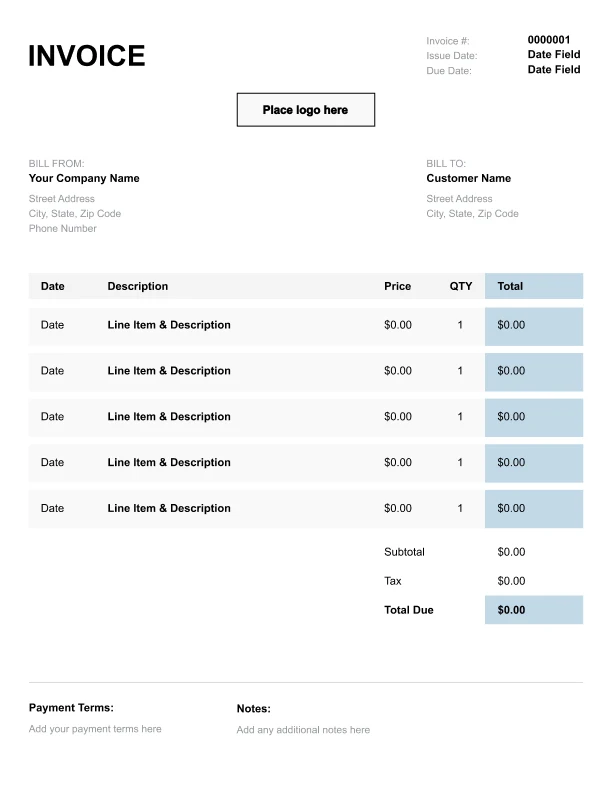
Simple Supermarket Invoice Template
Easy to scan and perfect for quick billing.
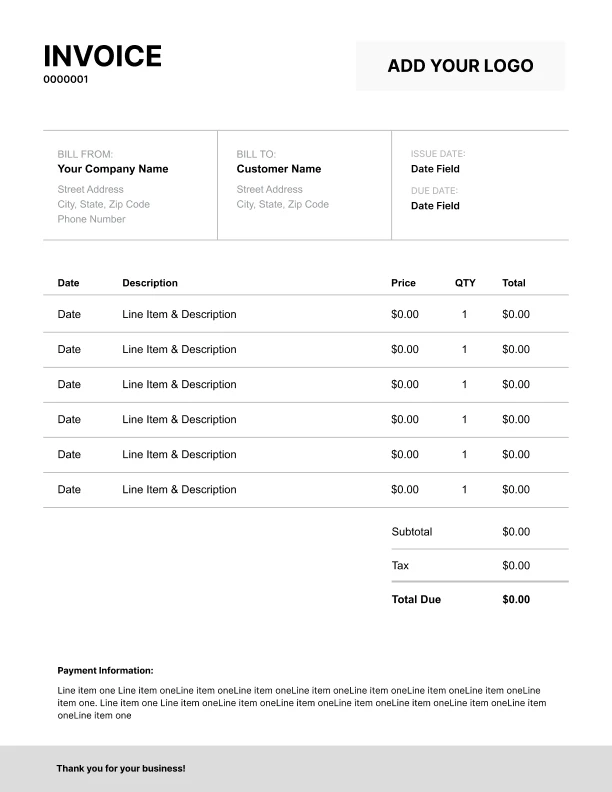
Detailed Supermarket Invoice Template
Extra room for items, notes, and tax breakdowns.
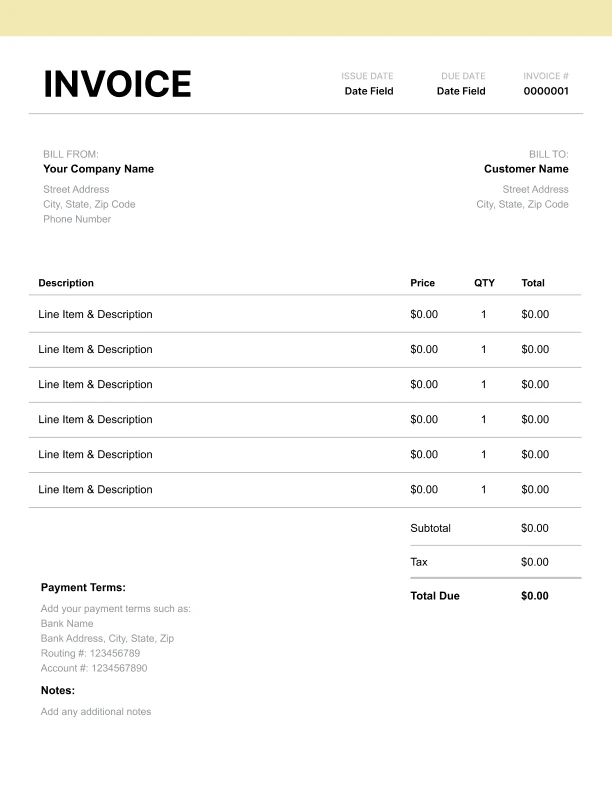
Modern Supermarket Invoice Template
Clean sections with a subtle accent header.
Use Free Supermarket Invoice Generator
Prefer a polished, client-ready invoice fast? The generator auto-calculates totals, applies taxes and discounts, and lets you customize your logo and colors.
Supermarket Invoice Generator
What to Include on a Supermarket Invoice
Supermarket invoices should be itemized and easy to reconcile, especially for business buyers and bulk orders.
Buyer and order details- Buyer name/company and billing contact
- Purchase reference or PO number
- Order type (retail, bulk, business)
- Product name/description
- Quantity and unit (each, case, kg/lb)
- Unit price and line total
- Discounts or promotions (as separate lines)
- Delivery fee (if applicable)
- Packaging/boxes (if charged)
- Subtotal, sales tax, total due
- Payment terms and instructions
Itemized Grocery Invoices (Products, Units, and Categories)
Grocery invoices are easiest to approve when items are consistently named and units are clear.
Best practices- Use consistent product names (brand/size when relevant)
- Keep units consistent (each vs case vs kg/lb)
- Group by category when helpful (produce, dairy, dry goods)
- Use a single “Grocery items” line only for very small orders—bulk/business buyers usually need itemization
Bulk Orders and Business Purchasing
Business and institutional buyers often require additional fields on invoices.
Helpful fields- PO/purchase reference number
- Department or cost center (optional)
- Delivery/pickup details
- Bulk items priced per case/carton
- Mixed orders with both cases and individual items
- Standing orders billed weekly or monthly
Discounts, Promotions, and Substitutions
Grocery pricing often changes due to promotions or product availability.
How to reflect this on invoices- Show discounts as separate negative line items
- Note substitutions only when relevant for business orders
- Keep delivery and packaging charges separate