Studio Invoice Template
Create professional studio invoices for rentals and session bookings with clear booking references and itemized studio time. This studio invoice template supports hourly rentals, half-day and full-day blocks, equipment add-ons, and staffed support—ideal for photo studios, recording studios, and creative spaces billing clients consistently. Download instantly in PDF, Word, or Excel format.
Download Popular Studio Invoice Templates
Download a ready-to-use PDF template or generate your invoice online in seconds.
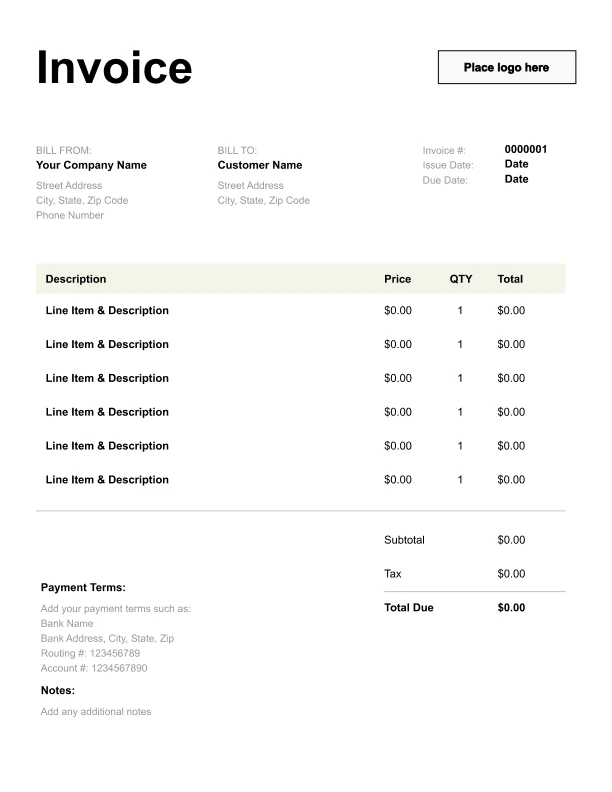
Clean Studio Invoice Template
A simple, versatile layout for services or products.
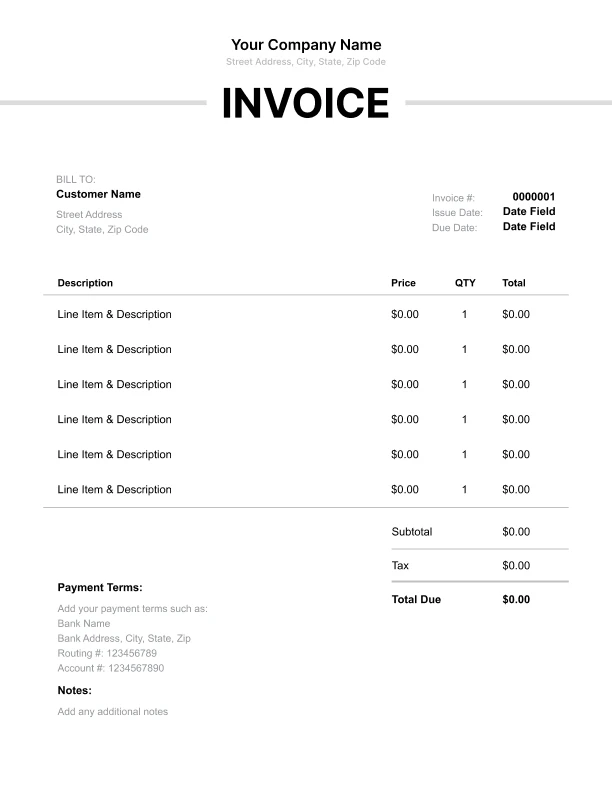
Minimal Studio Invoice Template
Lightweight design that keeps focus on line items.
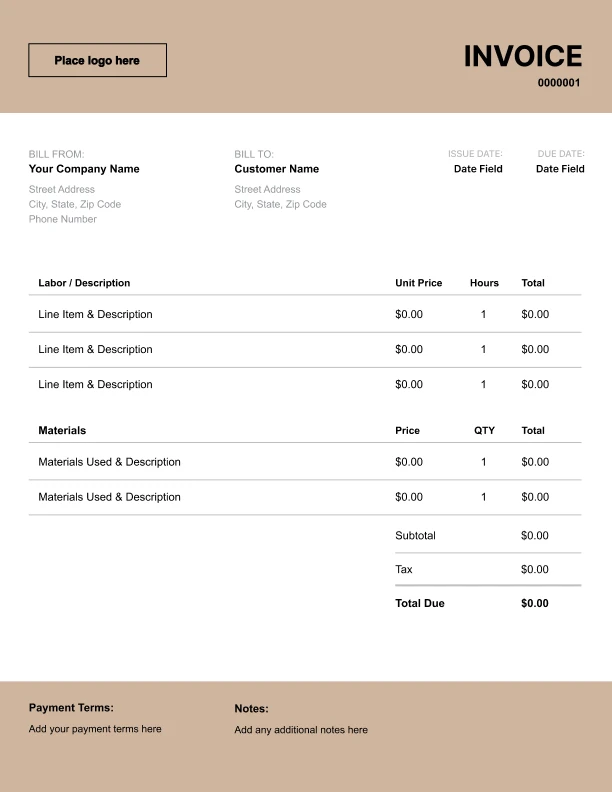
Bold Studio Invoice Template
Strong structure for large projects or milestones.
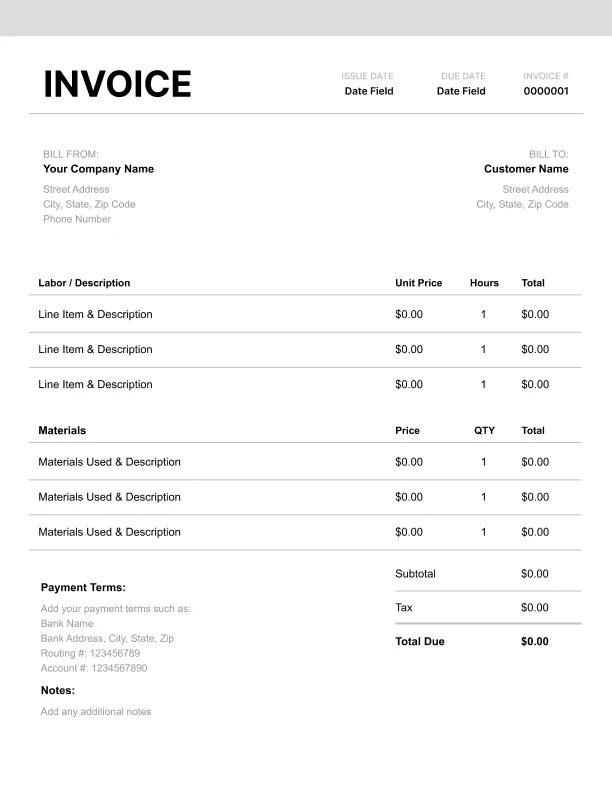
Classic Studio Invoice Template
Timeless styling that works for any industry.
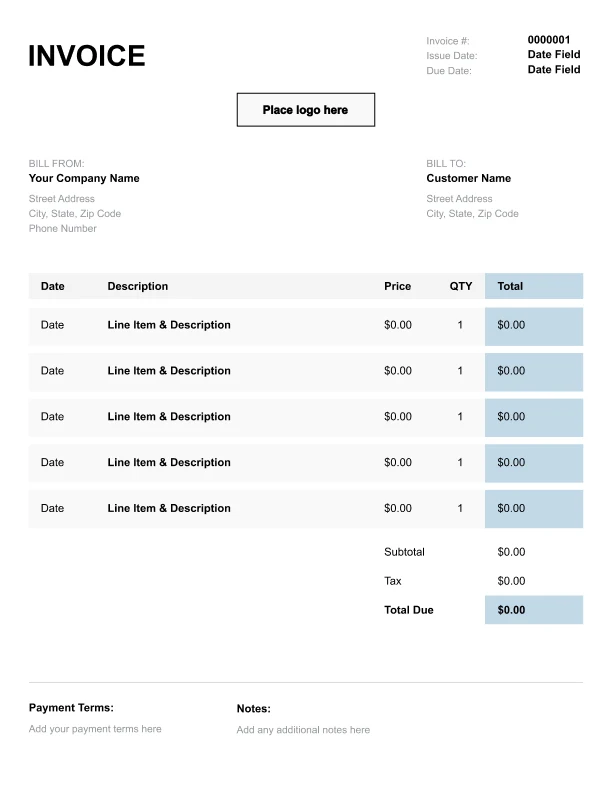
Simple Studio Invoice Template
Easy to scan and perfect for quick billing.
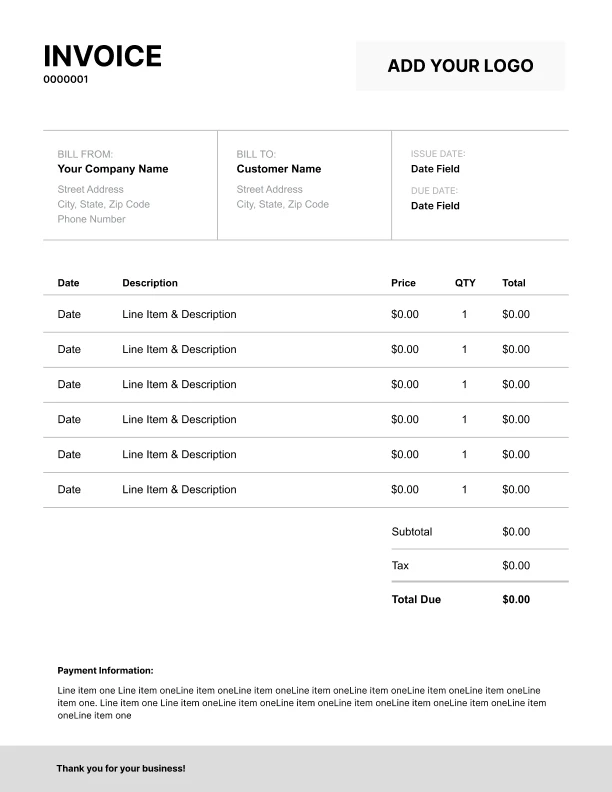
Detailed Studio Invoice Template
Extra room for items, notes, and tax breakdowns.
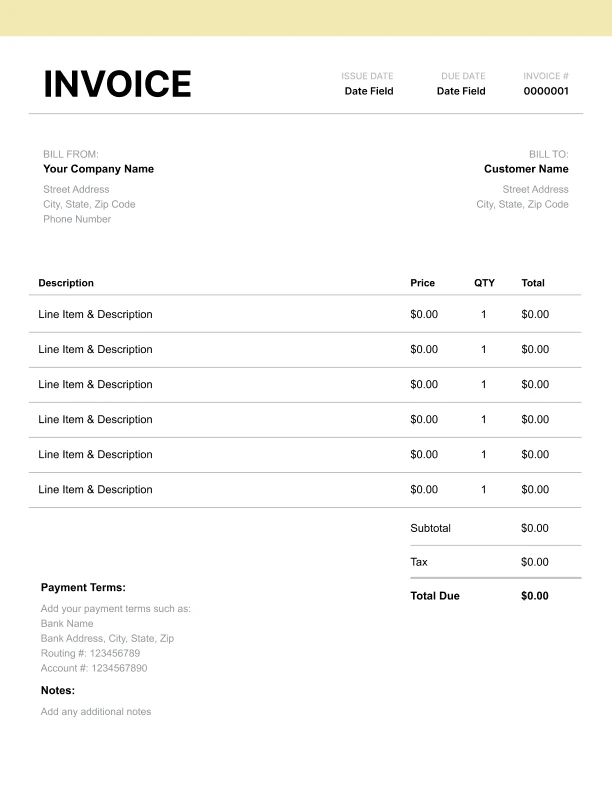
Modern Studio Invoice Template
Clean sections with a subtle accent header.
Use Free Studio Invoice Generator
Prefer a polished, client-ready invoice fast? The generator auto-calculates totals, applies taxes and discounts, and lets you customize your logo and colors.
Studio Invoice Generator
What to Include on a Studio Invoice
Studio invoices should make it easy to match charges to a booked session and understand what was included.
Booking details- Booking/session reference
- Session date
- Session type (photo, recording, rehearsal)
- Usage purpose (optional)
- Hourly studio rental
- Half-day or full-day blocks
- Overtime (if applicable)
- Lighting/backdrop add-ons
- Audio/recording gear add-ons
- Props or special equipment (if applicable)
- Studio assistant or engineer (if provided)
- Subtotal, tax (if applicable), total due
- Payment terms and instructions
Studio Billing Models: Hourly vs Session Blocks
Studios commonly invoice using a few standard pricing structures.
1) Hourly rental
Best for shorter bookings and flexible schedules.
2) Session blocks
Half-day and full-day blocks simplify pricing and reduce clock-watching.
3) Add-ons
Equipment and staffing billed separately so clients pay only for what they use.
Including a “Session type” field helps clients understand what the studio was booked for (photo vs recording vs rehearsal).
Equipment Add-Ons and Staffed Support
Many studios earn additional revenue through gear and support services.
Common add-ons- Lighting/backdrop packages (photo)
- Audio interfaces/mics (recording)
- Studio assistant or engineer
Overtime, Setup, and Studio Rules
Overtime is one of the biggest causes of unexpected charges.
Best practices- Note overtime billing in terms
- Clarify whether setup and breakdown time counts toward booked hours
- Add separate line items if cleanup fees apply