Invoice PDF Invoice Template
Download a professional invoice PDF in seconds. Our invoice PDF template includes itemized charges, totals, taxes, discounts, and payment instructions—ideal for sending to clients in a consistent, widely accepted format. Use it for services or products and share instantly.
Download Popular Invoice PDF Invoice Templates
Download a ready-to-use PDF template or generate your invoice online in seconds.
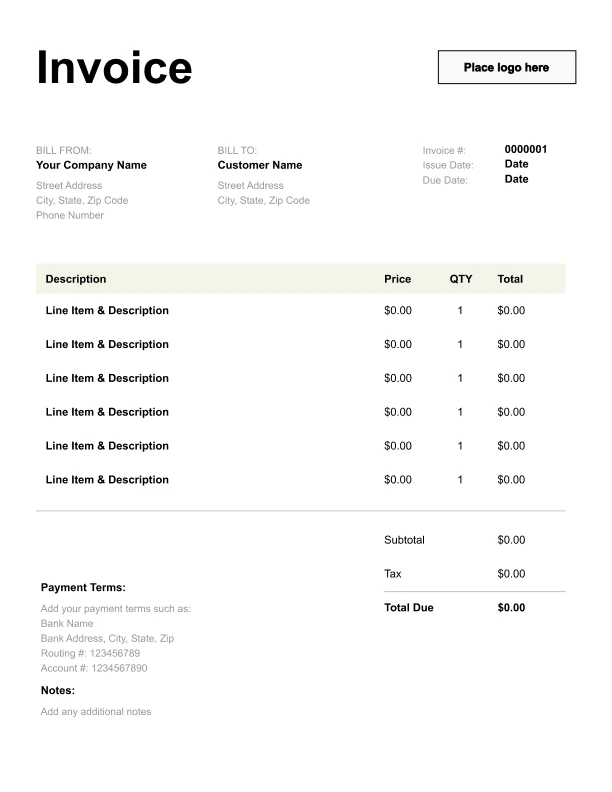
Clean Invoice PDF Invoice Template
A simple, versatile layout for services or products.
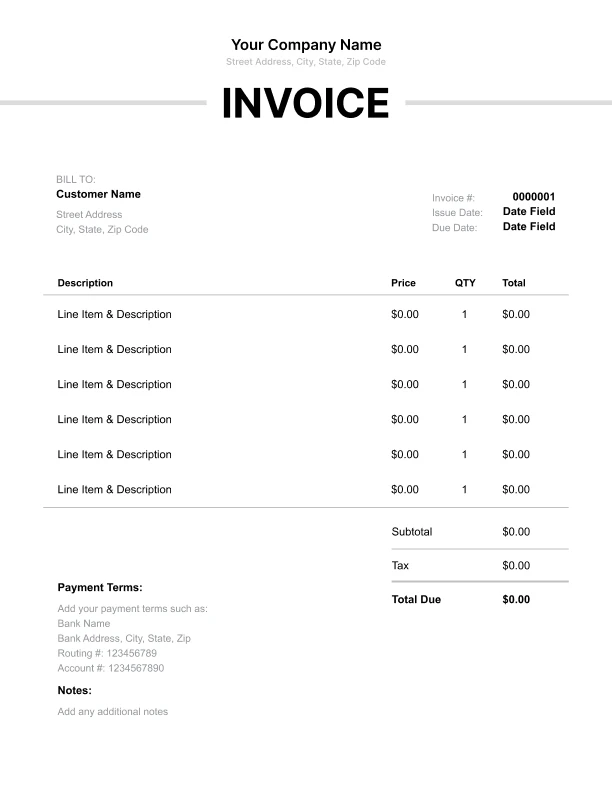
Minimal Invoice PDF Invoice Template
Lightweight design that keeps focus on line items.
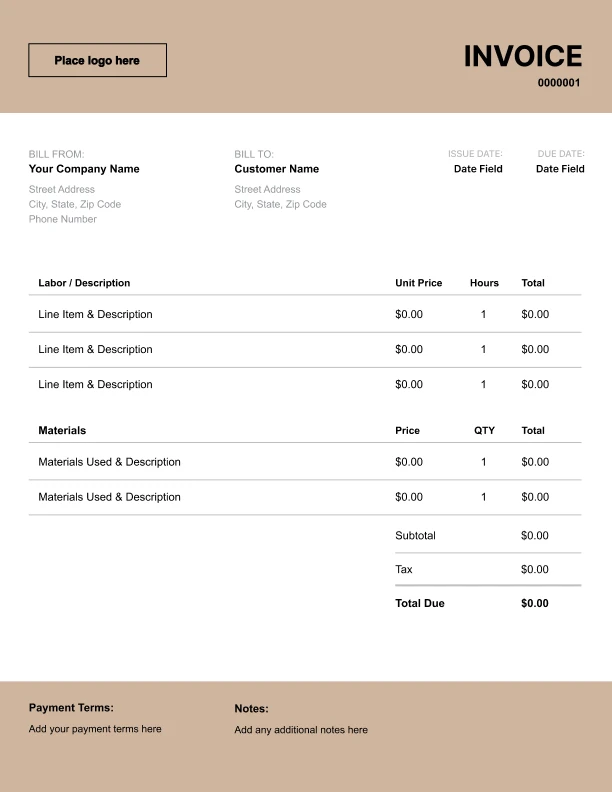
Bold Invoice PDF Invoice Template
Strong structure for large projects or milestones.
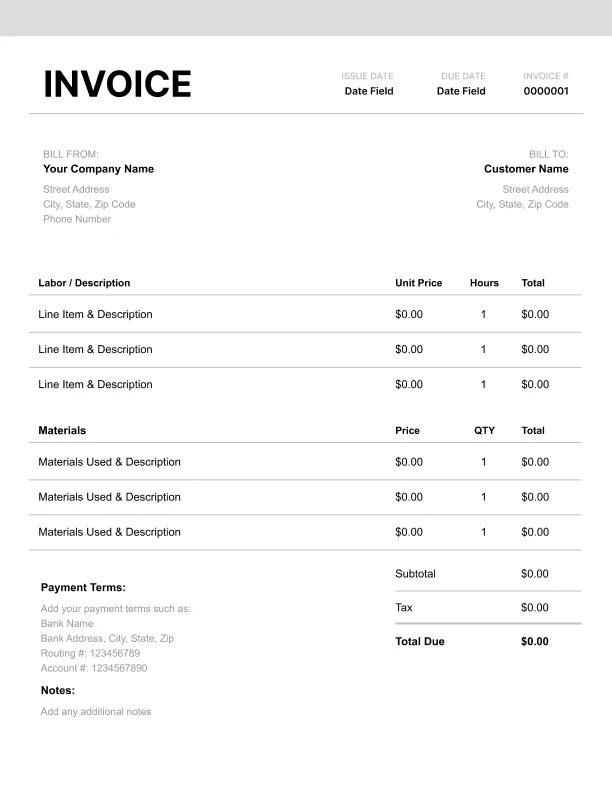
Classic Invoice PDF Invoice Template
Timeless styling that works for any industry.
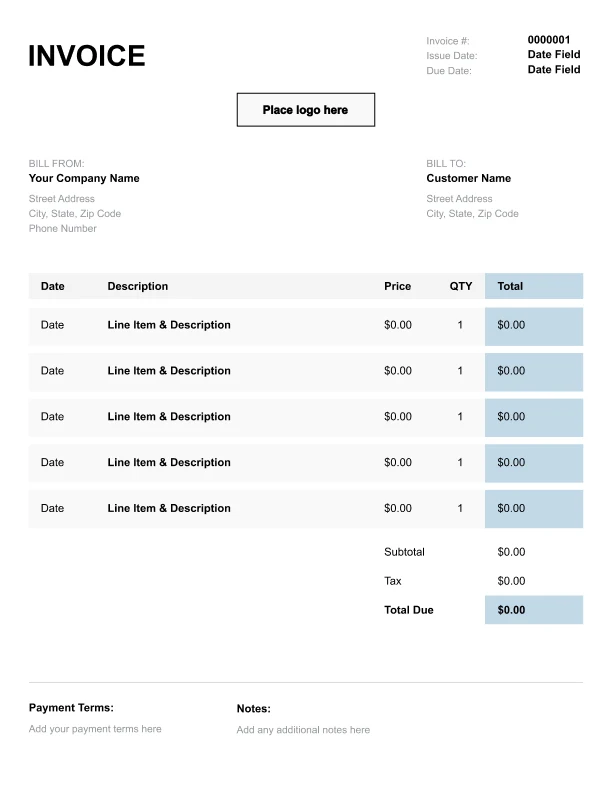
Simple Invoice PDF Invoice Template
Easy to scan and perfect for quick billing.
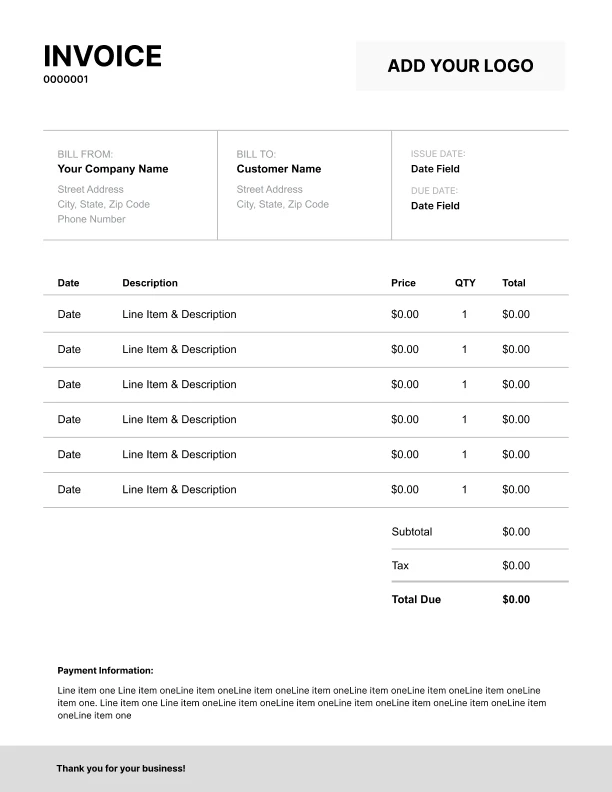
Detailed Invoice PDF Invoice Template
Extra room for items, notes, and tax breakdowns.
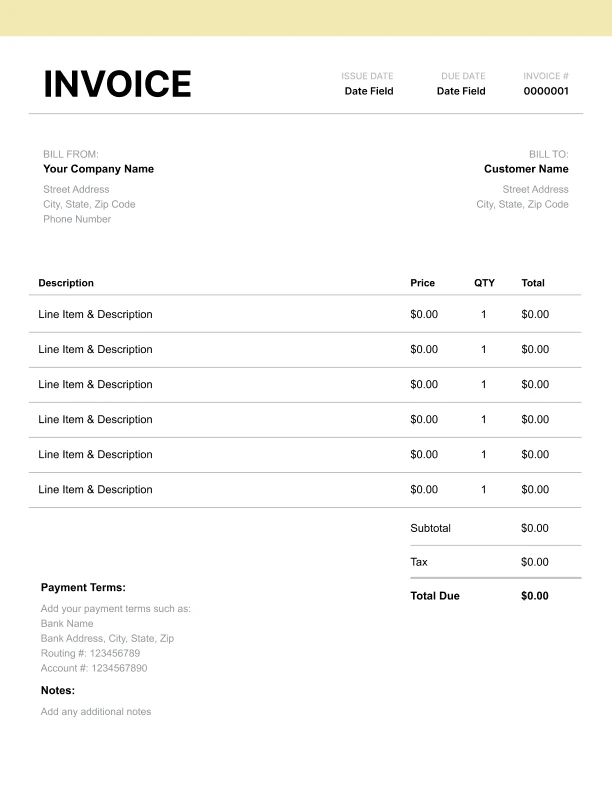
Modern Invoice PDF Invoice Template
Clean sections with a subtle accent header.
Use Free Invoice PDF Invoice Generator
Prefer a polished, client-ready invoice fast? The generator auto-calculates totals, applies taxes and discounts, and lets you customize your logo and colors.
Invoice PDF Invoice Generator
Why Use an Invoice PDF Template?
PDF is one of the most common formats for invoices because it’s simple for clients to open and it keeps the invoice layout consistent across devices.
Benefits of PDF invoices- Clients can view the invoice without special software
- Formatting stays consistent across email and different devices
- Easy to store for bookkeeping and records
- Works well for both individuals and business accounts payable teams
What to Include in a PDF Invoice
A PDF invoice should include the standard details clients expect so they can approve and pay without follow-up.
Core invoice fields- Your business name and contact details
- Client name/company and billing details
- Invoice number (unique)
- Invoice date and payment due date (if used in your system)
- Itemized line items with quantity and rate
- Subtotal, tax, discounts, total due
- Payment instructions and accepted methods
- Service period for recurring billing
- Reference/job number
- PO number for business clients
- Notes for deposits, retainers, or credits applied
A Simple Workflow for Sending PDF Invoices
PDF invoices are typically sent after you’ve confirmed pricing, deliverables, or services completed.
Common workflow
1. Create the invoice with clear line items and totals
2. Add payment terms (Net 7/14/30 or due on receipt)
3. Include payment instructions (bank transfer details or payment link)
4. Download/send the invoice as a PDF
5. Keep a copy for your records
Tip: If your client is a business, including a reference number or PO number can help them process your invoice faster.
How to Reduce Payment Delays With PDF Invoices
Clients delay payment when invoices are missing key info. A PDF format helps, but the invoice content matters most.
Include these to get paid faster- Clear invoice number
- Clear payment terms and due date
- Specific item descriptions (avoid “services rendered”)
- A short note: “Include invoice number with payment”
- Payment instructions that don’t require follow-up