Driver Invoice Template
Create professional driver invoices for private driving and transport services with clear trip details and itemized charges. This driver invoice template supports hourly driving, mileage billing, wait time, airport pickups, multi-stop trips, and tolls/parking—ideal for independent drivers billing clients and business travel. Download instantly in PDF, Word, or Excel format.
Download Popular Driver Invoice Templates
Download a ready-to-use PDF template or generate your invoice online in seconds.
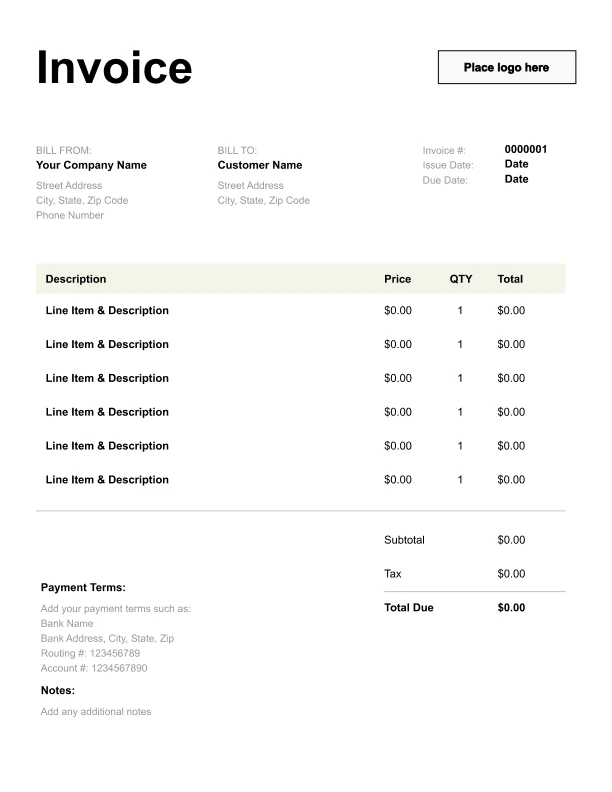
Clean Driver Invoice Template
A simple, versatile layout for services or products.
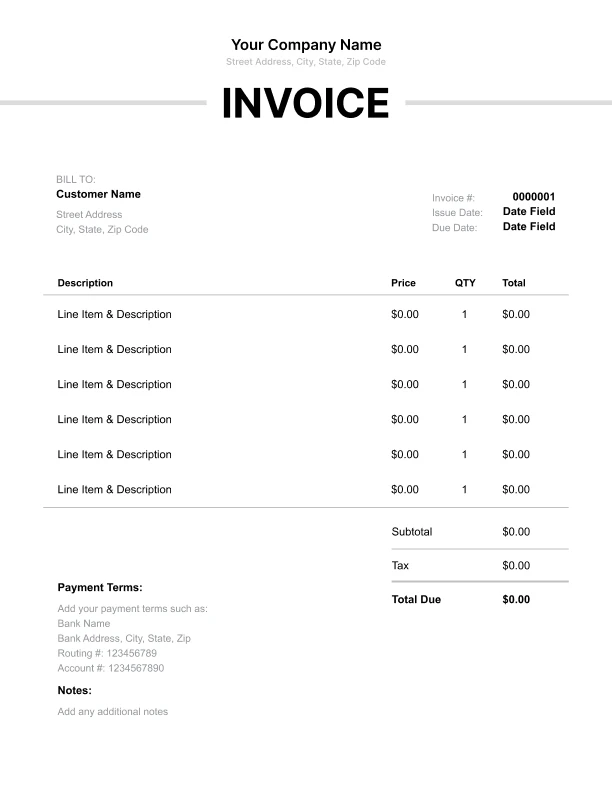
Minimal Driver Invoice Template
Lightweight design that keeps focus on line items.
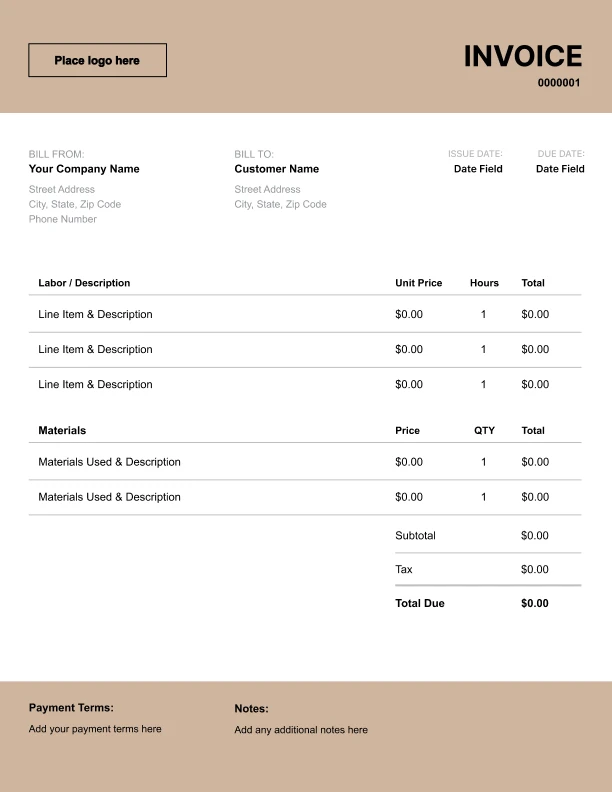
Bold Driver Invoice Template
Strong structure for large projects or milestones.
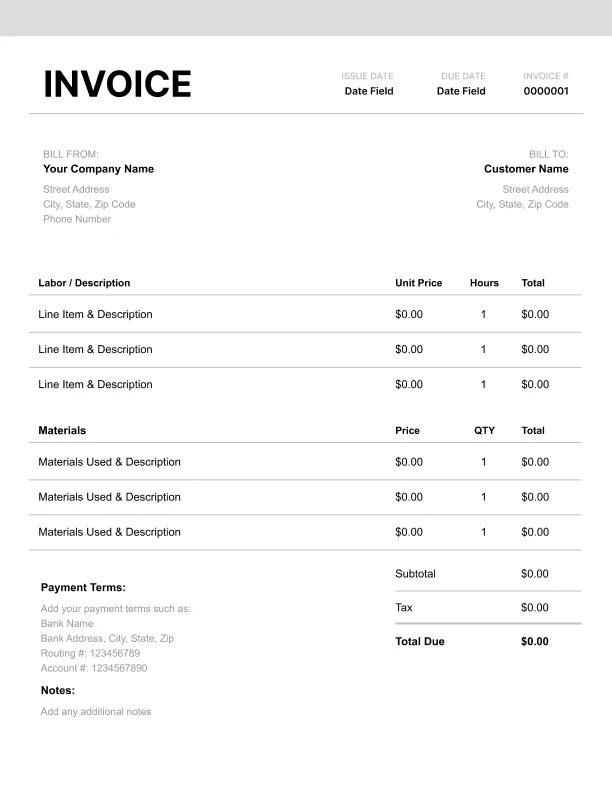
Classic Driver Invoice Template
Timeless styling that works for any industry.
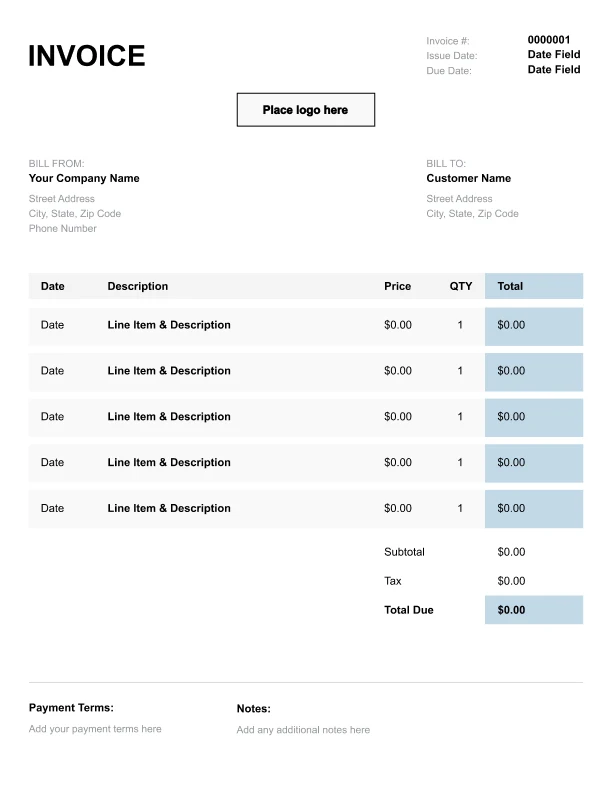
Simple Driver Invoice Template
Easy to scan and perfect for quick billing.
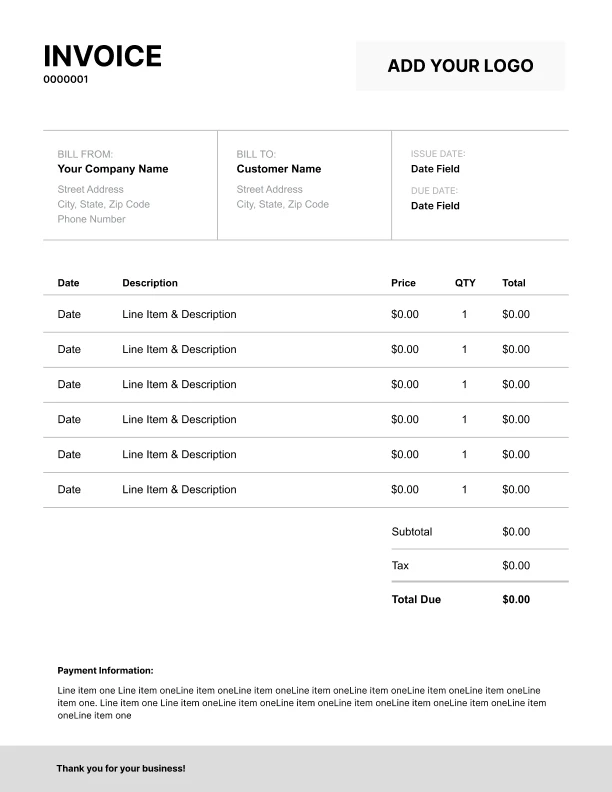
Detailed Driver Invoice Template
Extra room for items, notes, and tax breakdowns.
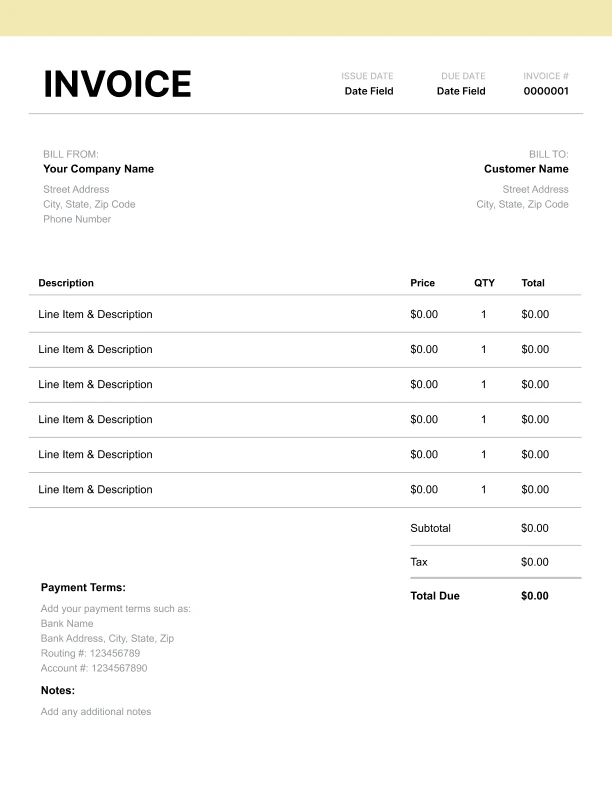
Modern Driver Invoice Template
Clean sections with a subtle accent header.
Use Free Driver Invoice Generator
Prefer a polished, client-ready invoice fast? The generator auto-calculates totals, applies taxes and discounts, and lets you customize your logo and colors.
Driver Invoice Generator
What to Include on a Driver Invoice
Driver invoices should make it easy to understand where the ride occurred and how charges were calculated.
Trip details- Trip date
- Route (pickup → drop-off)
- Vehicle type (optional)
- Trip/booking reference (optional)
- Hourly driving service
- Mileage charges (if billed by distance)
- Wait time
- Airport pickup/drop-off fees
- Multi-stop add-ons
- Tolls
- Parking
- Subtotal, tax (if applicable), total due
- Payment terms and instructions
Driver Pricing Models: Hourly, Mileage, and Flat Rates
Drivers commonly invoice using one of these models:
1) Hourly
Best for charters, events, and open schedules. Invoice shows hours × rate.
2) Mileage-based
Best for longer trips. Invoice shows distance × rate.
3) Flat rate
Common for airport transfers and standard routes. Add-ons may still apply.
Some drivers combine models (hourly + mileage or a flat base + wait time). Your invoice should separate each component clearly.
Wait Time, Multi-Stops, and Other Add-Ons
Add-ons are a common reason trip totals change.
Common add-ons- Wait time beyond included minutes
- Extra stops
- After-hours pickups
- Airport meet-and-greet
Driver Invoices for Business Clients
Business clients often need invoices that match travel schedules and internal approvals.
Best practices- Include trip date and route
- Use a trip reference or booking ID
- Itemize tolls and parking separately
- Offer weekly or monthly consolidated invoices for frequent riders