Delivery Invoice Template
Create professional delivery invoices for courier and local delivery services with clear per-stop pricing, mileage charges, and route details. This delivery invoice template is ideal for drivers and delivery businesses billing for multi-stop routes, express deliveries, wait time, and surcharges. Download instantly in PDF, Word, or Excel format.
Download Popular Delivery Invoice Templates
Download a ready-to-use PDF template or generate your invoice online in seconds.
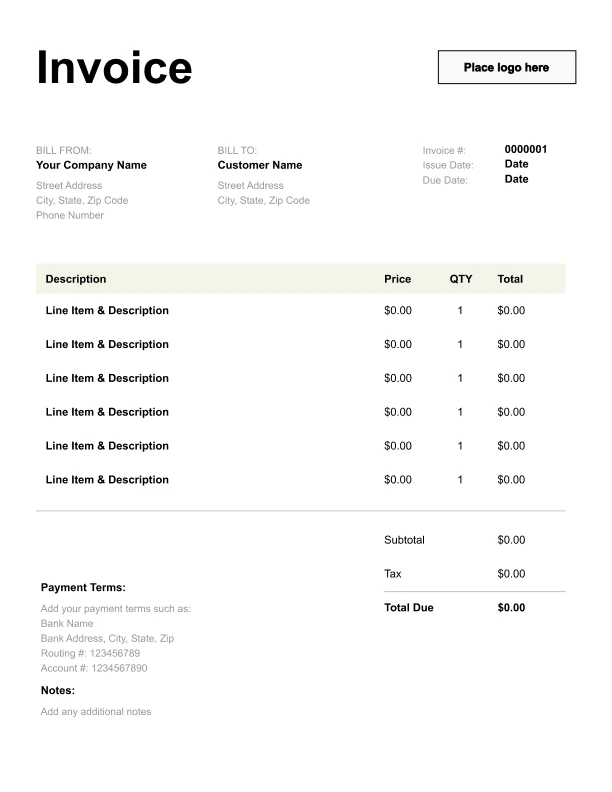
Clean Delivery Invoice Template
A simple, versatile layout for services or products.
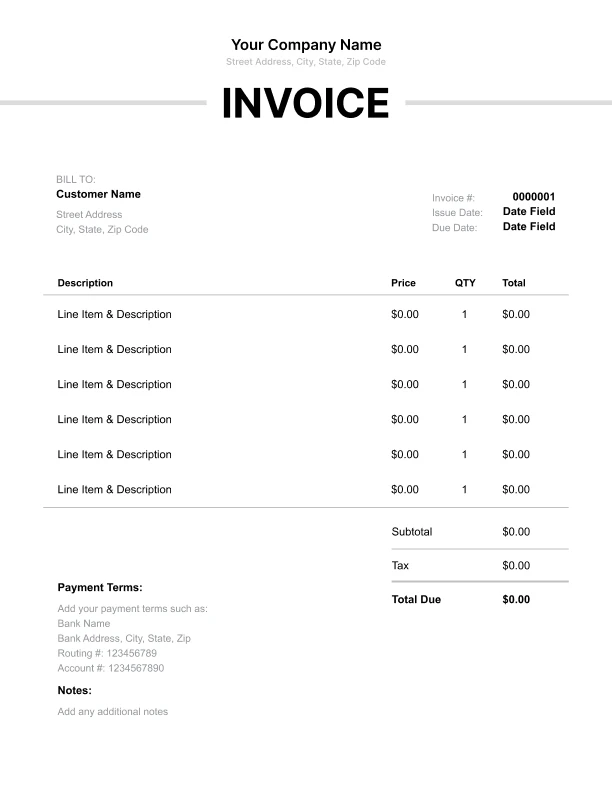
Minimal Delivery Invoice Template
Lightweight design that keeps focus on line items.
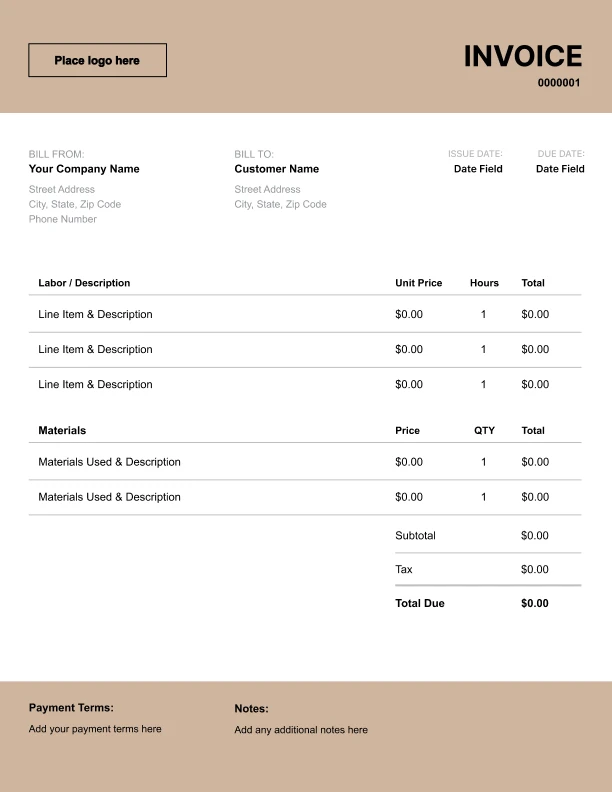
Bold Delivery Invoice Template
Strong structure for large projects or milestones.
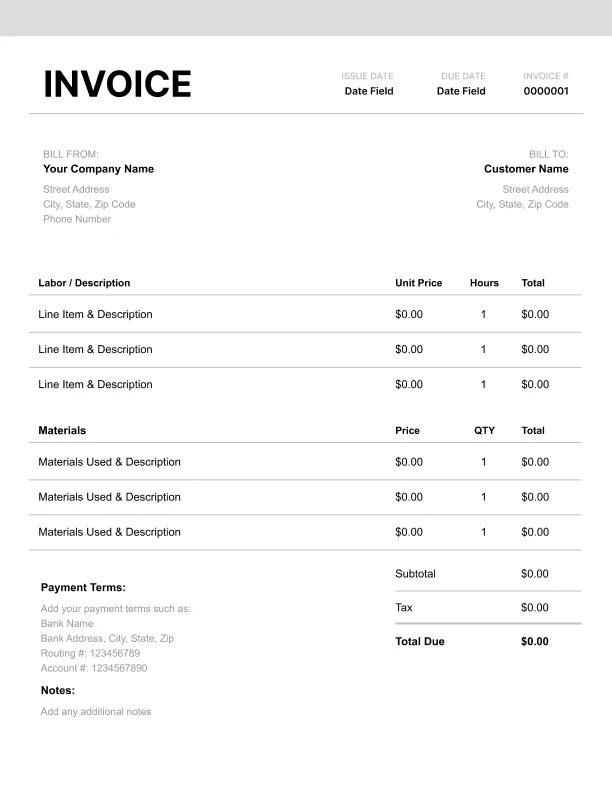
Classic Delivery Invoice Template
Timeless styling that works for any industry.
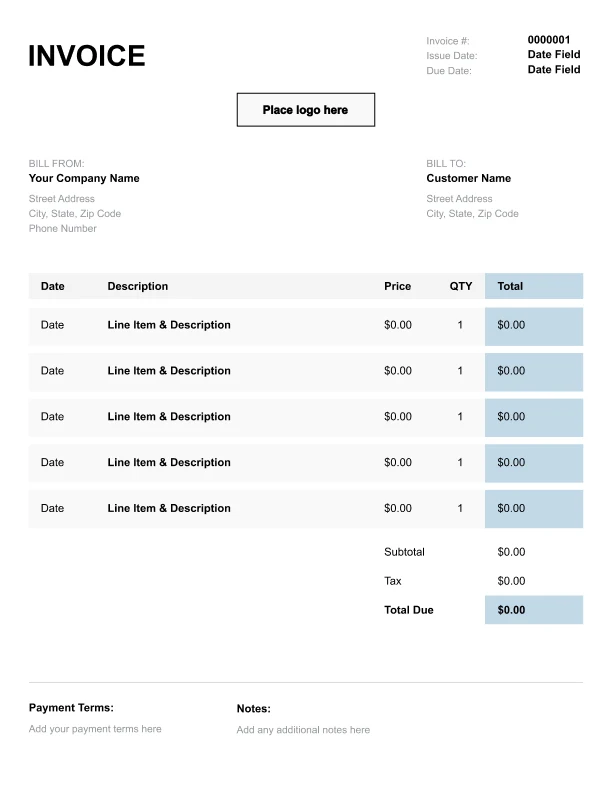
Simple Delivery Invoice Template
Easy to scan and perfect for quick billing.
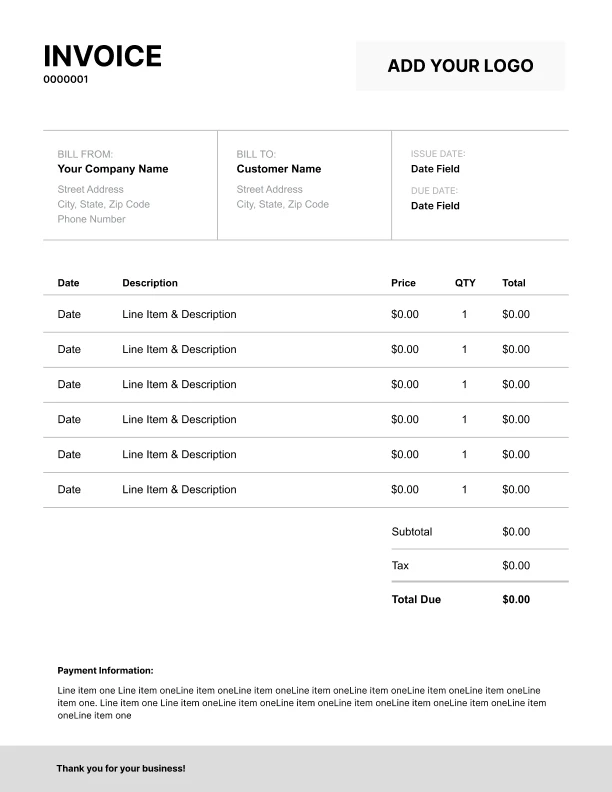
Detailed Delivery Invoice Template
Extra room for items, notes, and tax breakdowns.
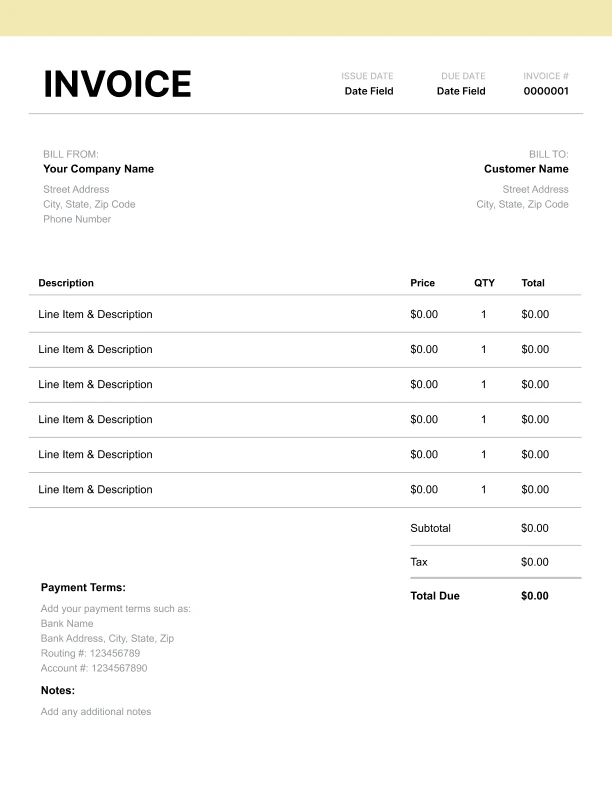
Modern Delivery Invoice Template
Clean sections with a subtle accent header.
Use Free Delivery Invoice Generator
Prefer a polished, client-ready invoice fast? The generator auto-calculates totals, applies taxes and discounts, and lets you customize your logo and colors.
Delivery Invoice Generator
What to Include on a Delivery Invoice
Delivery invoices should make it easy to reconcile deliveries against dispatch logs and customer records.
Client and service details- Customer/company name and billing contact
- Delivery date(s) or billing period
- Service level (standard vs express)
- Route details or number of stops
- Proof-of-delivery (POD) reference number(s)
- Notes about exceptions (optional)
- Per-delivery/per-stop charges
- Route or batch delivery fee
- Mileage charges
- Wait time
- Tolls and parking
- Fuel or peak-time surcharges
- Subtotal, tax (if applicable), total due
- Payment terms and instructions
Delivery Billing Models: Per Stop, Per Route, and Mileage
Delivery services commonly bill using one or a combination of these methods:
1) Per stop
Price per completed delivery. Great for multi-stop routes.
2) Per route
Flat fee for a scheduled route, sometimes with included stops.
3) Mileage-based
Charge by distance, often used for longer deliveries or rural service.
4) Express vs standard
Different pricing based on urgency or delivery window.
Most businesses combine per-stop with mileage or a route fee, then itemize add-ons like wait time or tolls.
Proof of Delivery (POD) and Reconciliation
Business clients often need proof of delivery to approve invoices.
How to make invoices easier to approve- Include POD or reference numbers in a dedicated field
- Use a route details field for “12 stops — Downtown route”
- If needed, provide a stop list or manifest separately
Wait Time, Extra Stops, and Surcharges
Delivery invoices often include charges beyond base delivery rates.
Common add-ons- Wait time at pickup or drop-off
- Additional stops requested after dispatch
- Redelivery attempts
- Fuel surcharge
- Peak-time or after-hours service