Animation Invoice Template
Create professional animation invoices for 2D/3D animation and motion graphics with clear deliverables and production stages. This animation invoice template supports storyboards, asset design, production hours, rendering, and export versions—ideal for animators and animation studios billing projects efficiently. Download instantly in PDF, Word, or Excel format.
Download Popular Animation Invoice Templates
Download a ready-to-use PDF template or generate your invoice online in seconds.
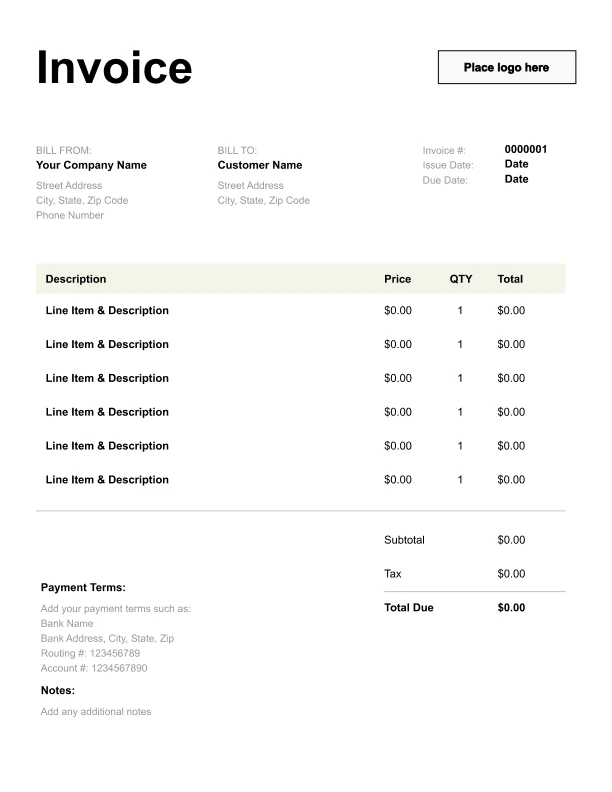
Clean Animation Invoice Template
A simple, versatile layout for services or products.
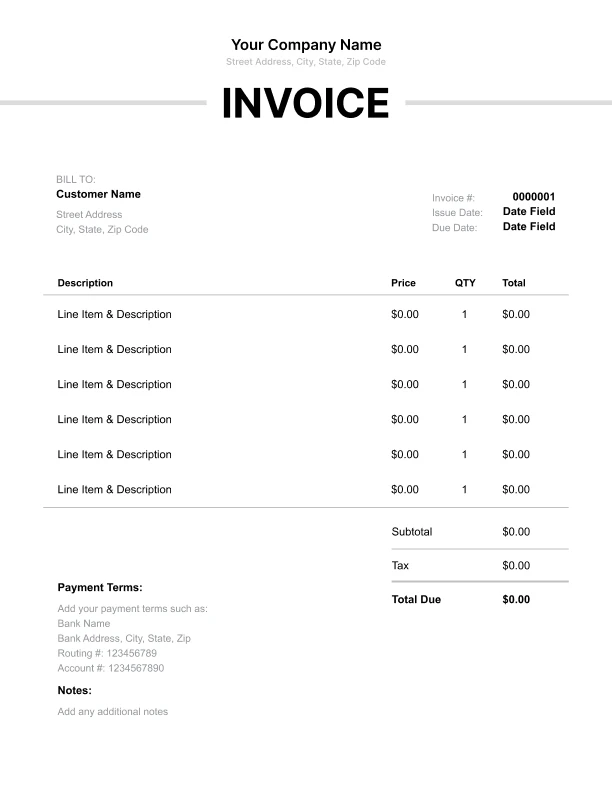
Minimal Animation Invoice Template
Lightweight design that keeps focus on line items.
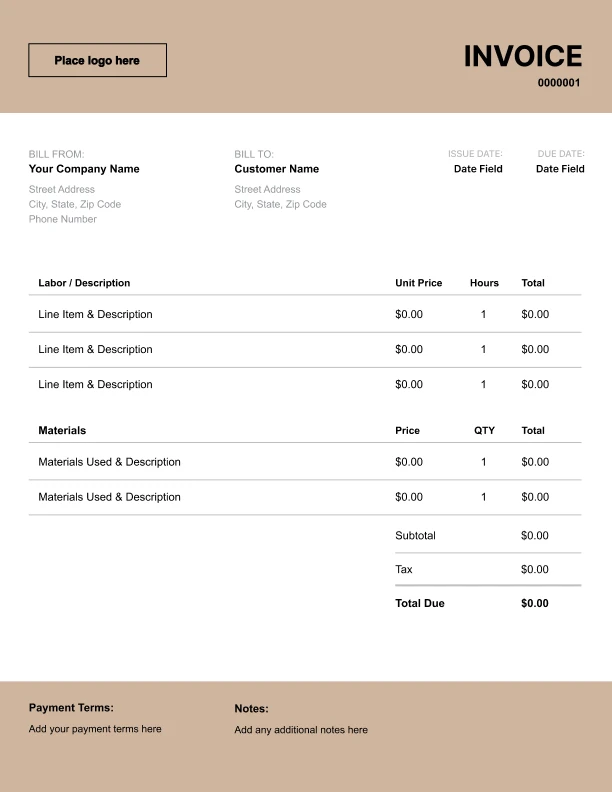
Bold Animation Invoice Template
Strong structure for large projects or milestones.
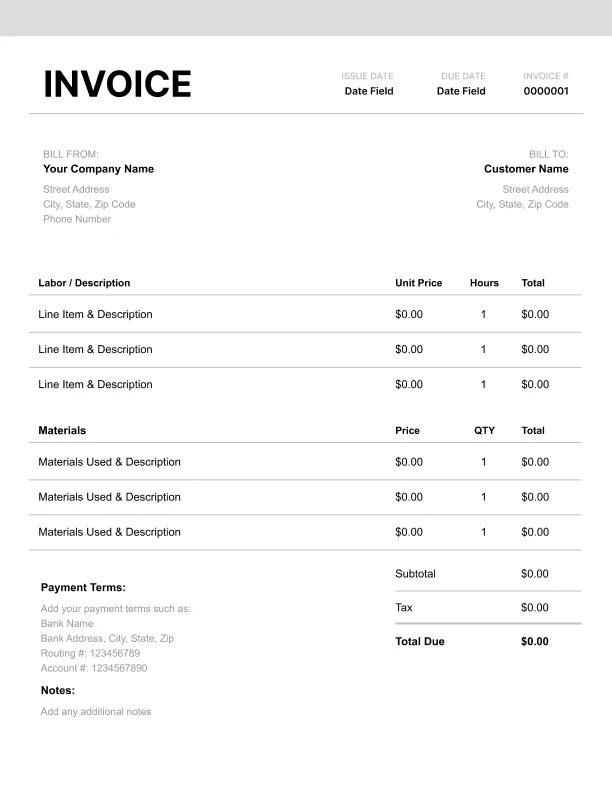
Classic Animation Invoice Template
Timeless styling that works for any industry.
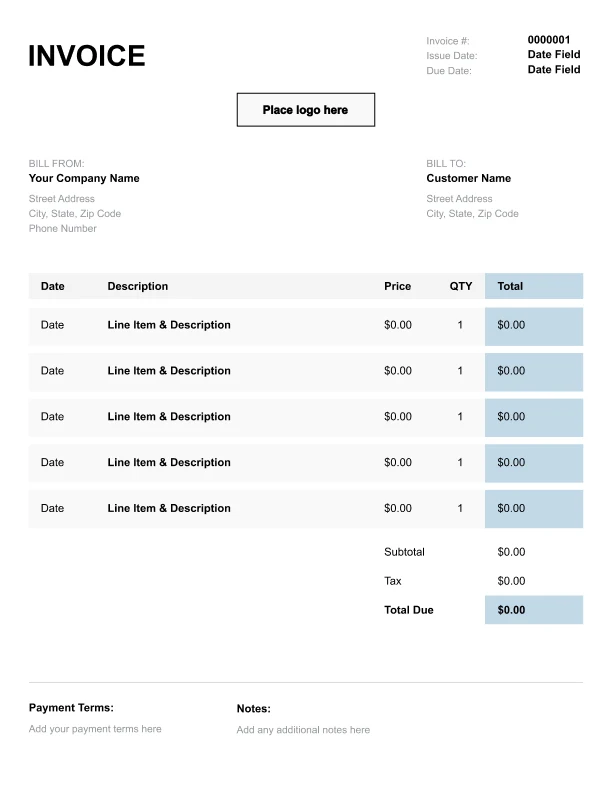
Simple Animation Invoice Template
Easy to scan and perfect for quick billing.
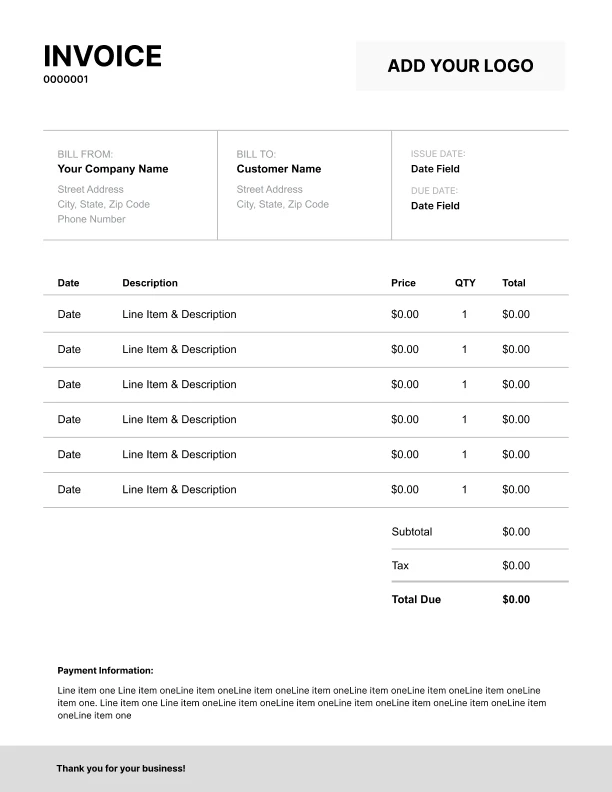
Detailed Animation Invoice Template
Extra room for items, notes, and tax breakdowns.
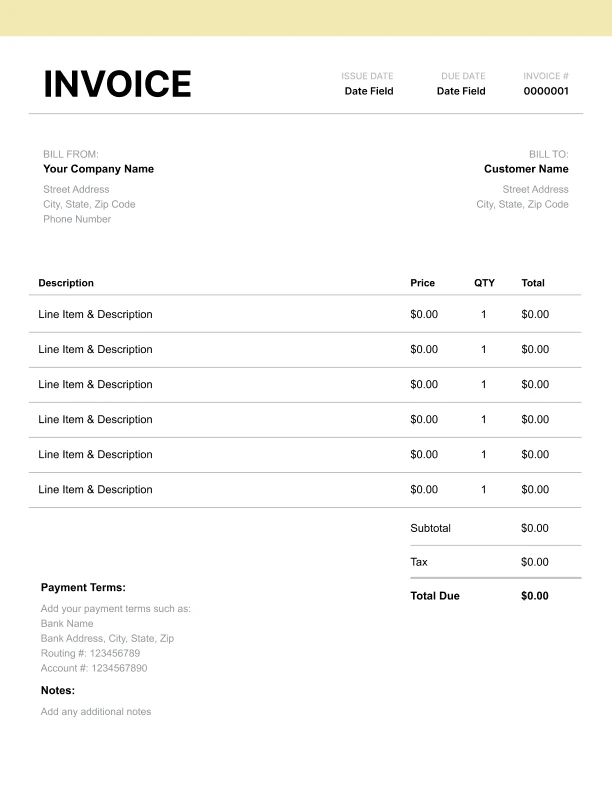
Modern Animation Invoice Template
Clean sections with a subtle accent header.
Use Free Animation Invoice Generator
Prefer a polished, client-ready invoice fast? The generator auto-calculates totals, applies taxes and discounts, and lets you customize your logo and colors.
Animation Invoice Generator
What to Include on an Animation Invoice
Animation invoices should connect billing to the project scope, production stages, and deliverables so clients can approve quickly.
Client and project details- Client name and billing contact
- Project name
- Animation type (2D, 3D, motion graphics)
- Length/duration specification (e.g., 30s, 60s)
- Storyboarding (if included)
- Asset/character design
- Animation production time
- Motion graphics package work
- Rendering/export versions
- Final video files (MP4/MOV)
- Aspect ratios (16:9, 9:16, 1:1)
- Additional exports or cut-downs (if needed)
- Subtotal, tax (if applicable), total due
- Payment terms and instructions
Animation Pricing Models: Hourly, Per Project, and Milestones
Animators invoice in several common ways depending on scope.
1) Hourly billing
Best for flexible scope. Invoice shows hours × rate by stage.
2) Project fee
A fixed fee for a defined deliverable (e.g., a 60-second explainer). Invoice lists the project fee and deliverables.
- Storyboard approved
- Style frames approved
- Animation first cut
- Final delivery
Deliverables, Formats, and Export Versions
Clients often need multiple versions of the same animation.
Common deliverables- Master file (high quality export)
- Web/social optimized export
- Alternate aspect ratios (vertical, square)
- Cut-downs (15s/30s)
Revisions, Scope Changes, and Approvals
Revisions can significantly affect animation timelines.
Best practices- Define revision rounds (e.g., one included round)
- Treat script/storyboard changes after approval as scope changes
- Bill additional revisions separately when needed