Word Invoice Template
Create invoices quickly using our Word invoice template. It’s ideal when you want an editable invoice you can customize for each client, reuse for recurring billing, and keep in a simple document format. Download instantly and use it in Microsoft Word or compatible editors.
Download Popular Word Invoice Templates
Download a ready-to-use PDF template or generate your invoice online in seconds.
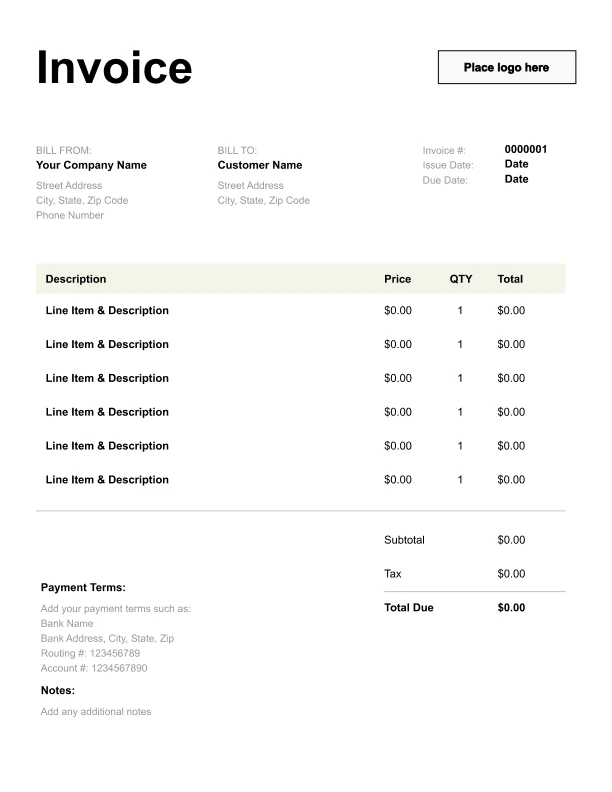
Clean Word Invoice Template
A simple, versatile layout for services or products.
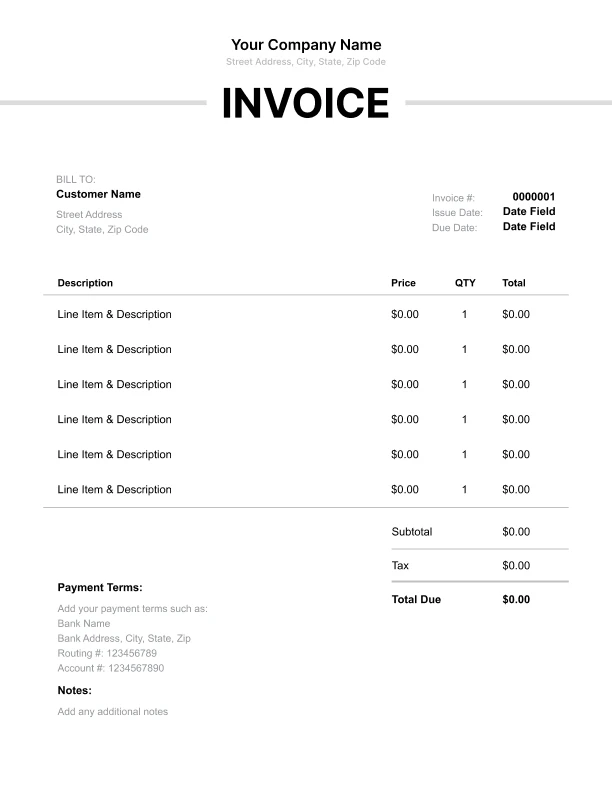
Minimal Word Invoice Template
Lightweight design that keeps focus on line items.
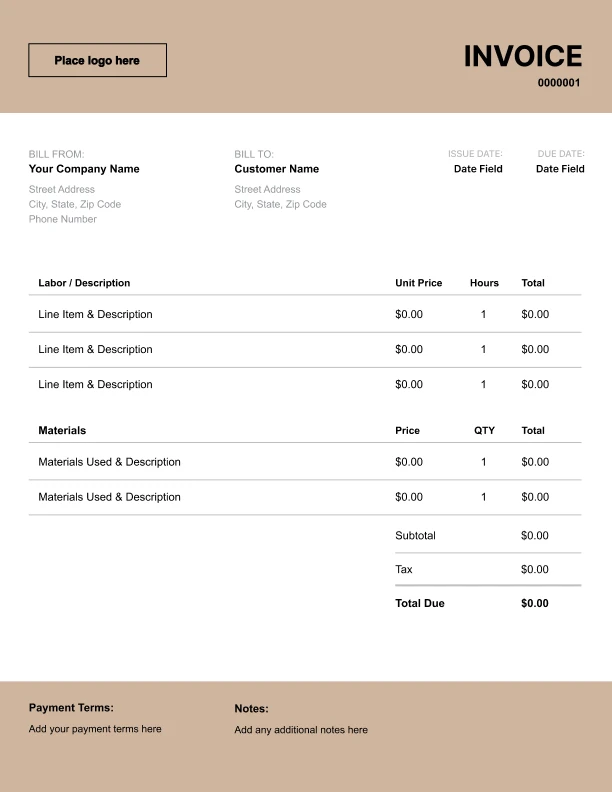
Bold Word Invoice Template
Strong structure for large projects or milestones.
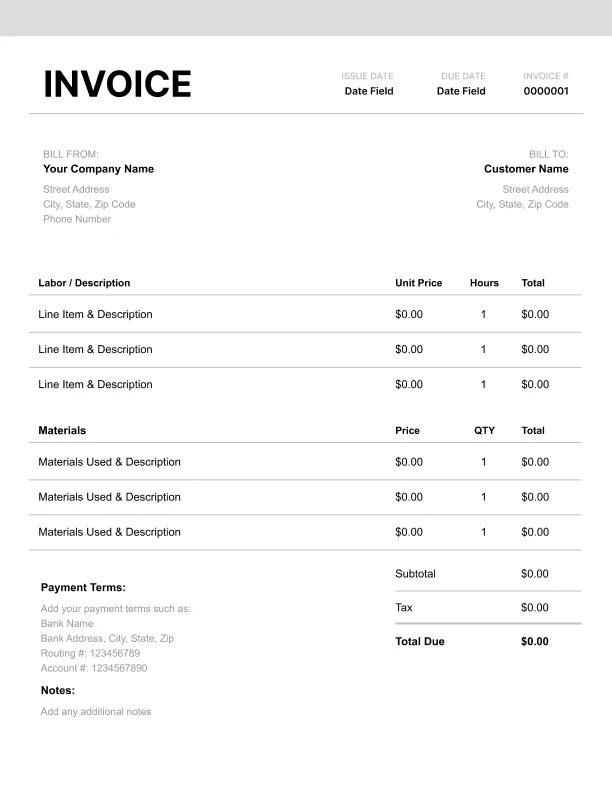
Classic Word Invoice Template
Timeless styling that works for any industry.
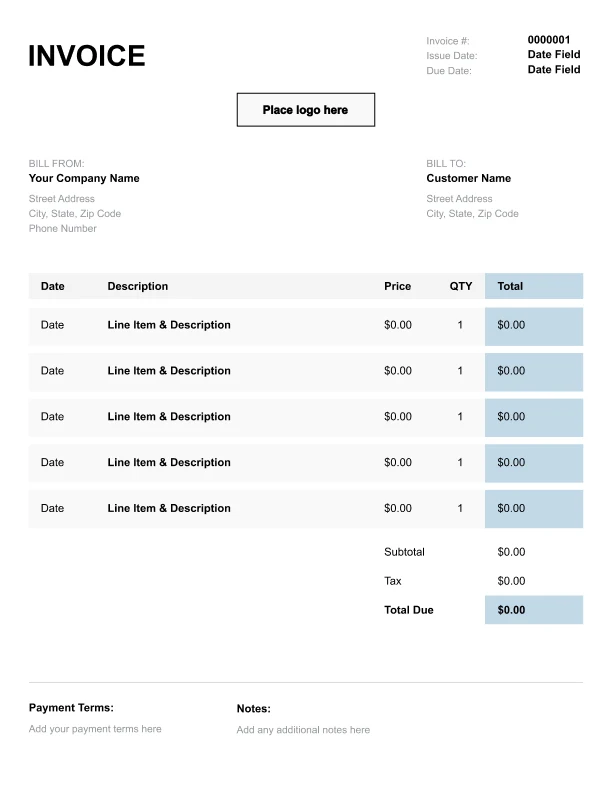
Simple Word Invoice Template
Easy to scan and perfect for quick billing.
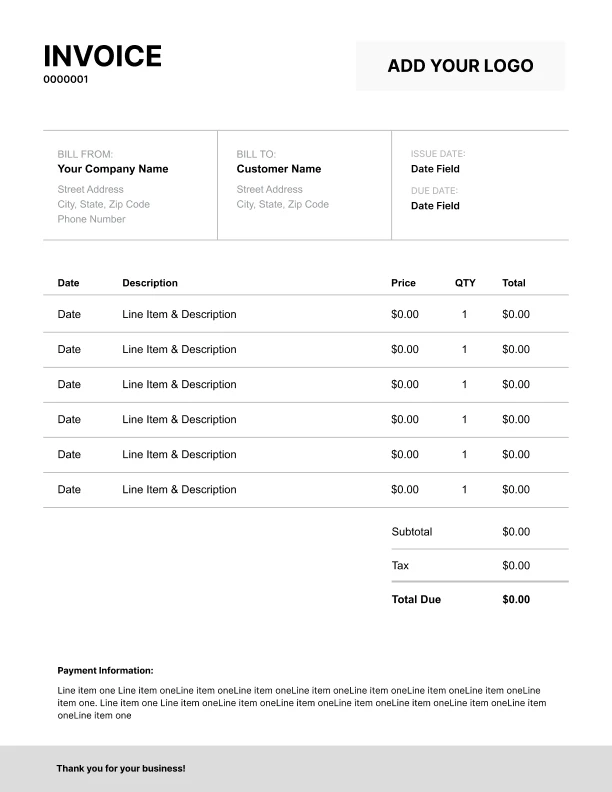
Detailed Word Invoice Template
Extra room for items, notes, and tax breakdowns.
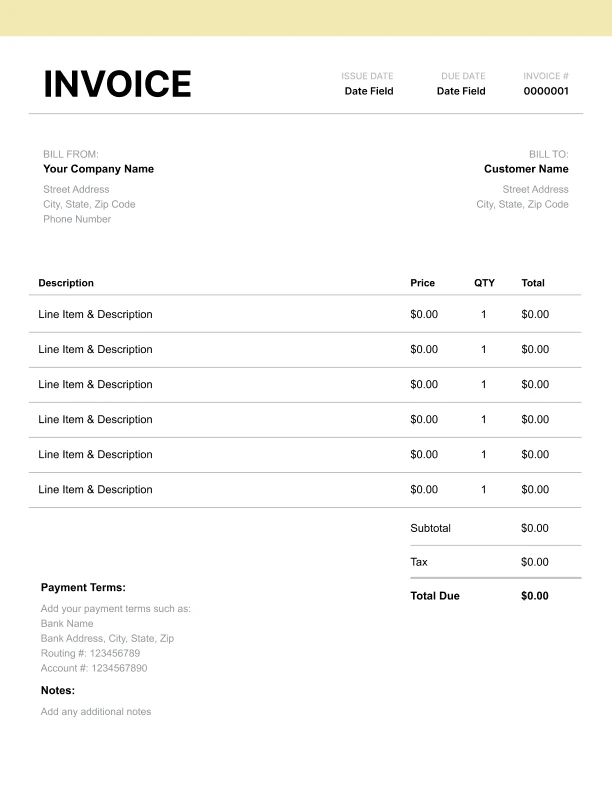
Modern Word Invoice Template
Clean sections with a subtle accent header.
Use Free Word Invoice Generator
Prefer a polished, client-ready invoice fast? The generator auto-calculates totals, applies taxes and discounts, and lets you customize your logo and colors.
Word Invoice Generator
Why Use a Word Invoice Template?
Word invoices are popular because they’re easy to edit, widely supported, and simple to reuse.
Benefits of Word invoices- Quick editing for item descriptions, dates, and notes
- Easy to brand with your logo and business details
- Works well for one-off invoices or custom projects
- Familiar format for most clients and teams
What to Include in a Word Invoice
A professional Word invoice includes the same key elements as any invoice—just in a document format.
Core fields- Business name and contact information
- Client/customer details
- Invoice number and due date (if used)
- Itemized line items (Description, Qty, Rate, Amount)
- Subtotal, tax, discount, total due
- Payment terms and payment instructions
- Service period (monthly billing)
- Reference/job number
- PO number (for business clients)
- Notes for deposits, retainers, or credits
How to Write Clear Line Items in Word Invoices
Word invoices are often manual, so clear item descriptions matter even more.
Good line item examples- “Consulting — Monthly support (10 hours)”
- “Design — Brand guidelines (final PDF)”
- “Labor — Installation (6 hours)”
- “Materials — Parts and supplies”
- “Shipping — Standard delivery”
- Match your line items to your quote or contract
- Keep each line item focused on one service or product
- Add a separate discount line for transparency
- Use consistent units (hours, units, sessions)
How to Send Word Invoices (Without Confusing Clients)
Word files are editable, which is great for you—but clients often prefer a locked format.
Recommended approach- Edit and finalize in Word
- Save/export to PDF for sending
- Keep the Word version as your editable master