IT Support Invoice Template
Create professional IT support invoices for computer repair, network services, and technical support. Our template includes service calls, hourly rates, and managed services billing. Perfect for IT technicians, MSPs, and computer repair shops. Download instantly in PDF, Word, or Excel format.
Download Popular IT Support Invoice Templates
Download a ready-to-use PDF template or generate your invoice online in seconds.
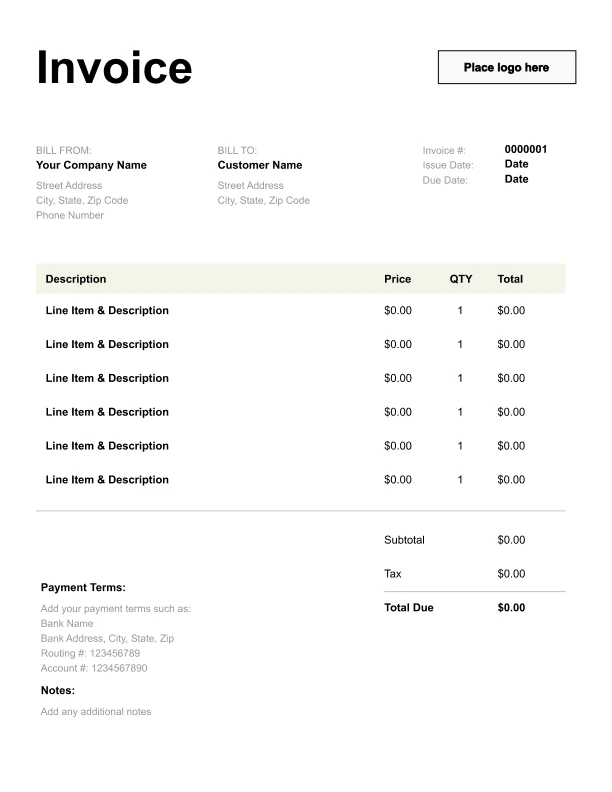
Clean IT Support Invoice Template
A simple, versatile layout for services or products.
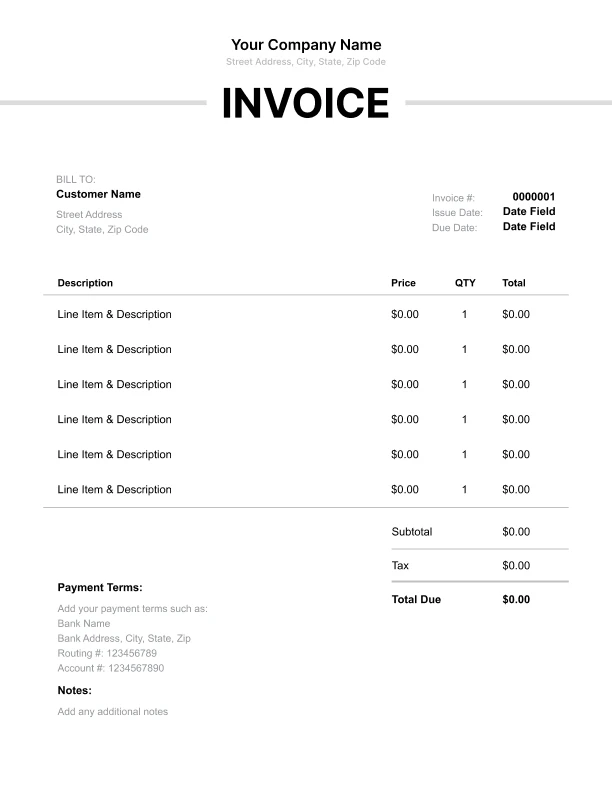
Minimal IT Support Invoice Template
Lightweight design that keeps focus on line items.
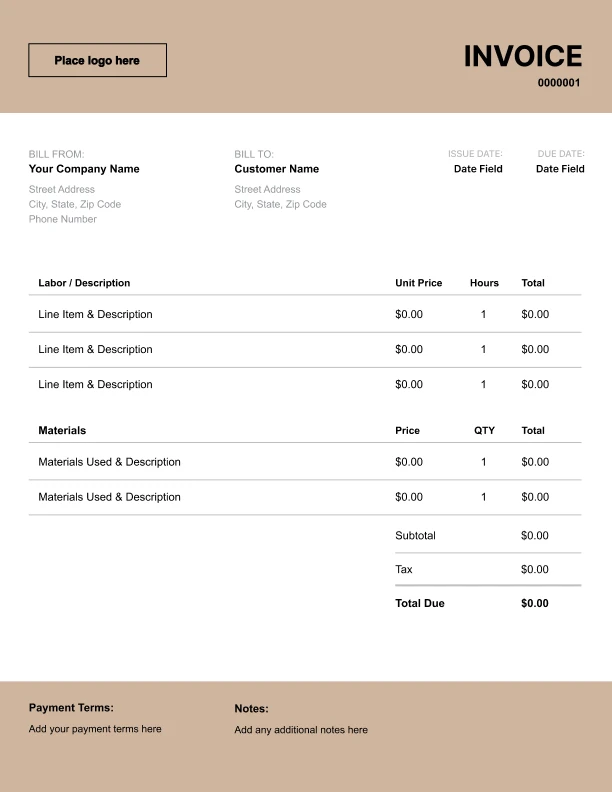
Bold IT Support Invoice Template
Strong structure for large projects or milestones.
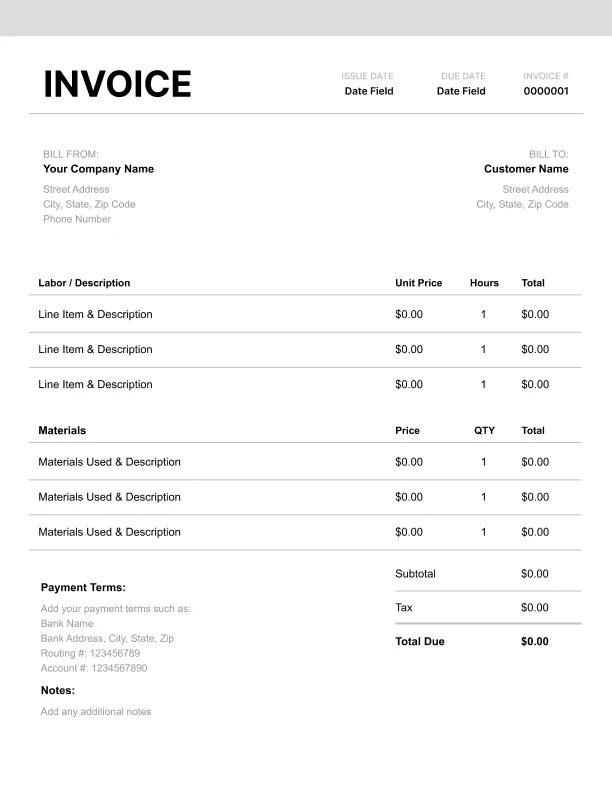
Classic IT Support Invoice Template
Timeless styling that works for any industry.
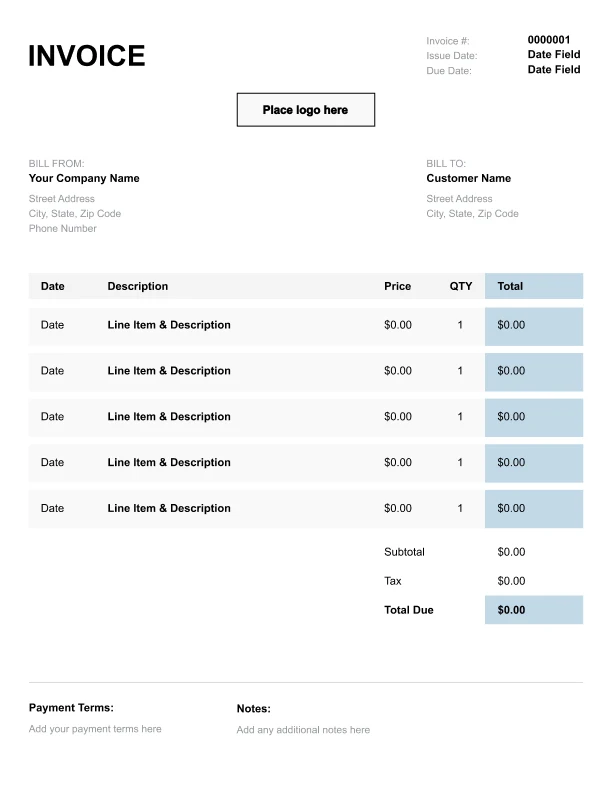
Simple IT Support Invoice Template
Easy to scan and perfect for quick billing.
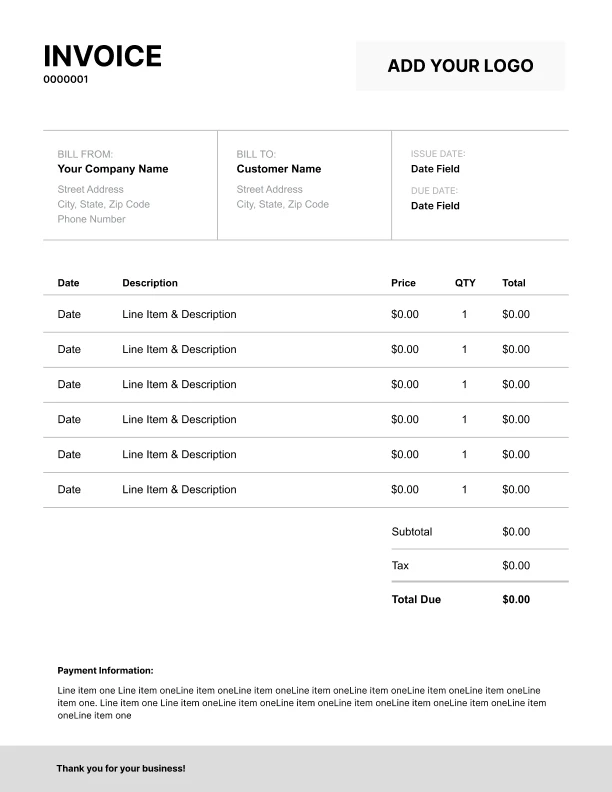
Detailed IT Support Invoice Template
Extra room for items, notes, and tax breakdowns.
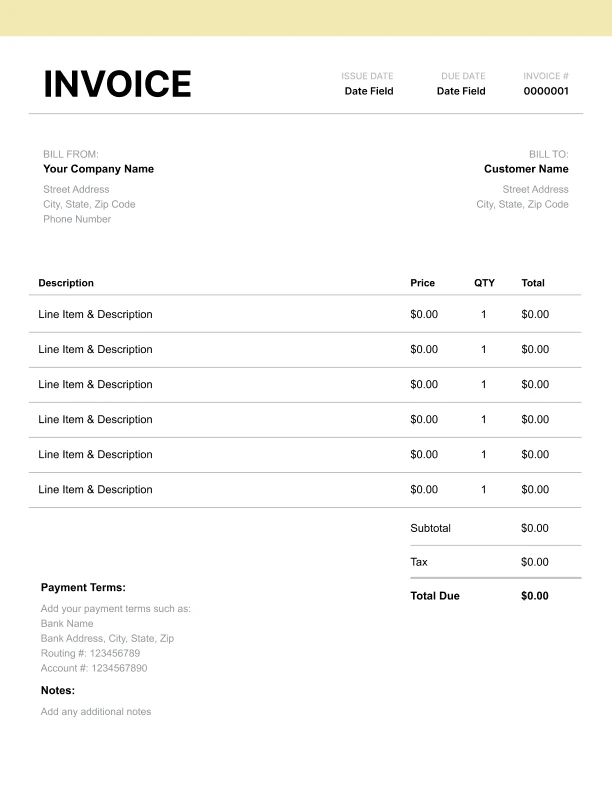
Modern IT Support Invoice Template
Clean sections with a subtle accent header.
Use Free IT Support Invoice Generator
Prefer a polished, client-ready invoice fast? The generator auto-calculates totals, applies taxes and discounts, and lets you customize your logo and colors.
IT Support Invoice Generator
What to Include on an IT Support Invoice
A professional IT support invoice should document:
Business Information- Business name
- Technician name
- Phone, email, website
- Address
- Certifications (if relevant)
- Client/company name
- Contact person
- Site address
- Phone and email
- Account number
- Service date(s)
- Ticket/work order number
- Device or system serviced
- Problem description
- Resolution summary
- Service call/diagnostic fee
- Labor hours (on-site/remote)
- Hourly rate applied
- Hardware/parts
- Software licenses
- Travel time (if applicable)
- Subtotal
- Tax (on parts if applicable)
- Total due
- Payment terms
- Warranty terms
IT Support Pricing Guide
Standard pricing for IT services:
Hourly Rates- Remote support: $60-100/hr
- On-site support: $75-150/hr
- After-hours/emergency: 1.5-2× rate
- Weekend service: 1.5× rate
- Diagnostic/trip charge: $50-100
- Minimum billing: 1 hour
- Remote minimum: 30 min
- Waived with repair (optional)
- Virus/malware removal: $100-200
- OS reinstall: $100-175
- Data backup/transfer: $100-200
- Hardware upgrade: Labor + parts
- Screen replacement: Labor + parts
- Data recovery: $200-1,000+
- Server maintenance: $100-200/hr
- Network setup: $150-300/hr
- Workstation setup: $75-150 each
- Email migration: $50-100/user
- Security audit: $500-2,000
- Per workstation: $50-150/mo
- Per server: $150-500/mo
- Per user: $100-250/mo
- Flat rate small biz: $500-2,000/mo
- Cost + 15-30% standard
- Or pass through at cost
- Document manufacturer warranty
- Extended warranty optional
IT Support Billing Models
Choose the right billing approach:
Break/Fix (Hourly)- Bill for work performed
- Client pays when needed
- Unpredictable revenue
- Higher hourly rates
- Reactive service
- Monthly recurring fee
- Proactive maintenance
- Predictable revenue
- Lower effective rate
- Client retention
- Sell hour blocks (10, 20, 40)
- Discounted rate
- Use within timeframe
- Expires (6-12 months)
- Track carefully
- Base monthly fee
- Plus hourly overages
- Defined scope
- Flexibility for both
- Clear boundaries
- Fixed price for defined scope
- Migrations, setups
- Clear deliverables
- Change orders for additions
- Milestone payments
- Monthly minimum commitment
- Priority response
- Unused hours roll over (or not)
- Reduced hourly rate
- Long-term relationship
IT Support Business Best Practices
Run a professional IT support business:
Service Documentation- Ticket for every job
- Problem description
- Steps taken
- Resolution notes
- Time tracking
- Set response time expectations
- Update on progress
- Explain in plain language
- Document recommendations
- Follow-up after resolution
- Labor warranty (30-90 days)
- Same issue, no charge
- Document warranty terms
- Parts: manufacturer warranty
- Manage expectations
- Mark up 15-30% or
- Pass through at cost
- Document what was installed
- Keep replaced parts (briefly)
- Provide receipts
- Backup disclaimer
- Data recovery not guaranteed
- Get written authorization
- Document data handling
- Privacy compliance
- Certifications (CompTIA, etc.)
- Specialize in niches
- Managed services transition
- Remote tools investment
- Client education