Email Invoice Template
Create a professional email invoice you can send to clients in minutes. This email invoice template is designed for fast billing with clear line items, totals, and payment details—perfect for freelancers and businesses that email invoices as PDFs or links. Download instantly in PDF, Word, or Excel format.
Download Popular Email Invoice Templates
Download a ready-to-use PDF template or generate your invoice online in seconds.
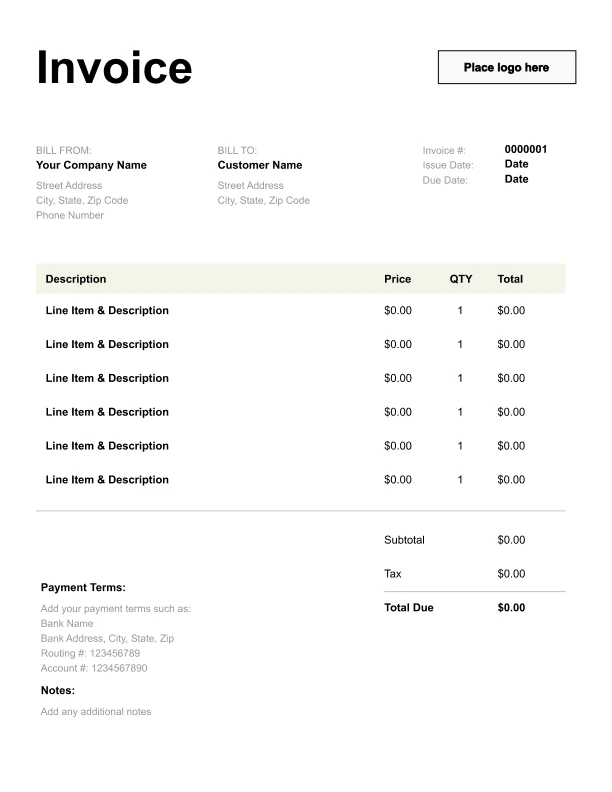
Clean Email Invoice Template
A simple, versatile layout for services or products.
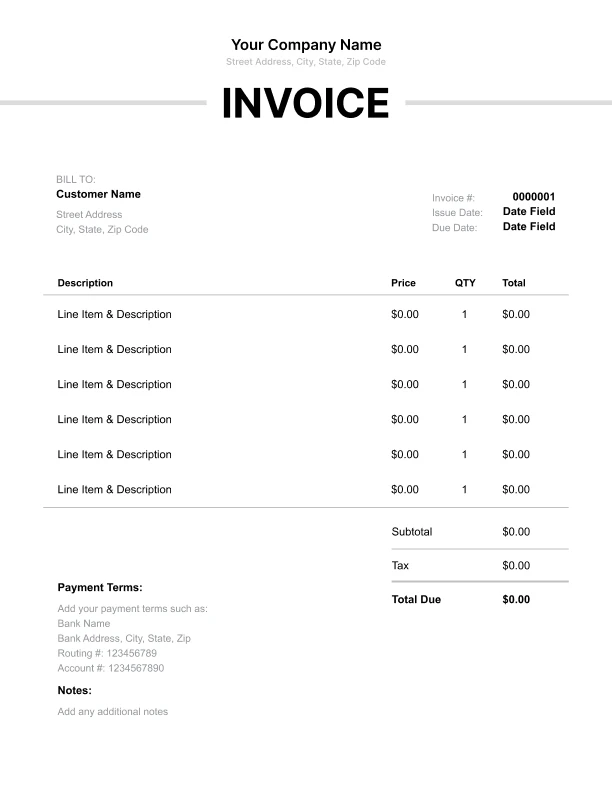
Minimal Email Invoice Template
Lightweight design that keeps focus on line items.
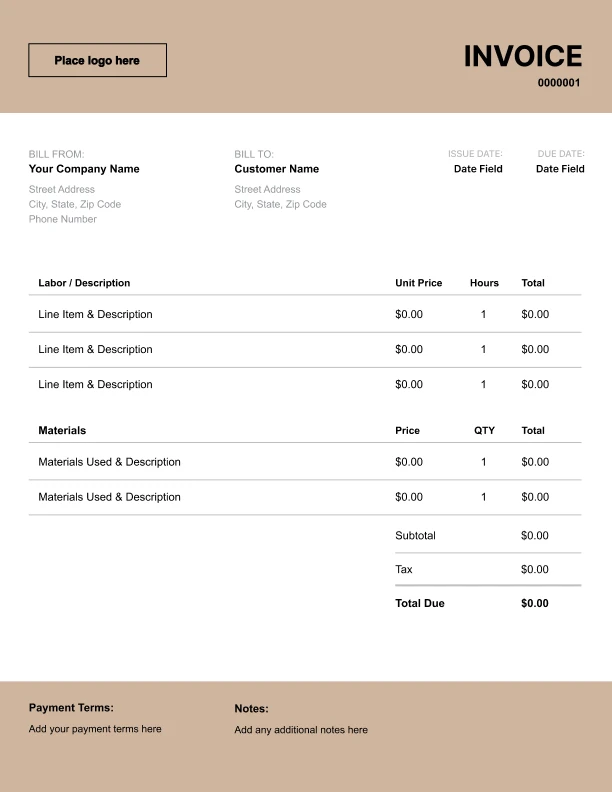
Bold Email Invoice Template
Strong structure for large projects or milestones.
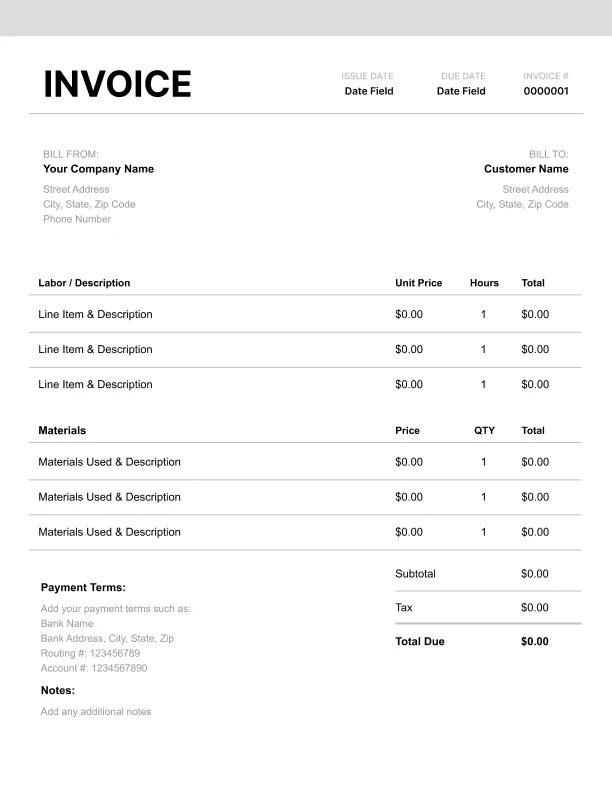
Classic Email Invoice Template
Timeless styling that works for any industry.
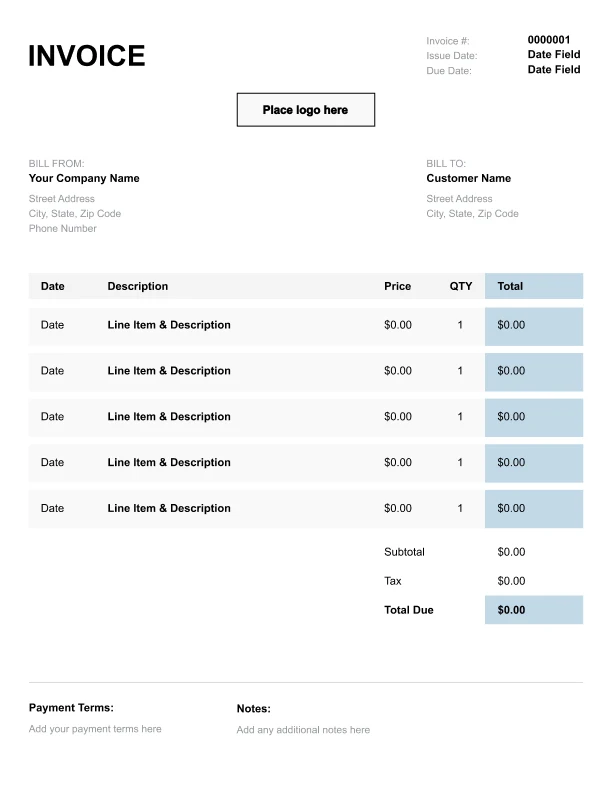
Simple Email Invoice Template
Easy to scan and perfect for quick billing.
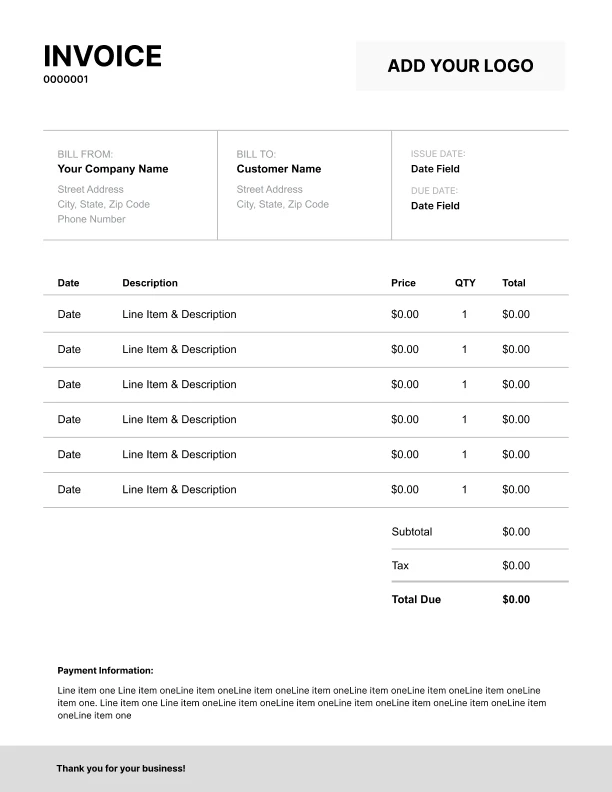
Detailed Email Invoice Template
Extra room for items, notes, and tax breakdowns.
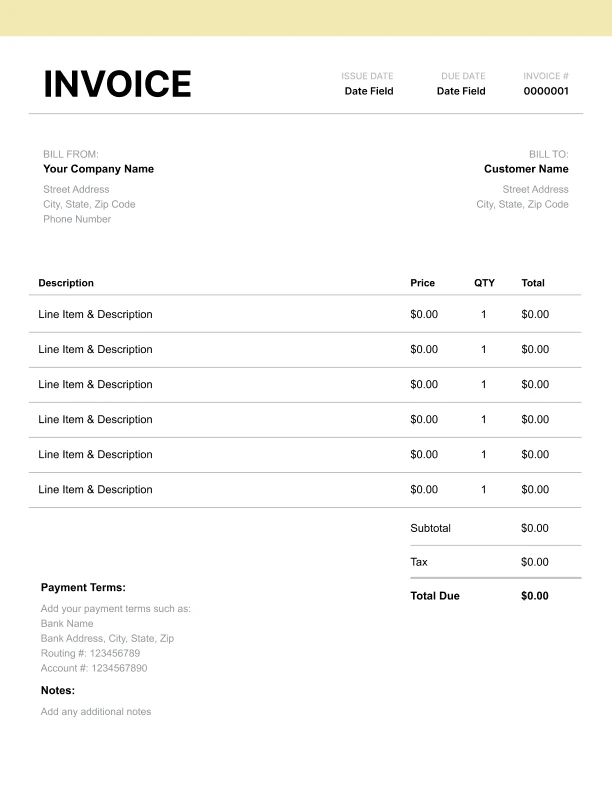
Modern Email Invoice Template
Clean sections with a subtle accent header.
Use Free Email Invoice Generator
Prefer a polished, client-ready invoice fast? The generator auto-calculates totals, applies taxes and discounts, and lets you customize your logo and colors.
Email Invoice Generator
What to Include in an Email Invoice
An email invoice should be clear, complete, and easy for the client to approve.
Invoice basics- Customer name and billing contact
- Billing period or service dates
- Itemized charges and totals
- Payment terms and instructions
- A clear subject line
- A short message explaining the invoice
- Optional PO number for business clients
Best Email Subject Lines for Sending an Invoice
A good subject line improves open rates and helps clients find invoices later.
Common invoice email subject formats- “Invoice #1234 – [Business Name]”
- “Invoice for [Project Name] – Due [Date]”
- “Your invoice from [Business Name]”
What to Write When You Email an Invoice
Keep the email message short and professional.
Include- What the invoice is for (project or billing period)
- Total amount due
- Payment method instructions (if needed)
- Contact for questions
How to Get Email Invoices Paid Faster
Email invoices are often delayed due to missing info.
Payment-speed tips- Send invoices to the correct billing contact
- Include a PO number when required
- Use clear line items and totals
- Reference the billing period or project name