Trade Invoice Template
Create professional invoices for skilled trades with clear labor and materials breakdowns, job site details, and common trade fees like call-outs and emergency premiums. This trades invoice template is ideal for electricians, plumbers, HVAC technicians, carpenters, and other contractors. Download instantly in PDF, Word, or Excel format.
Download Popular Trade Invoice Templates
Download a ready-to-use PDF template or generate your invoice online in seconds.
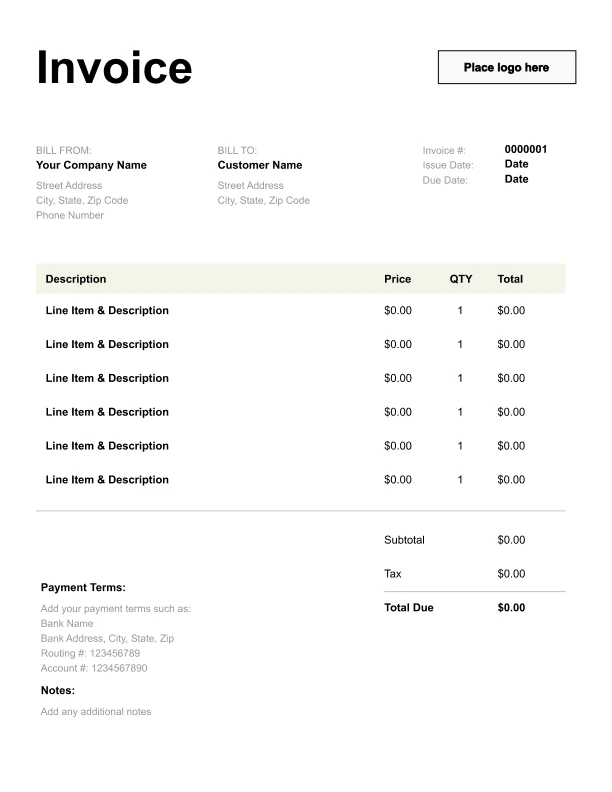
Clean Trade Invoice Template
A simple, versatile layout for services or products.
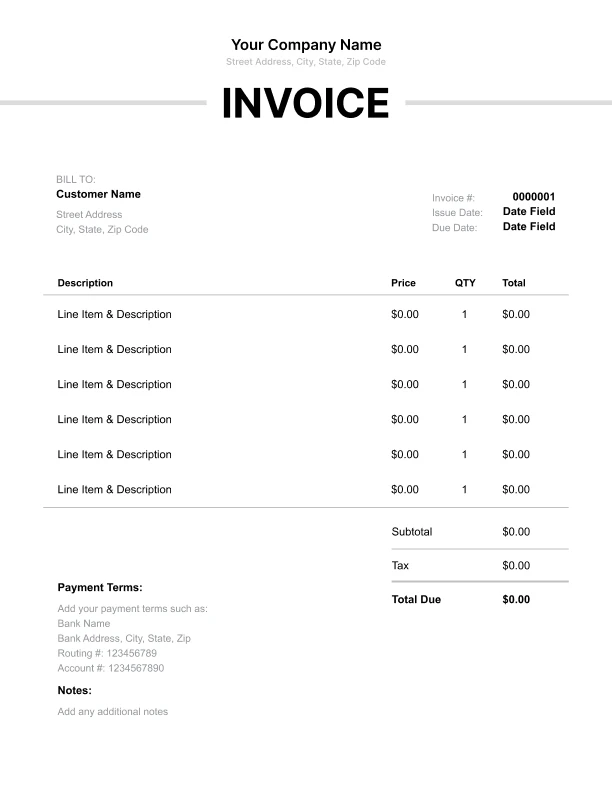
Minimal Trade Invoice Template
Lightweight design that keeps focus on line items.
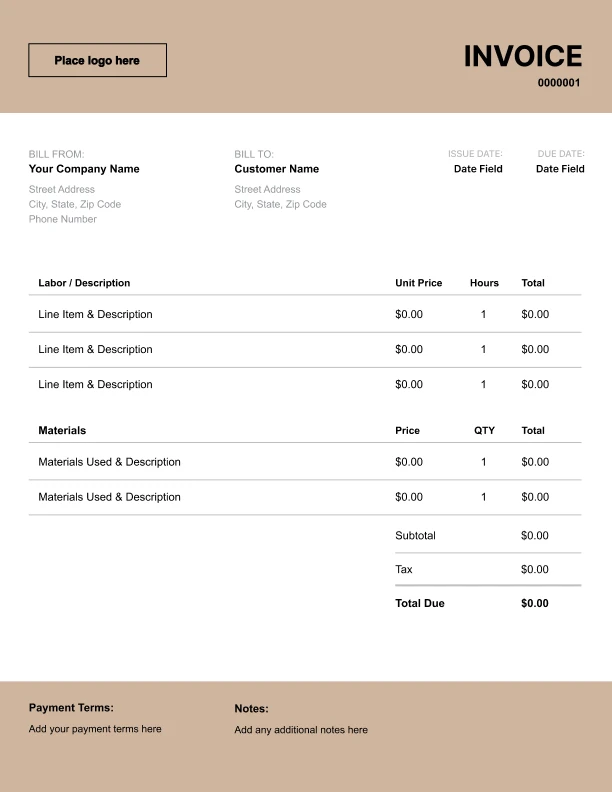
Bold Trade Invoice Template
Strong structure for large projects or milestones.
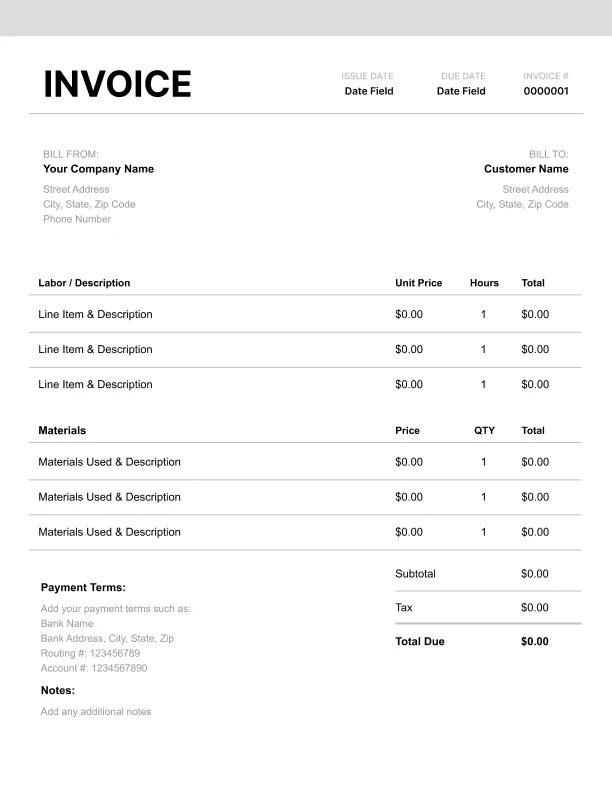
Classic Trade Invoice Template
Timeless styling that works for any industry.
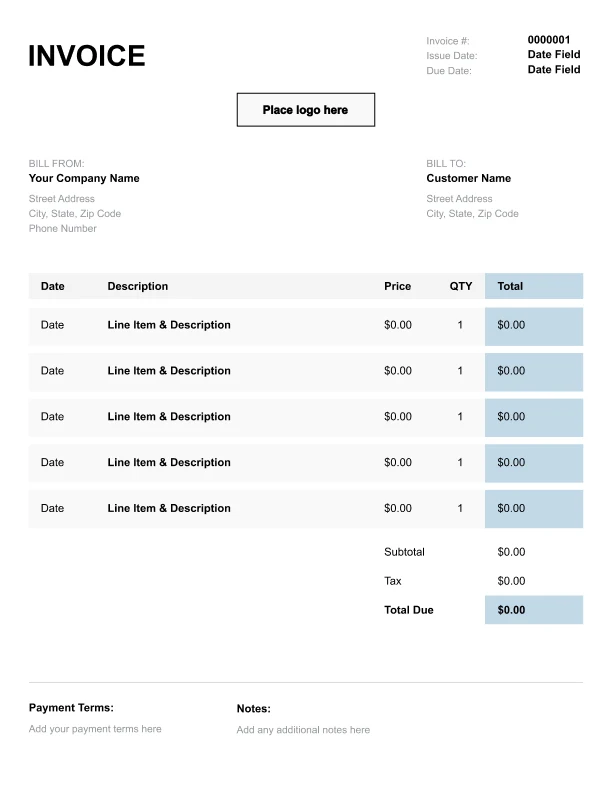
Simple Trade Invoice Template
Easy to scan and perfect for quick billing.
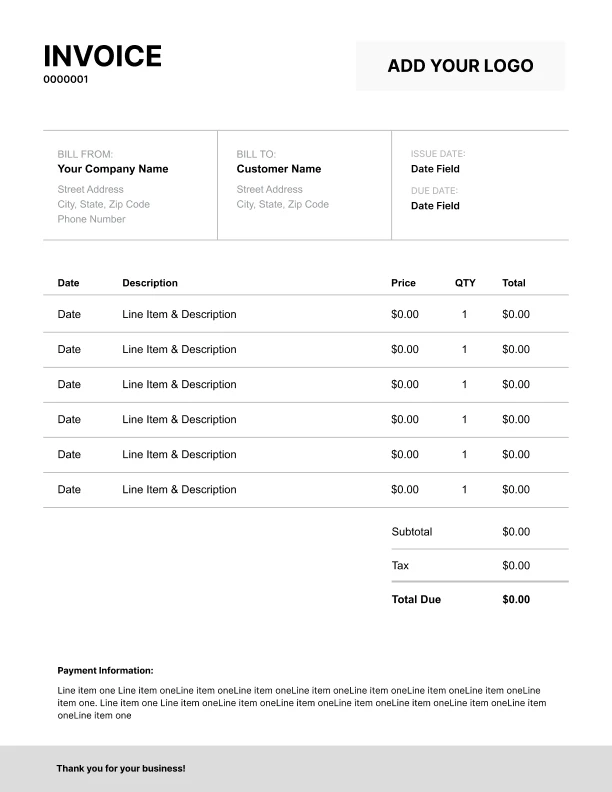
Detailed Trade Invoice Template
Extra room for items, notes, and tax breakdowns.
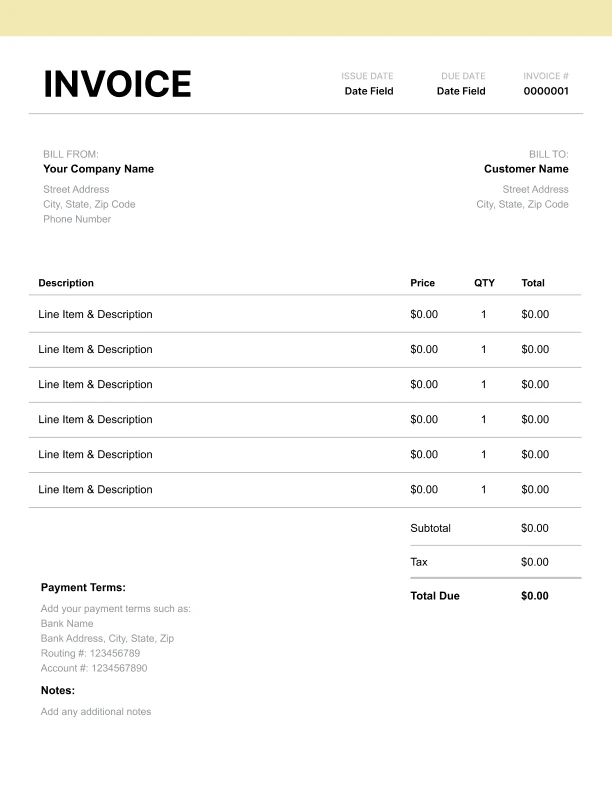
Modern Trade Invoice Template
Clean sections with a subtle accent header.
Use Free Trade Invoice Generator
Prefer a polished, client-ready invoice fast? The generator auto-calculates totals, applies taxes and discounts, and lets you customize your logo and colors.
Trade Invoice Generator
What to Include on a Trades Invoice
Trades invoices should clearly show labor, materials, and job details so customers understand the total and can approve payment quickly.
Business and customer details- Company name and contact information
- Customer name and billing contact
- Billing address (and job site address if different)
- Job number / work order
- Trade type (electrical, plumbing, HVAC, carpentry, etc.)
- Service date(s)
- Brief work summary (what was completed)
- Hourly labor line items
- Number of hours on site
- Specialized labor rates (if used)
- Minimum charges (if applicable)
- Parts used and quantities
- Materials summary (lumber, fittings, wire, etc.)
- Handling or sourcing fees (if charged)
- Call-out/service visit fee
- Travel/mileage
- Disposal/haul-away
- After-hours/emergency premium
- Permit fees (if applicable)
- Subtotal, tax, total amount due
- Payment terms and accepted methods
Labor and Materials: The Most Common Trades Billing Format
Most trade work is billed as time + materials, sometimes with a service call fee. This format is familiar to customers and helps justify pricing.
How to structure it- Start with a call-out or service visit fee (if you use one)
- List labor as hours × rate
- Add separate lines for materials/parts (or a materials summary)
- Add optional fees (disposal, emergency premium) only when applicable
- Customers see exactly how totals are calculated
- Materials are not “hidden” inside labor
- Optional charges are clearly identified
Common Trades Invoice Line Items
Here are common line items tradespeople use (adapt these to your trade):
Service and labor- “Service call / diagnostic”
- “Labor — installation”
- “Labor — repair”
- “Labor — troubleshooting”
- “Second technician (if applicable)”
- “Parts and materials”
- “Replacement component”
- “Consumables (sealant, fasteners, fittings)”
- “Travel / mileage”
- “Disposal / haul-away”
- “Permit / inspection fee”
- “After-hours / emergency premium”
Estimates, Change Orders, and Extra Work
Trade jobs often change once work begins. Your invoice should reflect approvals and keep scope clear.
Best practices- Reference the original estimate or work order number
- Add a note for approved extras (“Additional work approved on-site”)
- Separate change-order work into its own line items
- If materials changed, note substitutions or upgrades